


Parameter configuration
Paths and methods can have parameters. To specify parameters:
- When creating or editing a path, click the Path parameters add button,
 .
. - When creating or editing a method, click the Parameters add button, .
The New parameter panel opens:
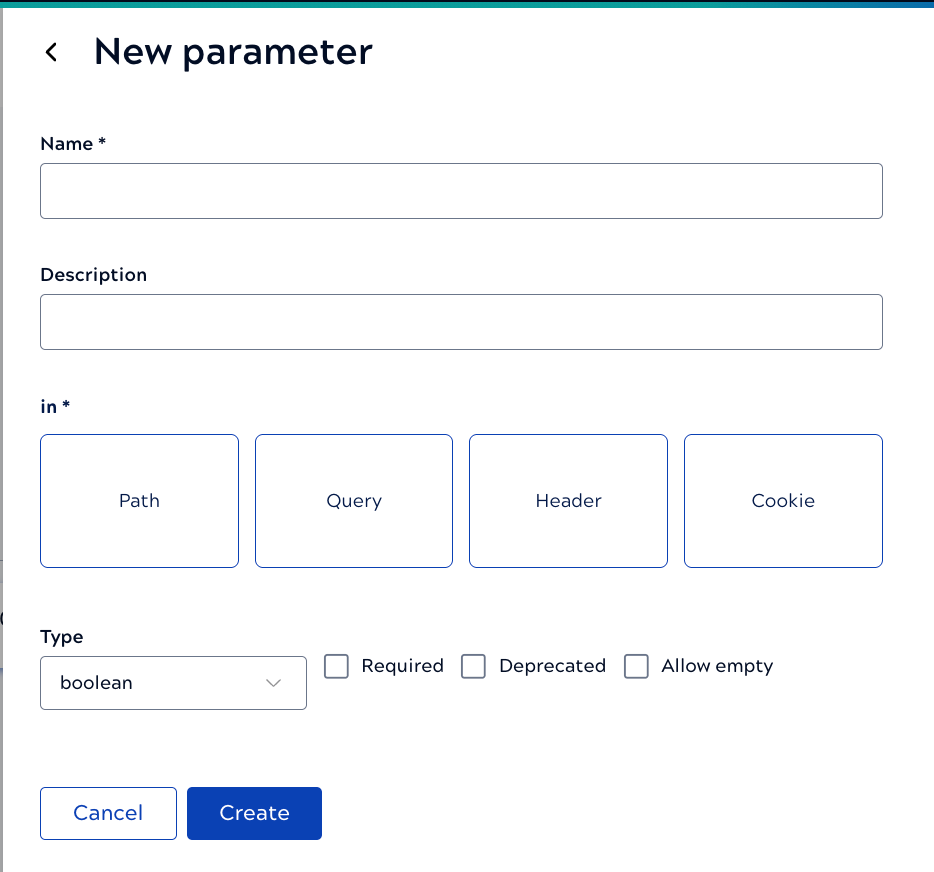
The fields include:
- A required name and optional description.
- A selection is required for in, which specifies where the consumer needs to supply the parameter.
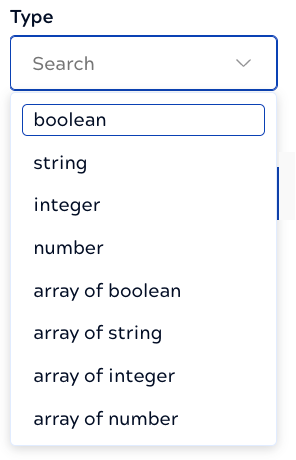
- A type, which can be any of the following:
- Whether the parameter is required, deprecated, or can be empty.