


Looking-up Records Using Correlation ID
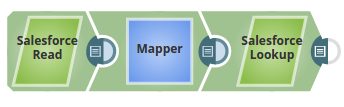
In this Pipeline, the Salesforce Read Snap reads the records from an object, maps the value of an ID, and passes the values to the Salesforce Lookup Snap.
-
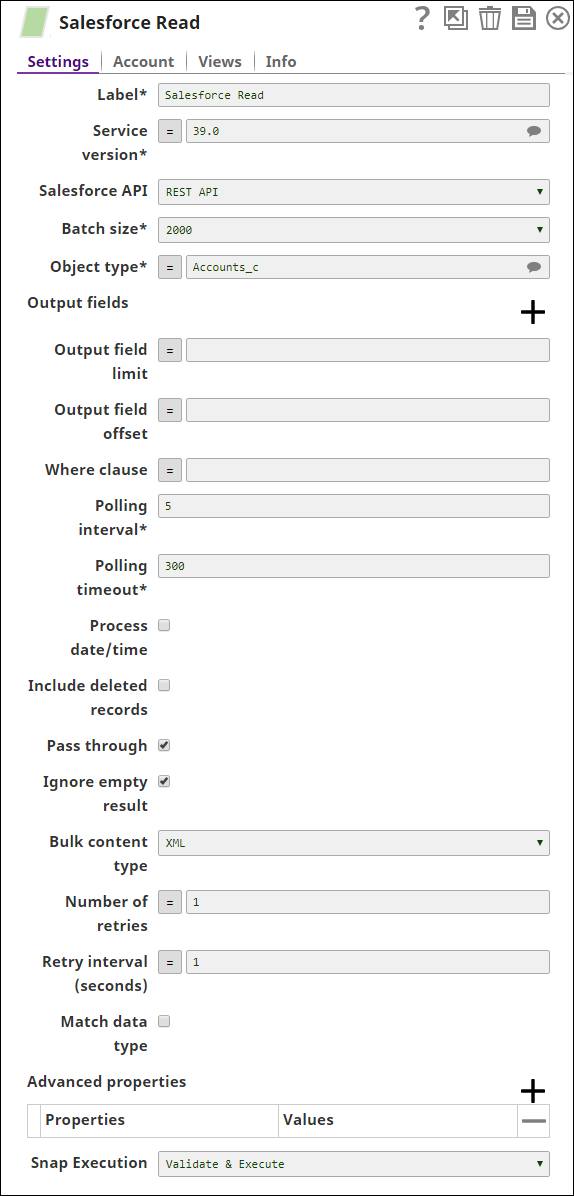
The Salesforce Read Snap retrieves the records for the object, Account _c.
-
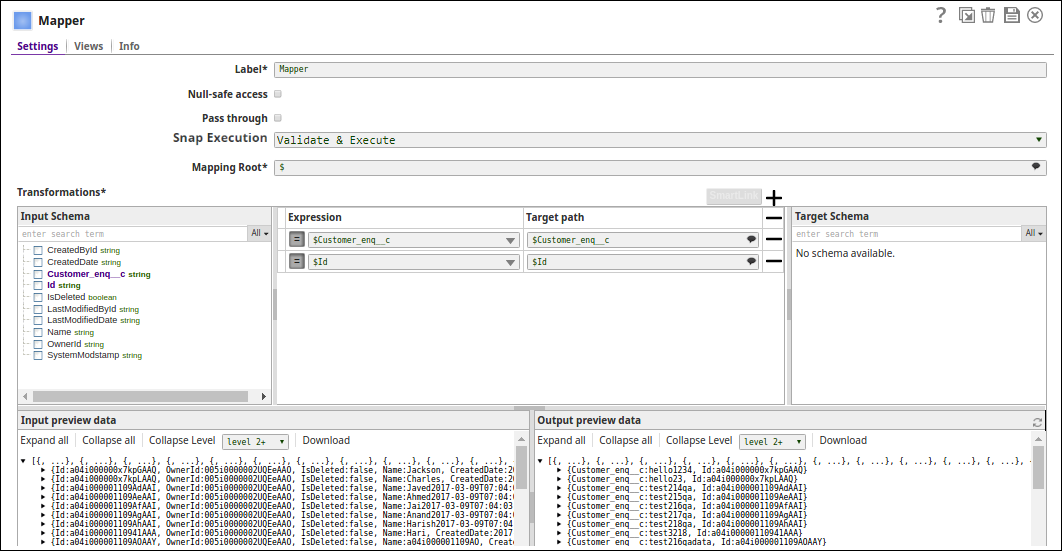
The Mapper Snap maps the values for the ID and the custom field, '$Customer_enq__c' for the object, Account_c, and passes them to the Salesforce Lookup Snap.
-
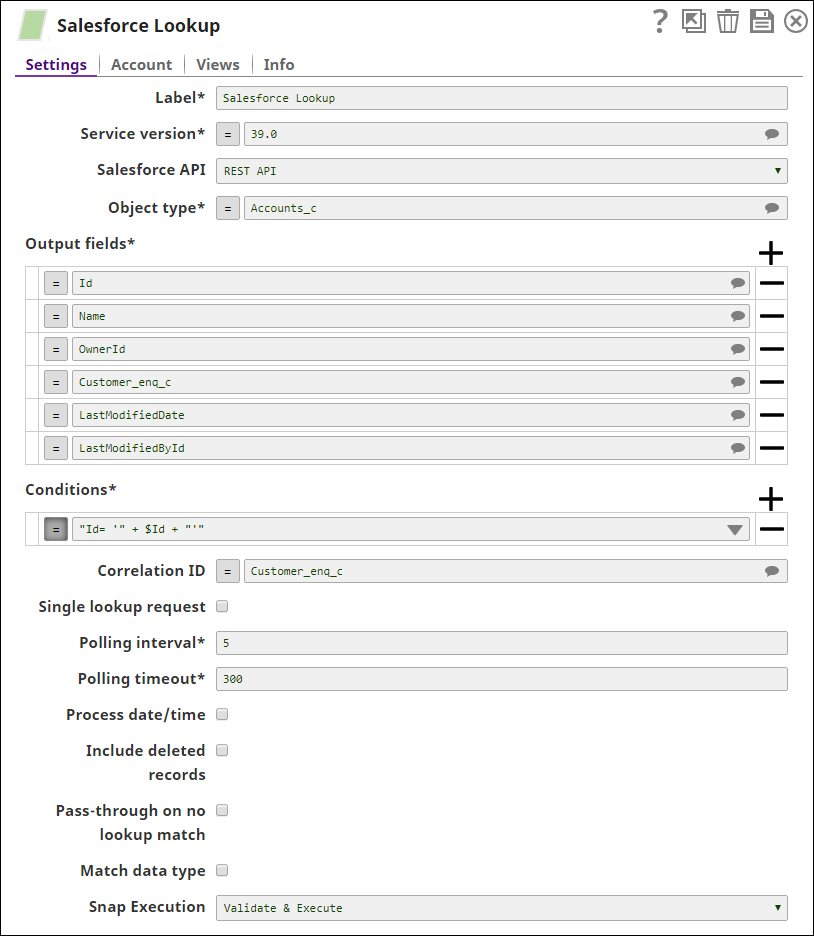
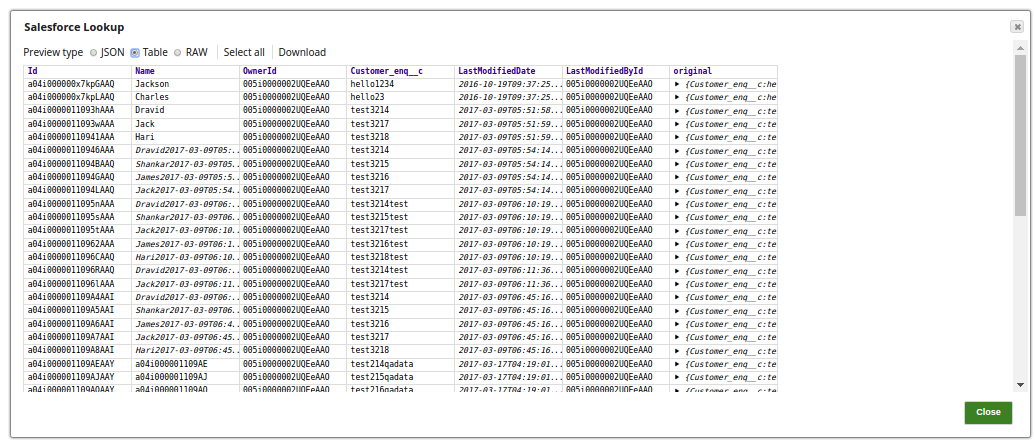
The Salesforce Lookup Snap retrieves the data from the object, for the specified output fields and generates a SQL statement based on the condition ""Id = '" + $Id + "'". selecting the custom field ($Customer_enq__c) as correlation ID,
-
The successful execution of the pipeline displays the below output preview:
- Download and import the SLP file into your Environment.
- Configure Snap accounts.
- Provide Pipeline parameters, if any.