Find Services
Find APIM 3.0 Services of interest by browsing, filtering by category, or searching:
- To browse the full catalog of Services, make sure that All Services is
selected:
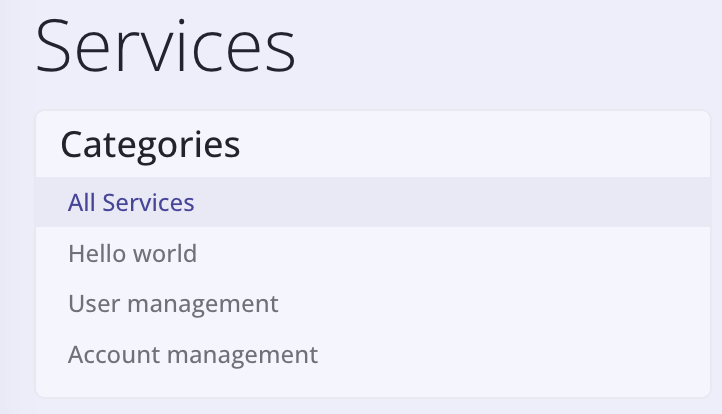
. - Click a category to view only the services in that category.
- Use the Search box to search by Service name, version, or tag. The search
string is case-insensitive.

Tip: Switching from Cards to Table can reduce the amount of scrolling necessary to view all Services.