Insert data into table
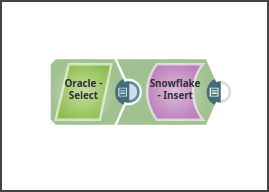
This example pipeline demonstrates how to read data from a table in Oracle and insert it into a Snowflake table using the Snowflake - Insert Snap.
-
The Oracle Select Snap reads data from the table, "TECTONIC".
"ADOBEDATA_NEW1124".
-
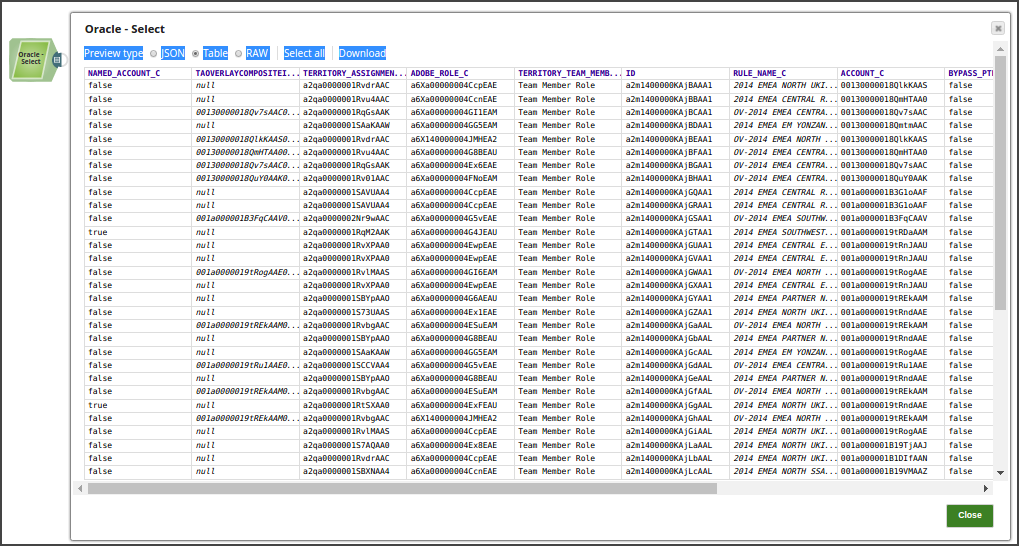
The data preview of the Oracle Select Snap is:
-
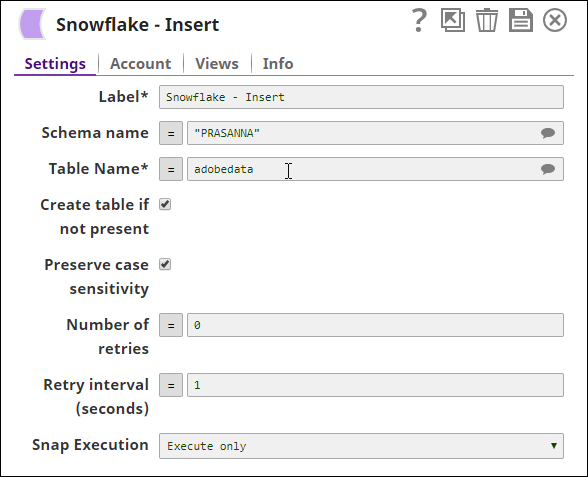
The data from Oracle is inserted into the Snowflake table, adobedata
using the Snowflake Insert Snap.
-
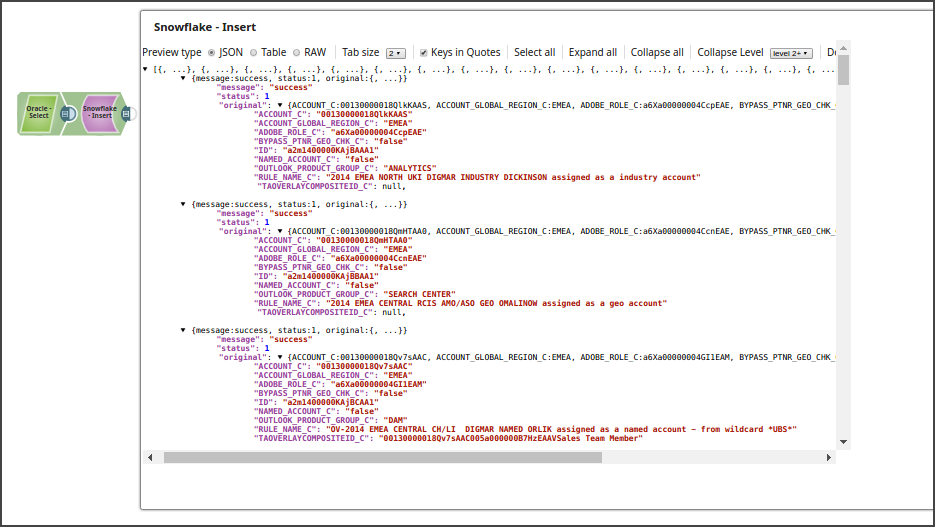
After the pipeline executes, the Snowflake - Insert Snap shows the following
data preview: