


Create and query an external table in Athena
This example pipeline demonstrates how to create an external table in Athena for structured data stored in Amazon S3 and then query it.

Download this pipeline.
-
Configure the Athena Query Snap to create an
external table in Athena that references structured JSON data stored in Amazon S3.
CREATE EXTERNAL TABLE IF NOT EXISTS employees_info (
  EmployeeID INT,
  Name STRING,
  Age INT,
  Salary DOUBLE,
  IsManager BOOLEAN,
  JoinDate DATE,
  LastLogin TIMESTAMP,
  Skills ARRAY<STRING>,
  Address STRUCT<
    Street: STRING,
    City: STRING,
    ZipCode: INT
  >,
  PerformanceRatings ARRAY<INT>
)
ROW FORMAT SERDE 'org.openx.data.jsonserde.JsonSerDe'
LOCATION 's3://athena-bucket/employees/JSON/'
TBLPROPERTIES ('has_encrypted_data'='false');
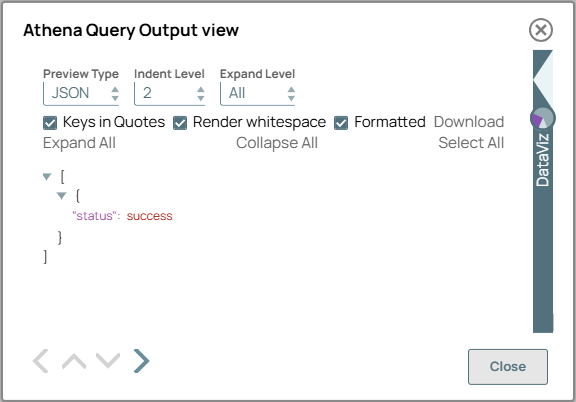
On validation, the Snap successfully executes the query and displays a success message.
Athena Query Snap configuration Athena Query Snap output 
-
Configure the Athena Select Snap to retrieve
records from the newly created employees_info table.
On validation, the Snap displays the successfully retrieved matching records.
Athena Select Snap configuration Athena Select Snap output 

-
You can configure the Mapper Snap to
extract only relevant data for further use.
On validation, the Snap displays the output based on the specified mappings.

- Download and import the SLP file into your Environment.
- Configure Snap accounts.
- Provide Pipeline parameters, if any.