


Importing Custom Objects data in bulk
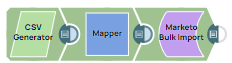
This Pipeline demonstrates how to import data for the Custom Objects entity in bulk.
-
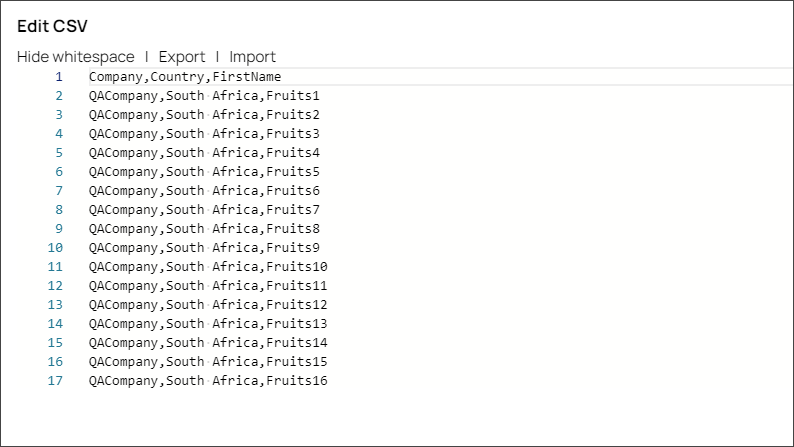
Configure the CSV Generator Snap and click Edit CSV to pass the data.
-
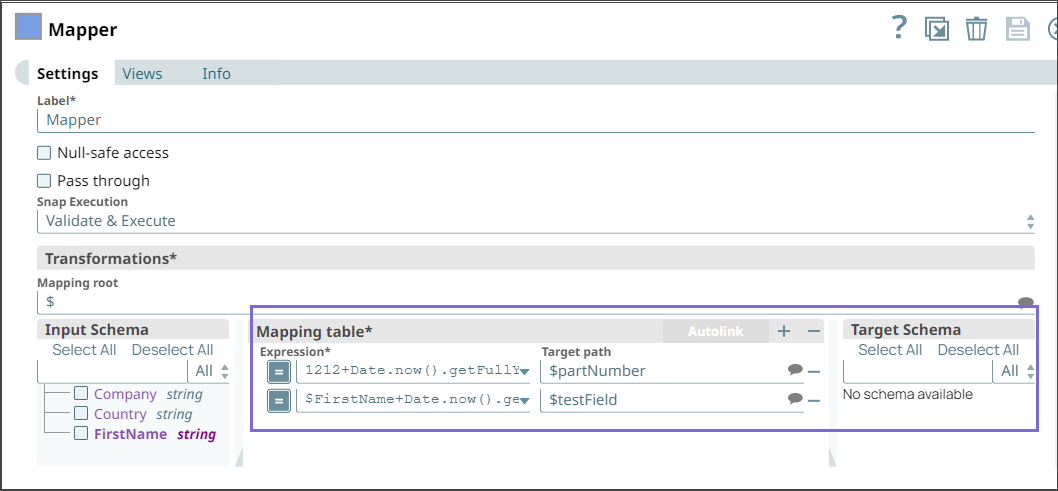
Configure the custom fields partNumber and testField in the Mapper Snap for importing the data for the specified custom object.
-
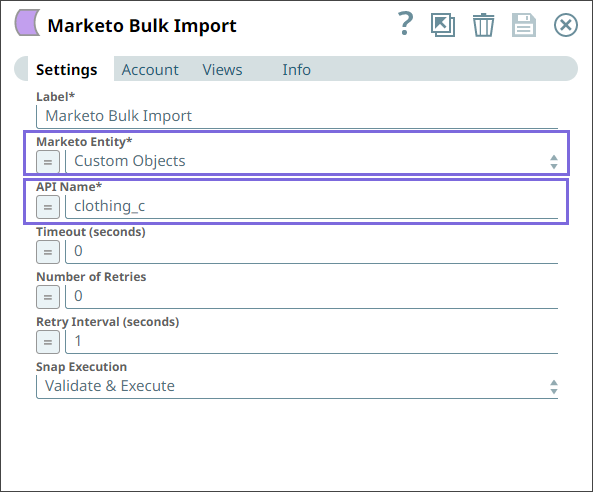
Configure the Marketo Bulk Import Snap with the Custom Objects entity and set API Name to clothing_c.
Learn how to create custom objects in the Marketo Admin UI.
-
Run the pipeline.
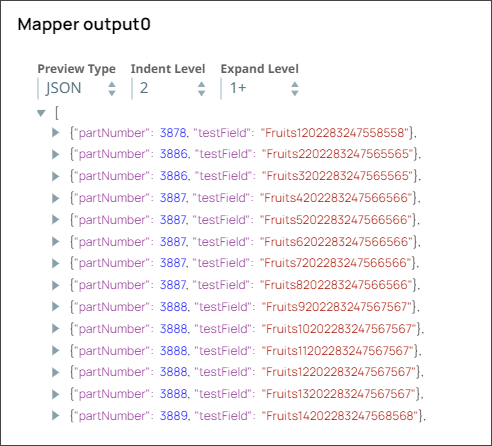
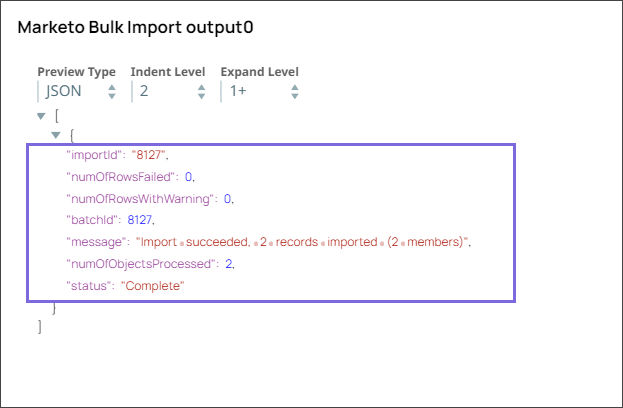
On validation, the Snap imports the data for the configured Custom Objects. The output displays the details of the imported custom objects.
- Download and import the pipeline into SnapLogic.
- Configure Snap accounts as applicable.
- Provide pipeline parameters as applicable.