


Updating Customer Material from SAP S/4HANA Cloud
The example assumes that you have configured and authorized a valid SAP S/4HANA Cloud Account. The following SAP S/4HANA Cloud Update Snap and pipeline shows how you can update material data for a specific data entry in SAP S/4HANA via the API_CUSTOMER_MATERIAL_SRV_0001 (Remote API for Customer Material) and the entity A_CustomerMaterial.

Download this Pipeline
-
Configure the SAP S/4HANA Cloud Update Snap to update the customer material record identified by the key parameters passed from the upstream Snap.
On validation, the Snap displays the response code and status for the updated record.
Cloud Update Snap configuration Cloud Update Snap output 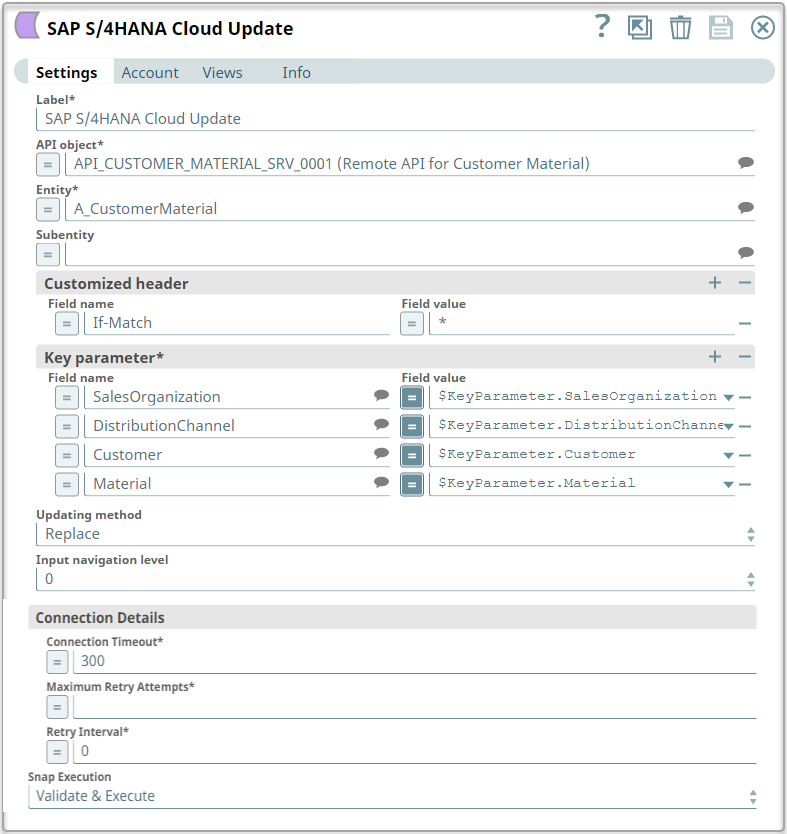
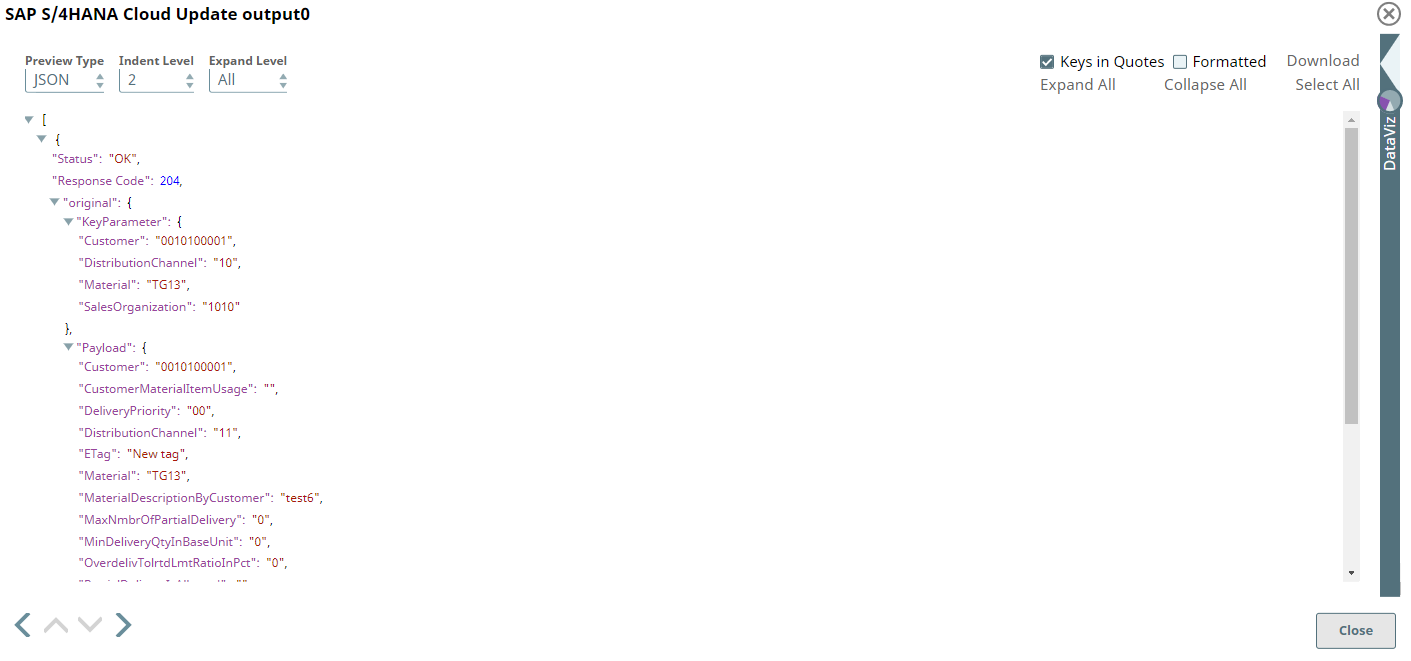
-
Configure the JSON
Formatter Snap to format the output data of the upstream Snap and the
File Writer
Snap to write it to a new file.
On running the pipeline, the Snap writes the JSON-formatted data to the specified file. To view the output JSON file, you must SSH to the target directory and open the newly-created file.
File Writer Snap configuration File Writer Snap output 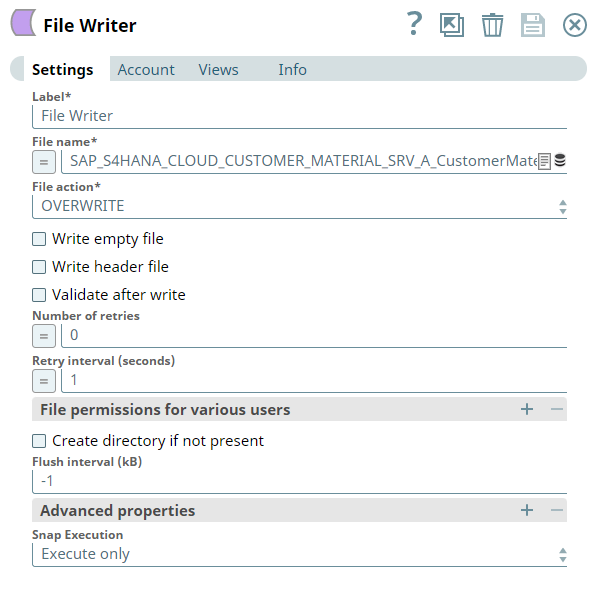
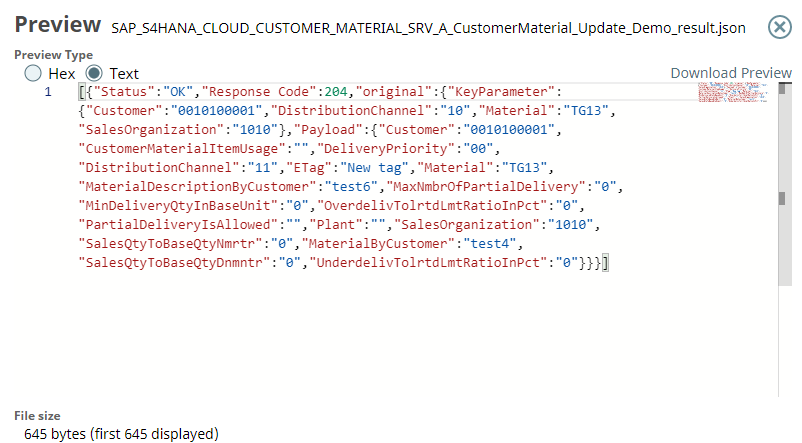
- Download and import the SLP file into your Environment.
- Configure Snap accounts.
- Provide Pipeline parameters, if any.