


Related assets
When viewing or editing a Service version, the Assets tab shows you all the related assets saved in the Service project, such as accounts, tasks, and pipelines. The Assets tab doesn't show assets used by a Service that reside in folders outside of the Service folders. The following image shows the Assets tab:
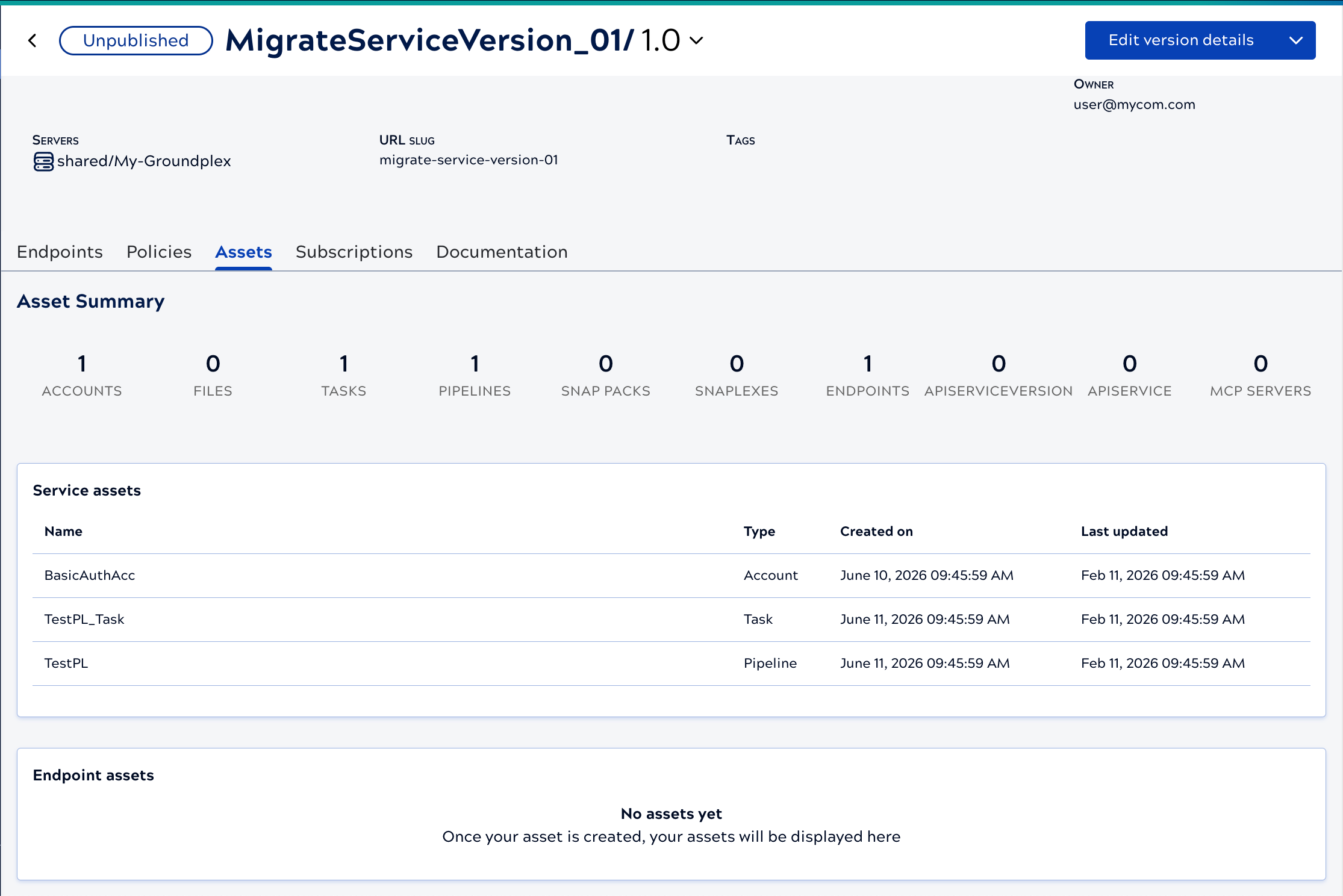
APIM 3.0 lists the assets stored in the Service version's folder and sub-folders. You can also browse these assets directly in Project Manager when you need to edit or organize the underlying files. To view and access these assets from Project Manager:
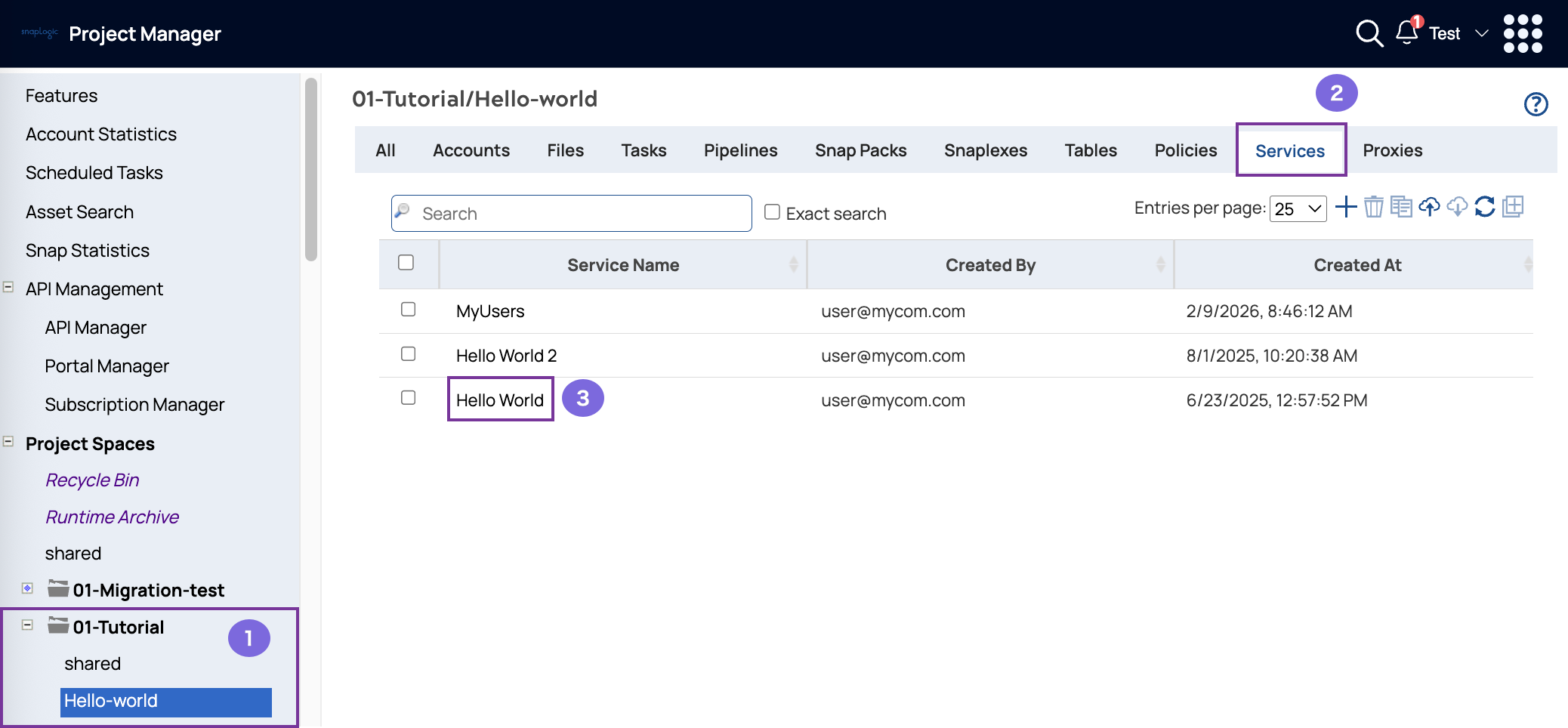
- In the navigation pane of Project Manager, select the project that contains the Service.
- Select the Services tab.
- Click the Service name.
The Service versions display:
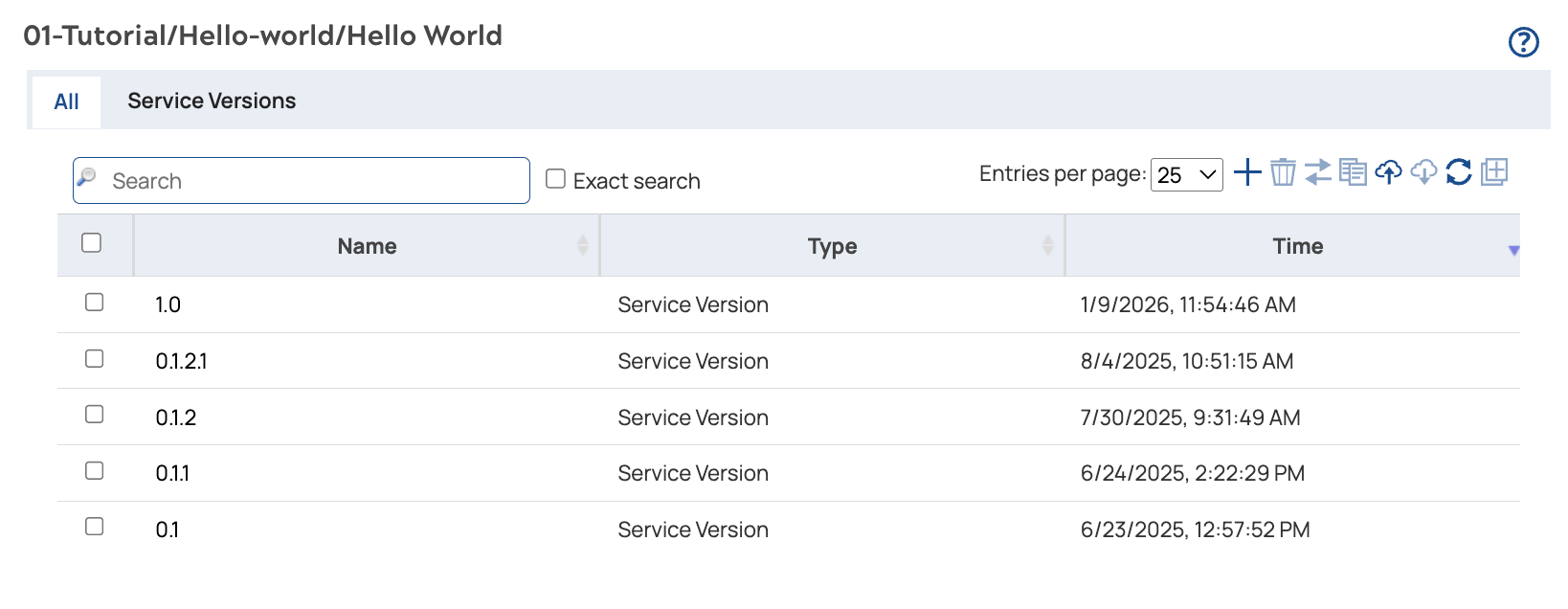
To view related assets and endpoints, click a version. Click an endpoint to view its related assets.