


Create New User Data in SuccessFactors Data Center
This example shows how you can use the SuccessFactors Create Snap to create a new user in the Success Factors Data Center via the Foundation/Platform (PLT) - User API entity. It assumes that you have configured and authorized a valid SuccessFactors Account.

-
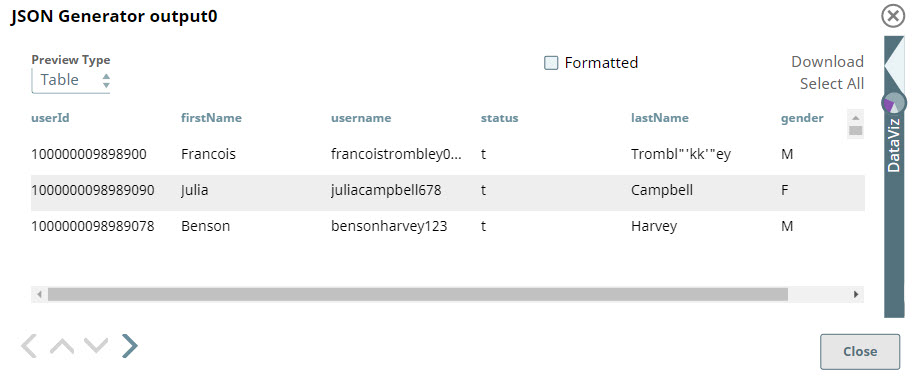
In the sample Pipeline, data of three new users, which is to be written to the SuccessFactors Data Center, is created in JSON format using the the JSON
Generator Snap.
-
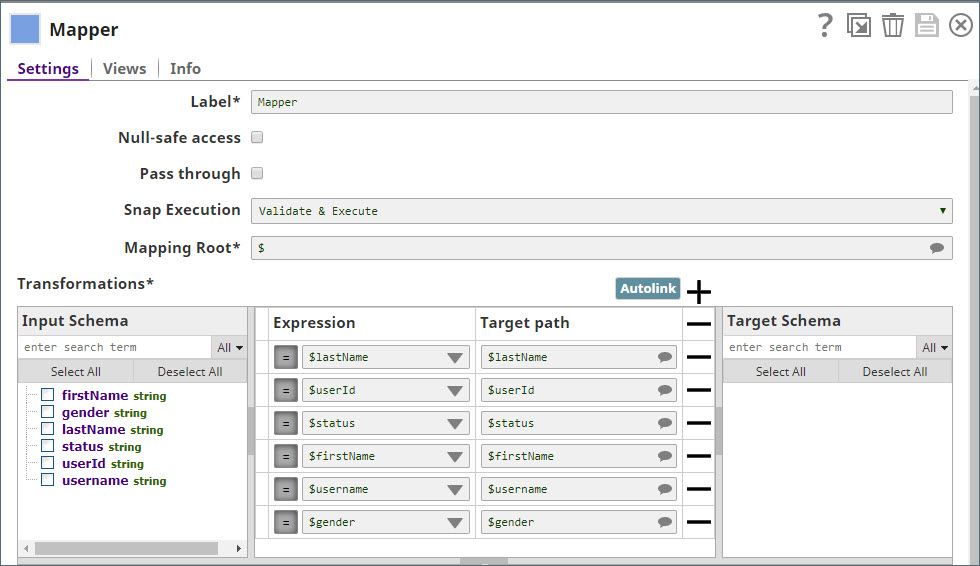
Next, a Mapper Snap is used to map the data from the JSON
Generator Snap to SuccessFactors.
-
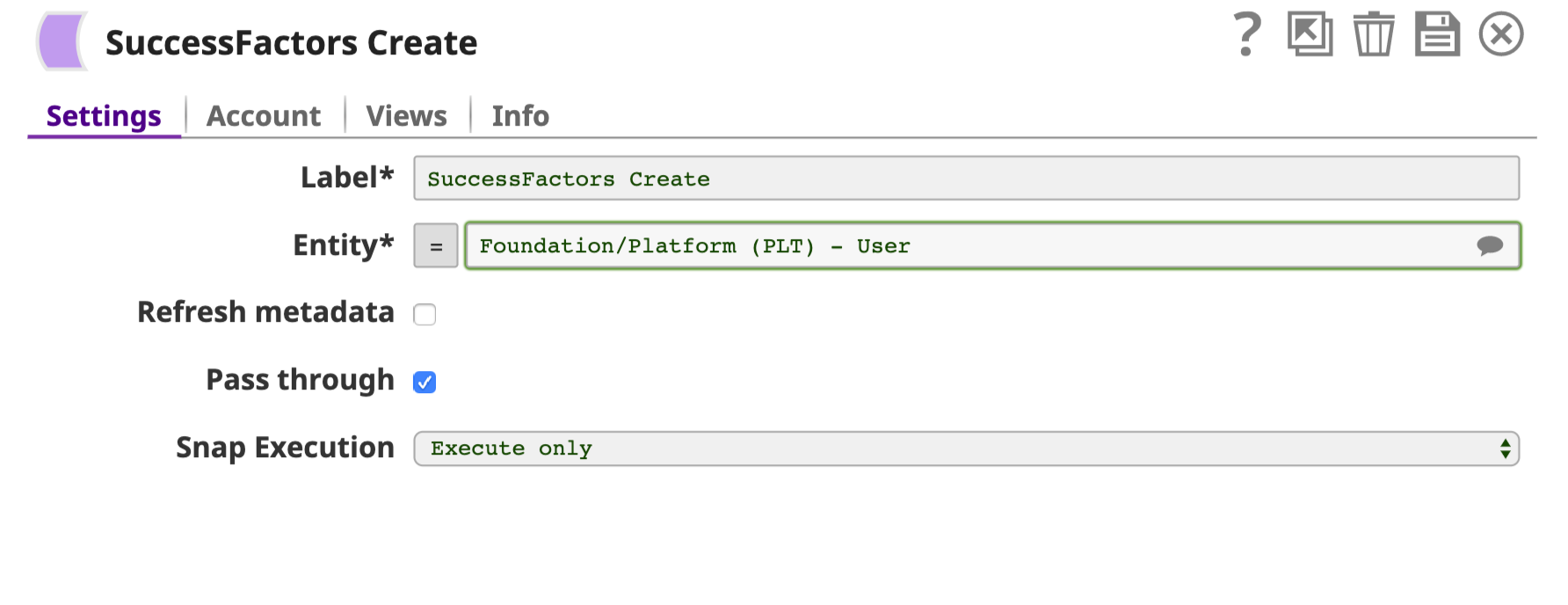
The input schema is provided by the SuccessFactors Create Snap. The configuration of the Snap is shown below.
-
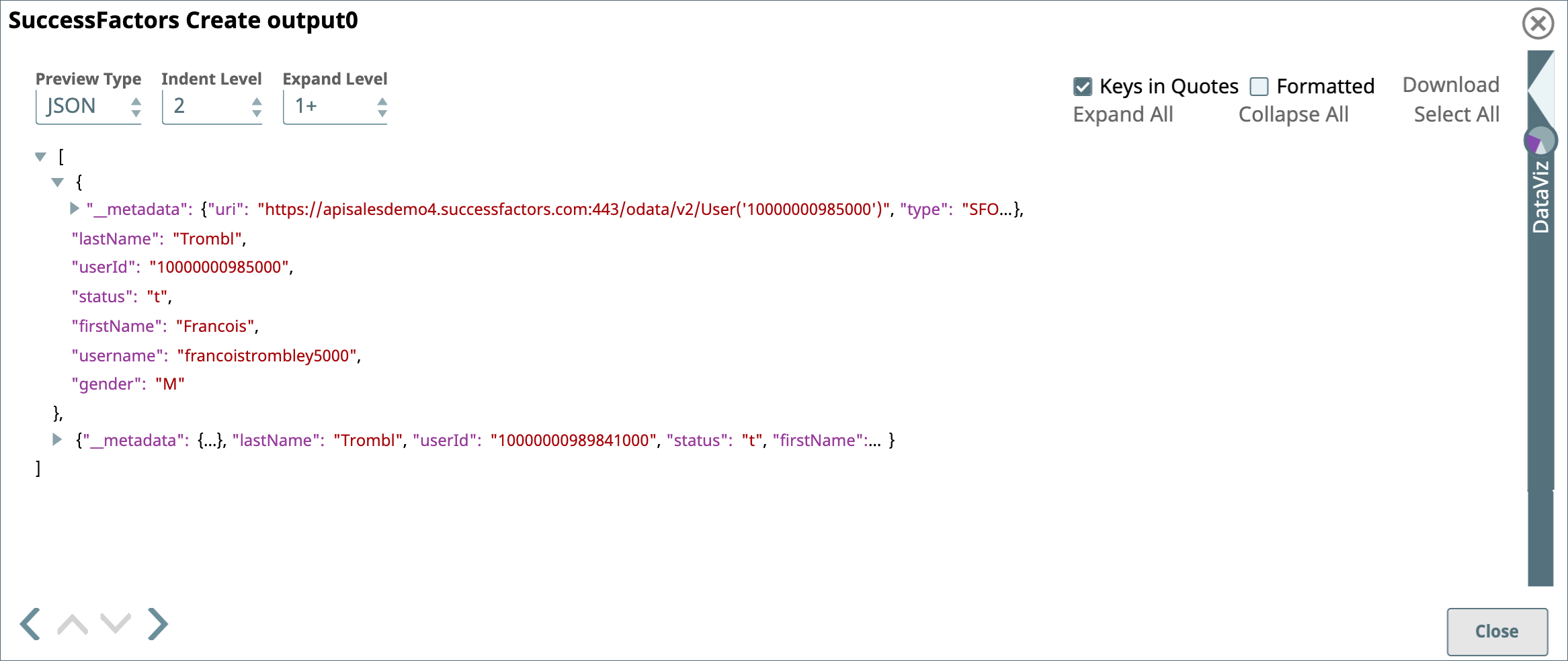
Successful validation of the Pipeline shows details of the new users in the SuccessFactors Create Snap's output preview:
-
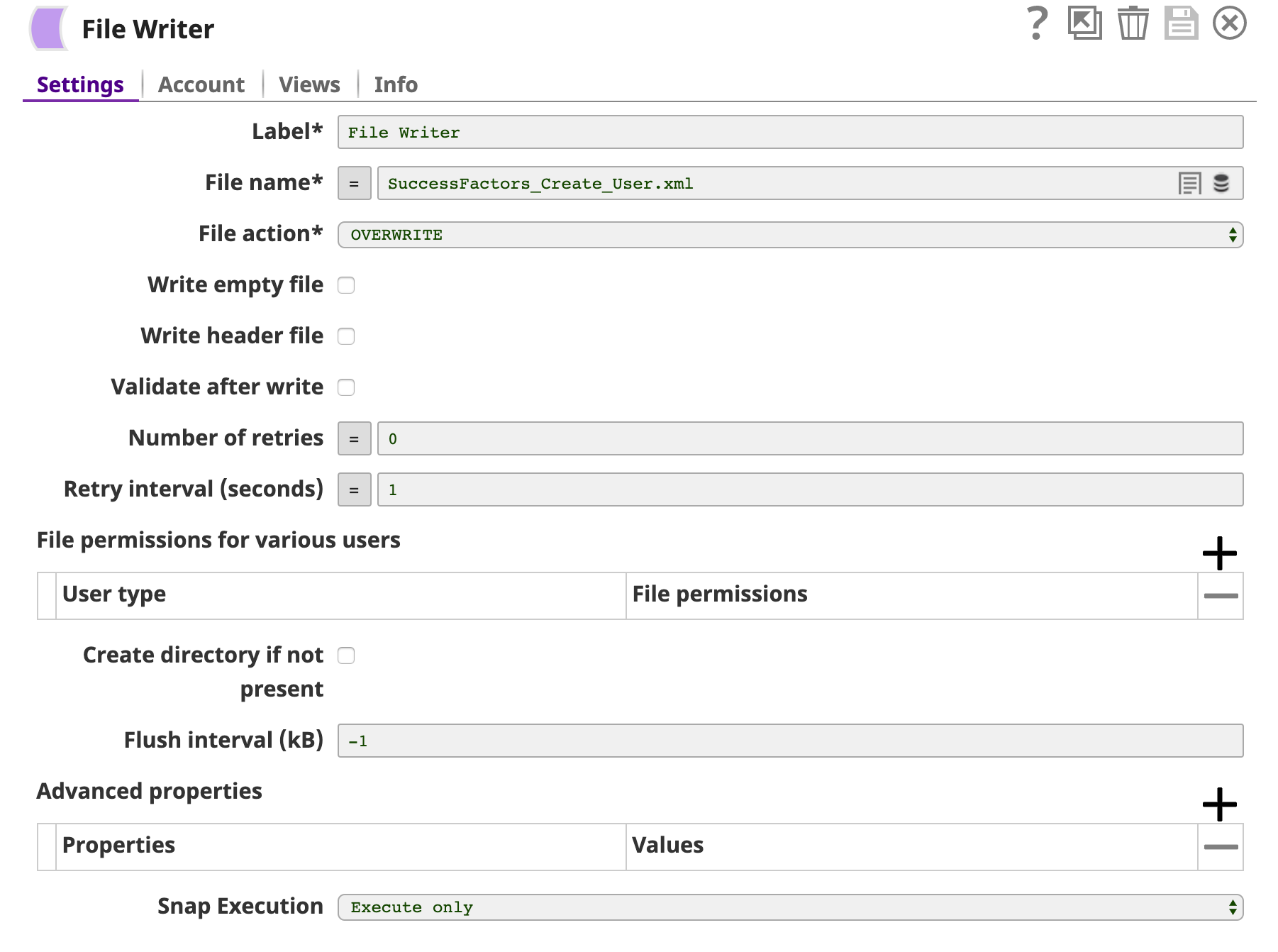
Finally, an
XML Formatter
and a
File Writer
Snap is added downstream to format and save the returned data in a new file. In the image below, the output is written to the SuccessFactors_Create_User.xml file.
- Download and import the SLP file into your Environment.
- Configure Snap accounts.
- Provide Pipeline parameters, if any.