Download a Runtime Archive File
-
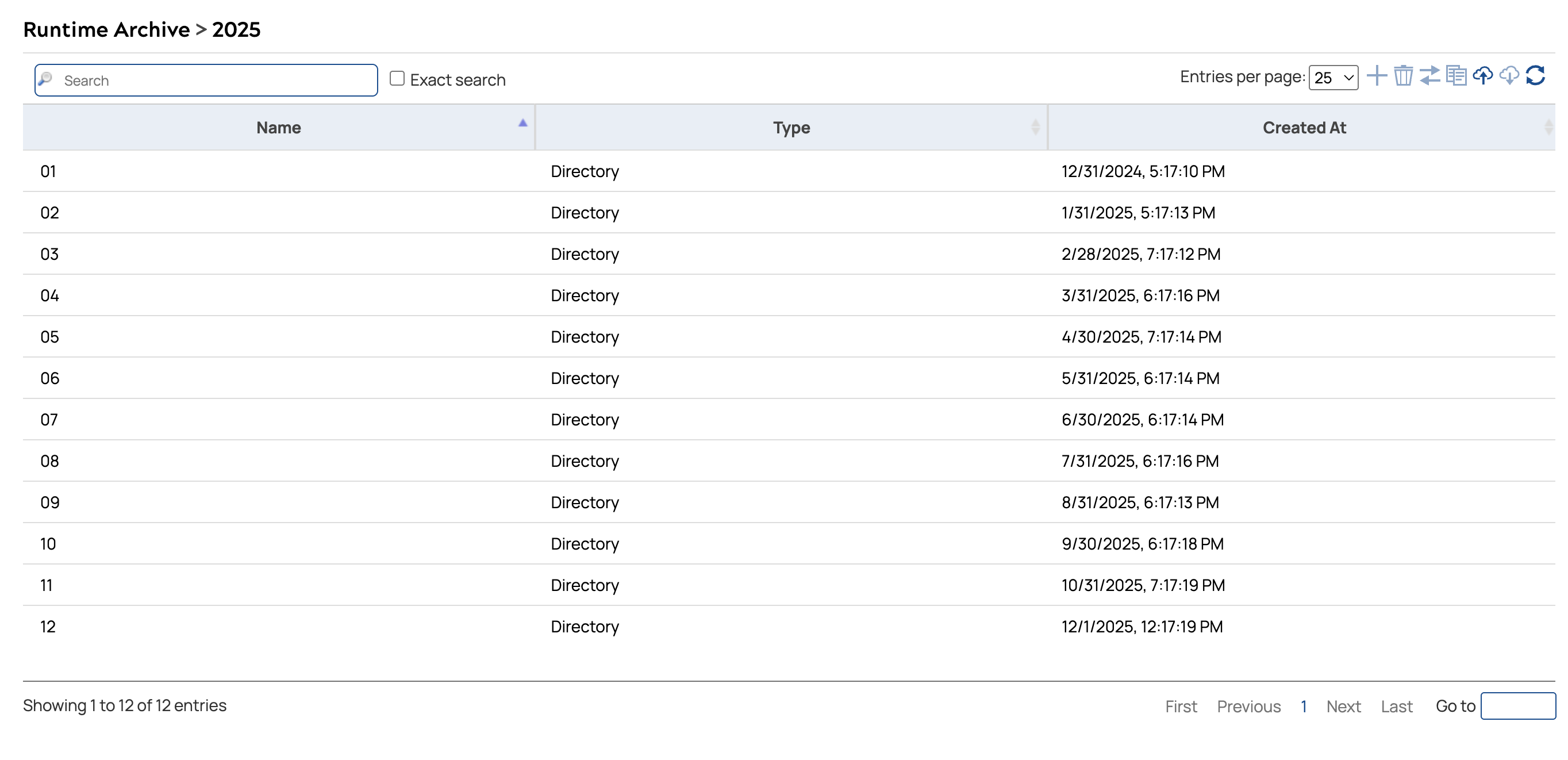
Click the year to view the available months.
The archive displays a directory of months for the selected year.
-
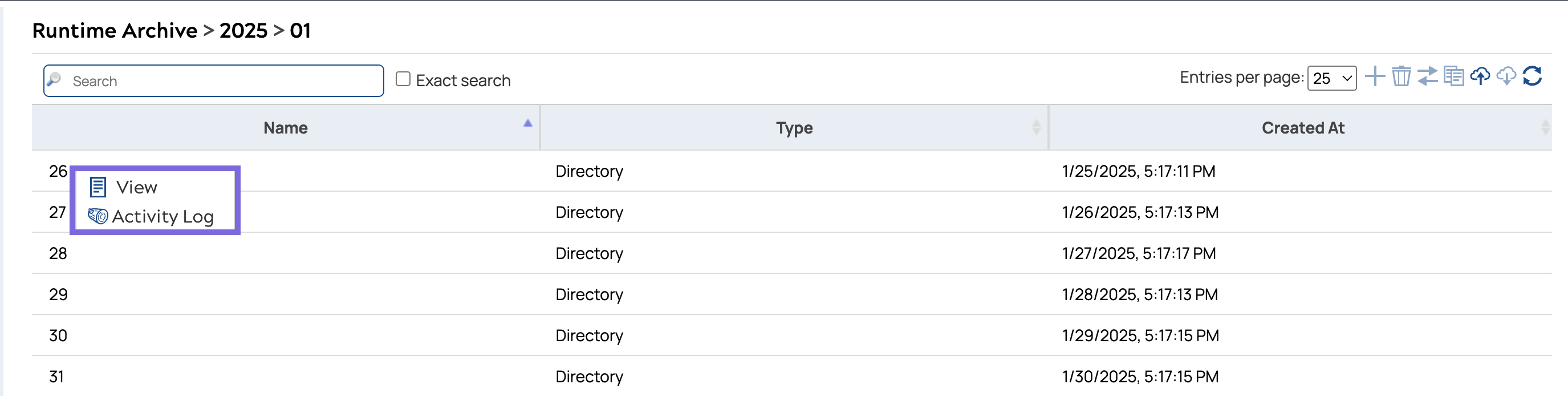
Click the month to view the available days.
The archive displays a directory of days for the selected month.
-
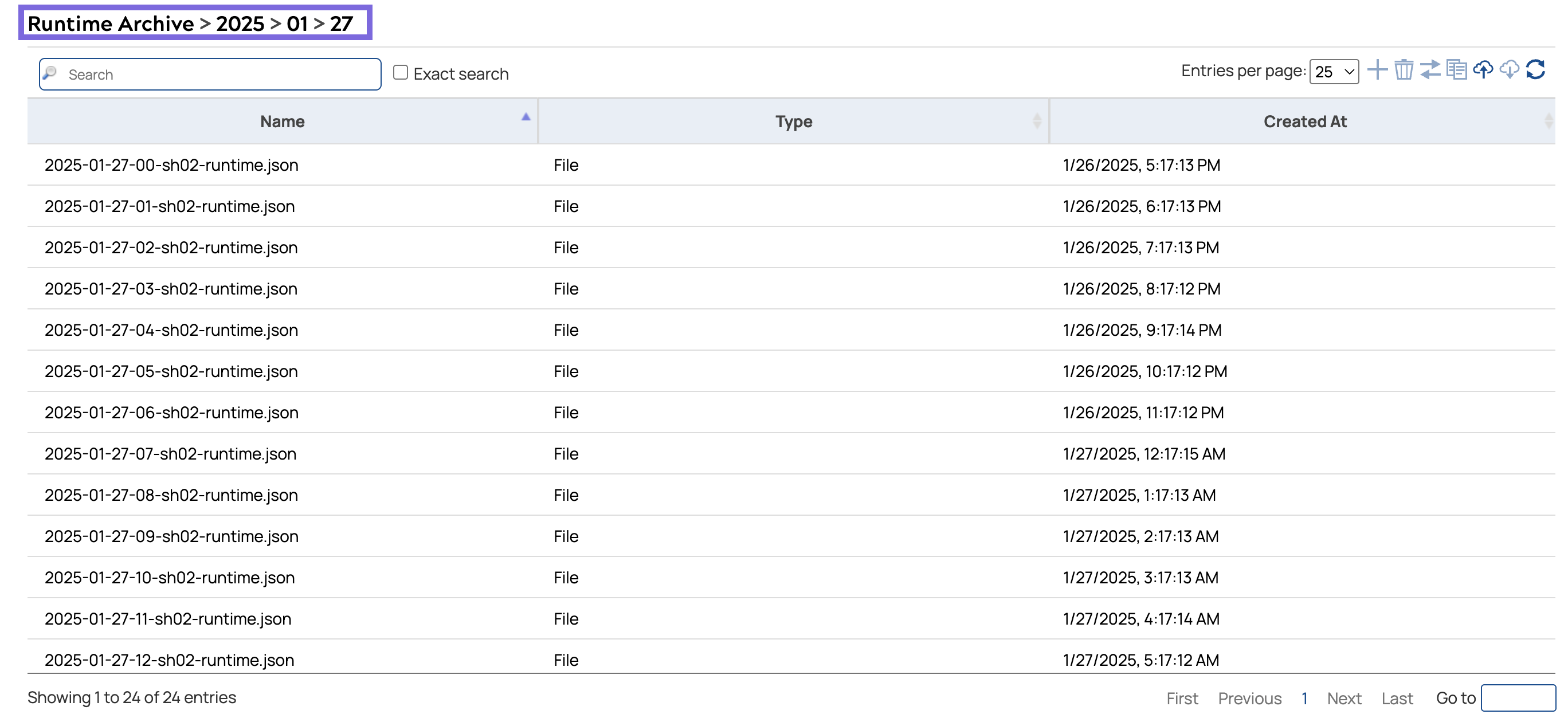
Click the date to view the log files for that day.
The Runtime Archive displays all JSON log files generated for that day, listed by hour.