


Call a stored procedure in Azure Synapse SQL
This example Pipeline demonstrates how to call a simple stored procedure.
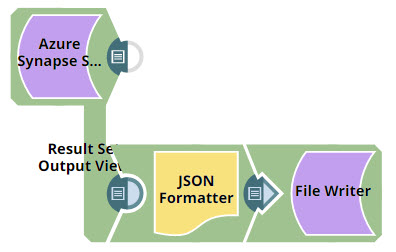
Download this Pipeline
-
Configure the Azure Synapse SQL - Stored Procedure Snap to read the employee data from
SelectAllEmployeeStored Procedure.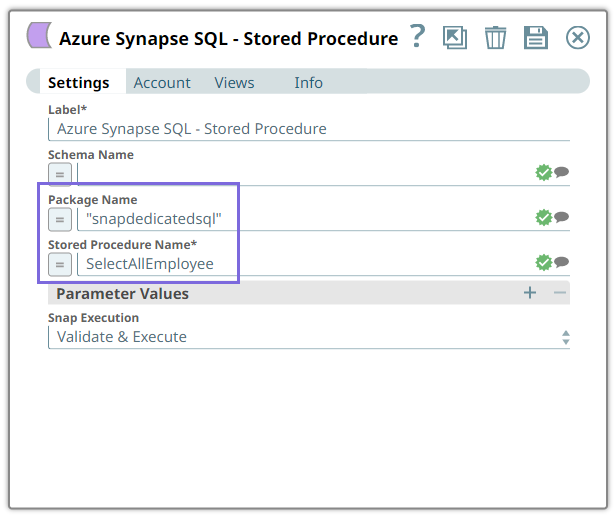
On validation, the list of employee details is generated in the second output view: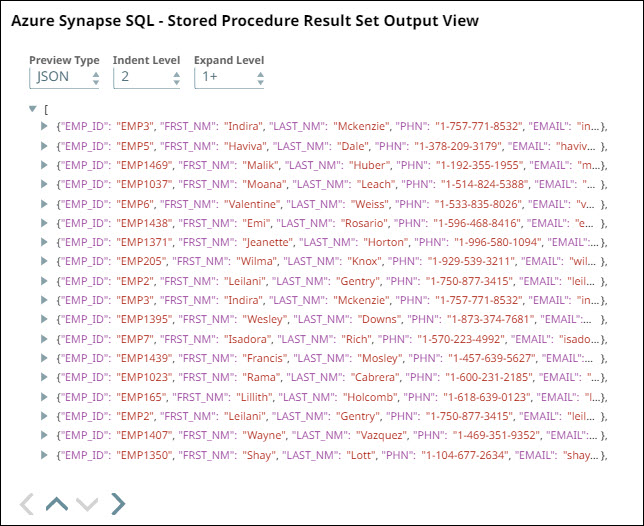
-
Connect the File Writer Snap to the JSON Formatter Snap to write the
employee.jsonto the SnapLogic database.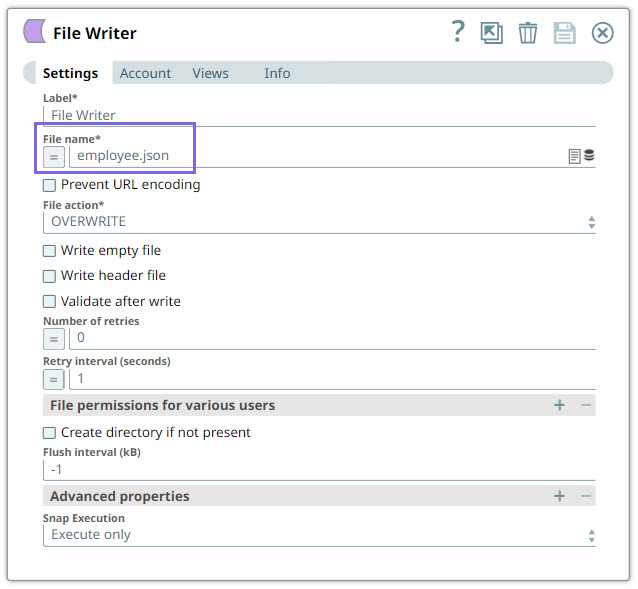
- Download and import the pipeline into SnapLogic.
- Configure Snap accounts as applicable.
- Provide pipeline parameters as applicable.