


Retrieve folders
This example Pipeline demonstrates how we can retrieve a form from the Asset database using the Asset Read Snap.
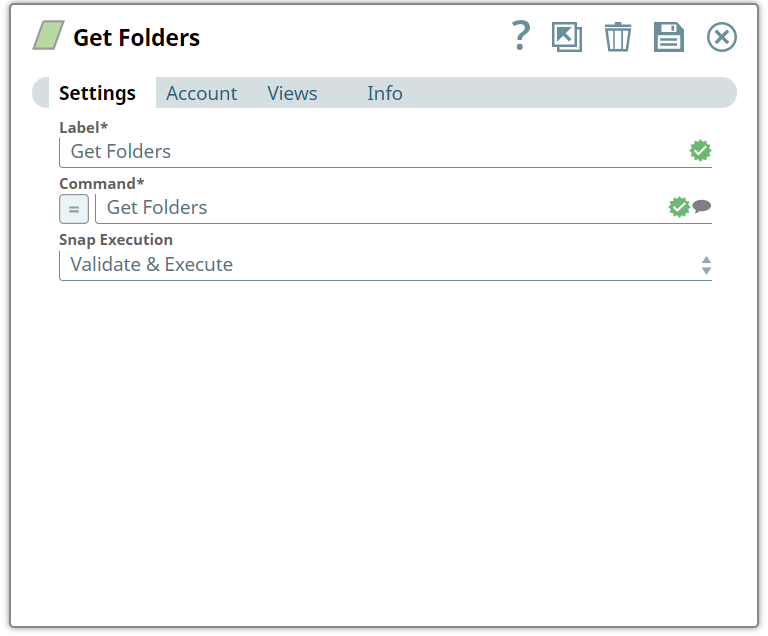
Initially, we configure the Asset Read Snap to retrieve data using the Get Folders Command field and validate the Snap.
Input
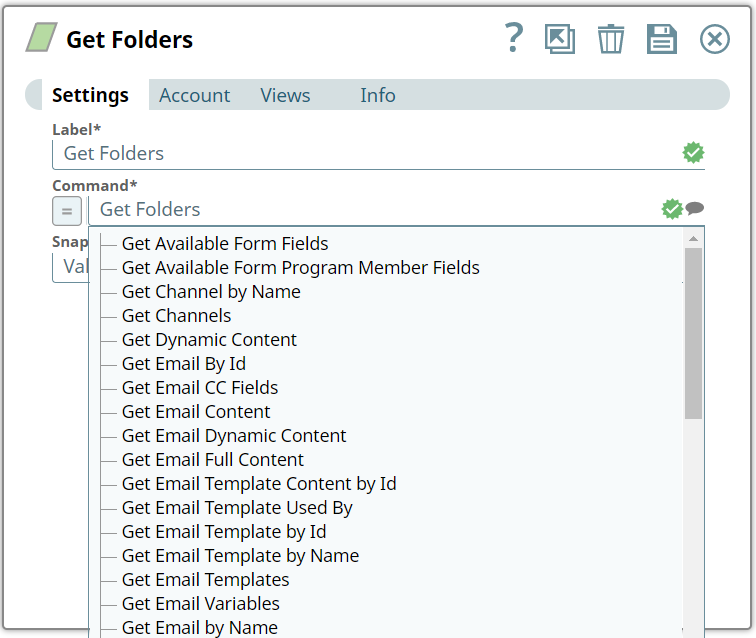
We have a set of commands which we can see as a list when we click on the Suggestion icon.
icon.
Suggestion for Commands
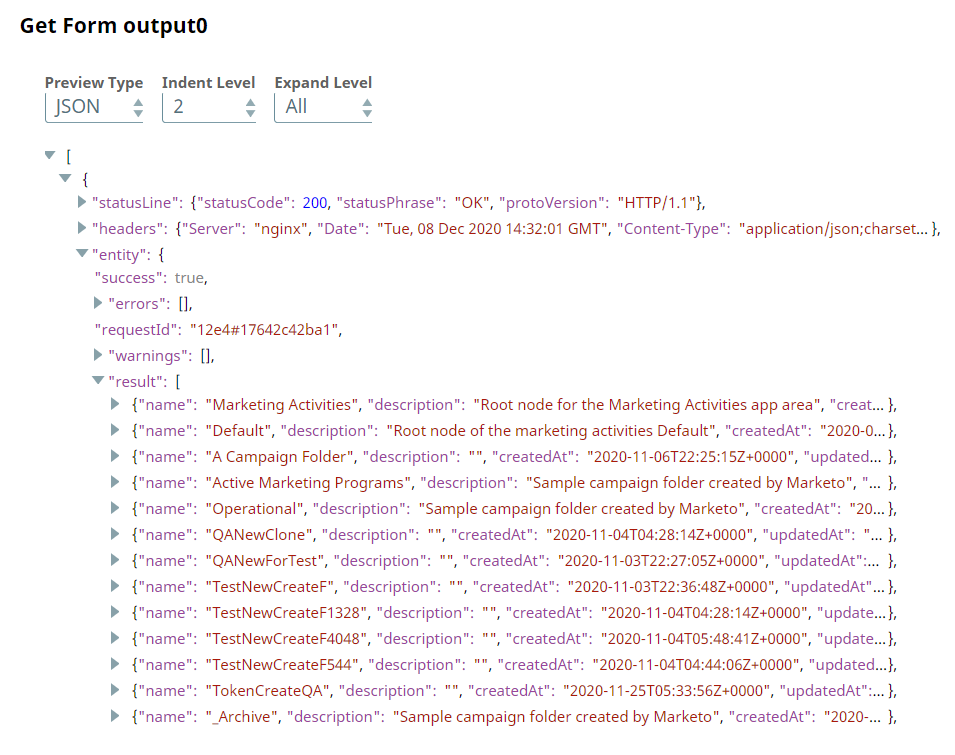
Upon validation, we see the following data (folders from Asset database) in the output preview of the Snap.
- Download and import the pipeline into SnapLogic.
- Configure Snap accounts as applicable.
- Provide pipeline parameters as applicable.