


Upsert leads in bulk to Marketo
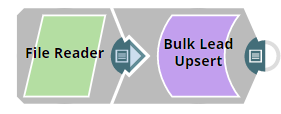
This example Pipeline demonstrates how we can insert lead data in bulk into the Lead database using the Bulk Lead Upsert Snap. We build the Pipeline to automate the following activities:
- Read the binary data using the File Reader Snap.
- Insert data in bulk using the Bulk Lead Upsert Snap.
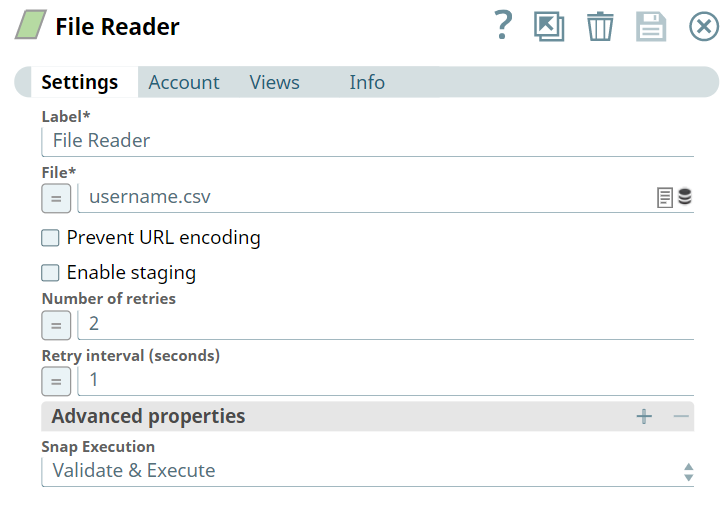
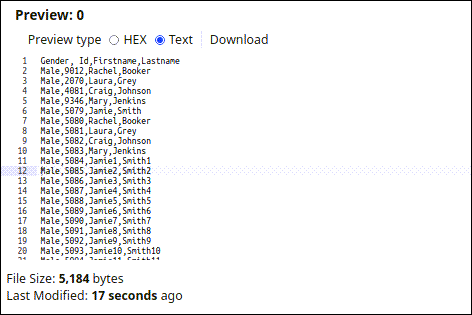
First, we configure the File Reader Snap to read binary data. The username.csv has been uploaded. Upon validation, we see the output with uploaded file details.
File Reader Input
File Reader Output
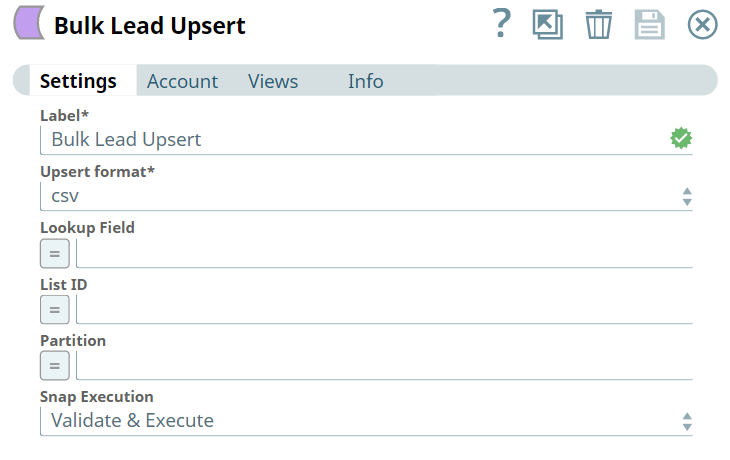
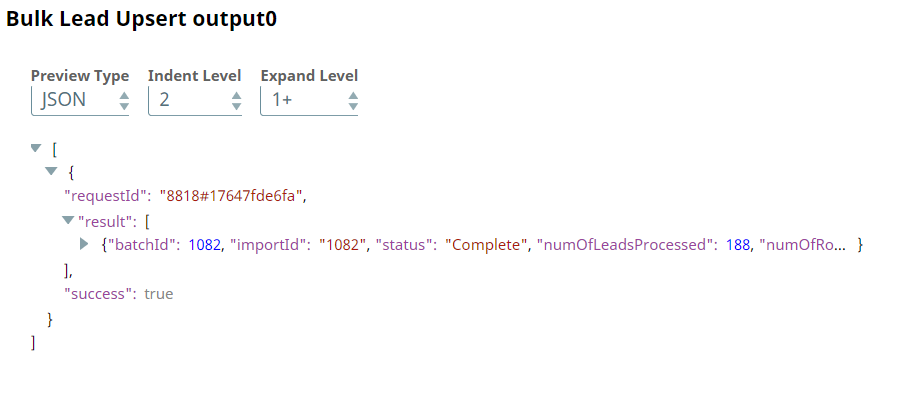
Next, we configure the Bulk Lead Upsert Snap as follows. Upon validation, we see an output confirming the insertion of data into the Lead database.
Bulk Lead Upsert Input
Bulk Lead Upsert Output
- Download and import the pipeline into SnapLogic.
- Configure Snap accounts as applicable.
- Provide pipeline parameters as applicable.