


Write an Object successfully
In the first example, we will create a Position using the Staffing service.
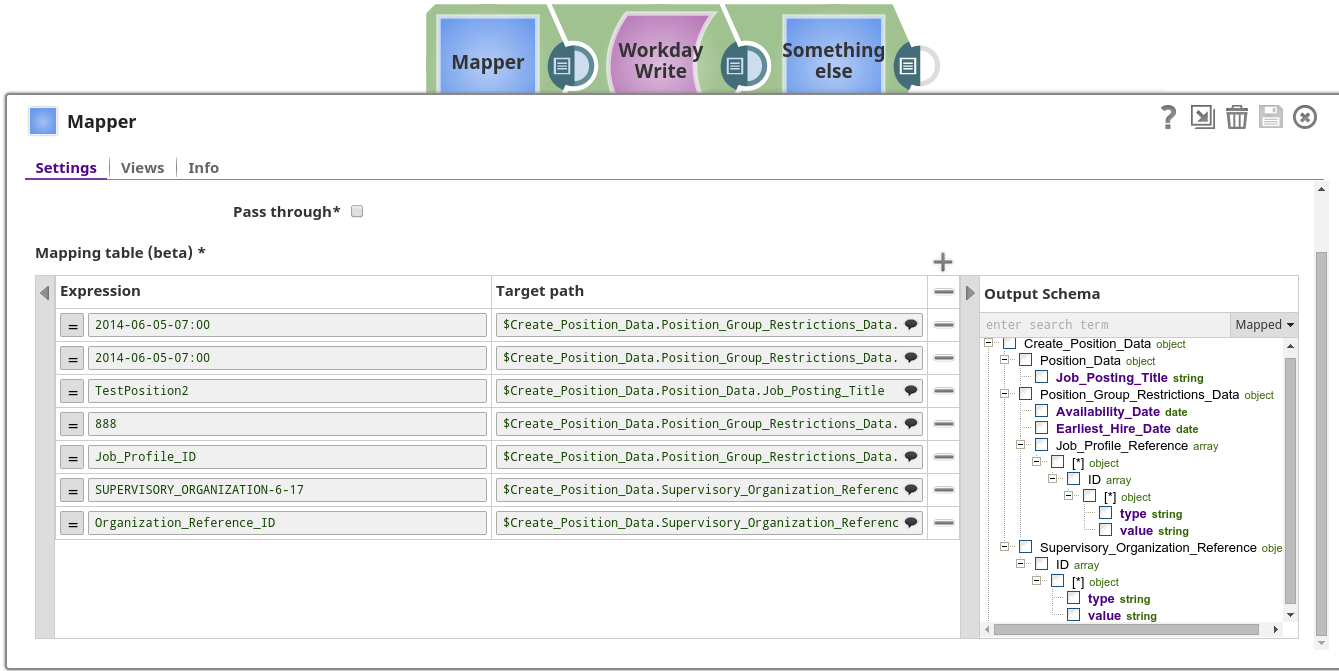
Download this Pipeline
-
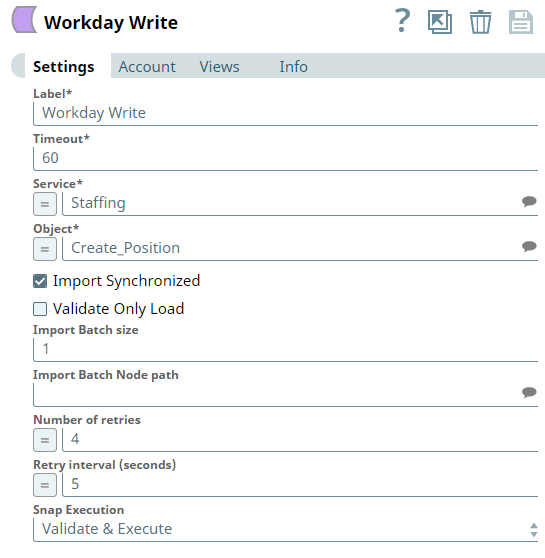
The Workday Write Snap was configured to use the Staffing service with the Create_Position object.
- Download and import the SLP file into your Environment.
- Configure Snap accounts.
- Provide Pipeline parameters, if any.