


Set up Service categories
You can add Service categories to improve the organization and discoverability of Services in the APIM 3.0 Developer Portal. A Service can belong to multiple categories or none. Defined categories display in the APIM 3.0 Developer Portal and Service consumers can use them to browse Services by functional area, business domain, team, or any organizational structure defined by the API publisher. For example, categories such as "Finance", "Customer Management", "Orders", or "Internal APIs" can group related Services together. Service categories don't grant or restrict access to Services.
Add or remove a category
To manage APIM 3.0 Developer Portal categories:
- Open any Service version. The Service can have any status.
- Select the Documentation tab.
- Click the edit icon next to Service categories. The Edit categories panel opens:
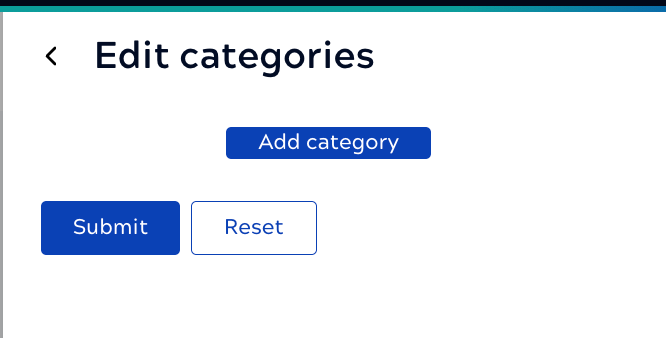
- Click Add category and enter a name.
- After adding one or more category, click Submit.
You can't re-order the categories after entering them. You can change the order by renaming them. To cancel your current changes, click Reset.