


Typical Snap Configurations (Azure SQL Execute)
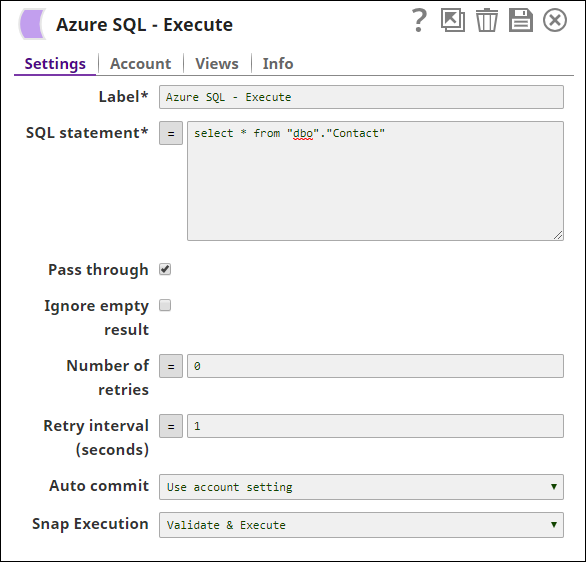
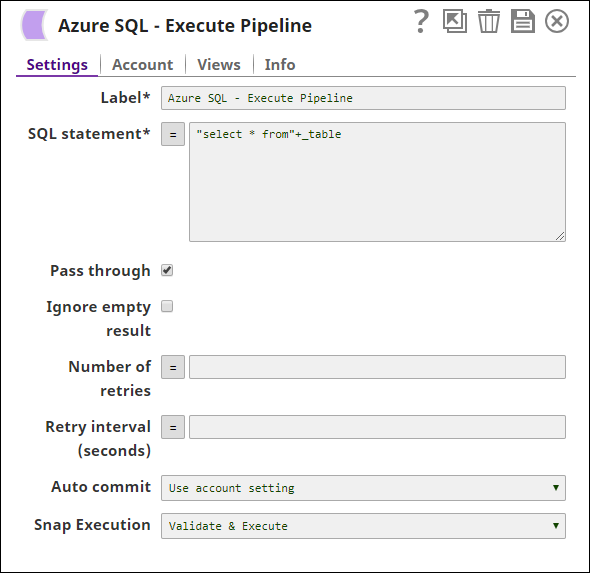
The key configuration of the Azure SQL - Execute lies in how you pass the SQL statement to read Azure records. As it applies in SnapLogic, you can pass SQL statements in the following manner:
Download this Pipeline
-
Without Expression: Directly passing the required SQL statement in the Azure SQL Execute Snap.
-
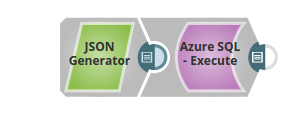
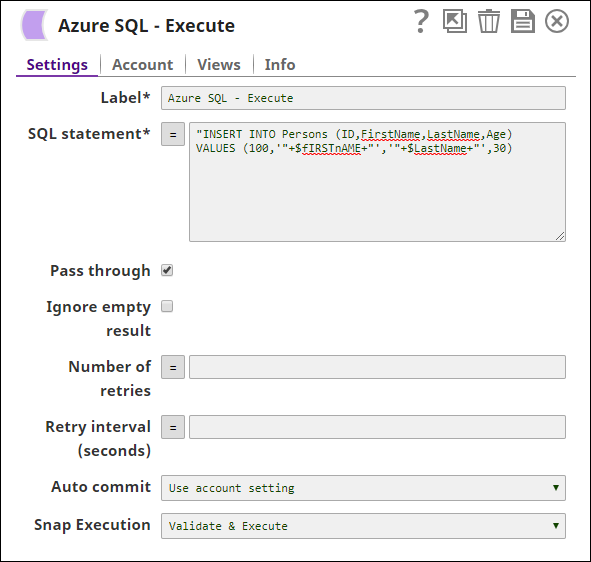
With ExpressionsValues from an upstream Snap: The JSON Generator Snap passes the values to be inserted into the table on Azure.
-
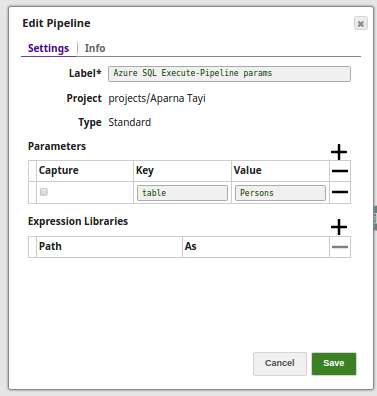
Pipeline Parameter: Pipeline parameter set to pass the required values to the Azure.
- Download and import the SLP file into your Environment.
- Configure Snap accounts.
- Provide Pipeline parameters, if any.