


Teradata Execute example
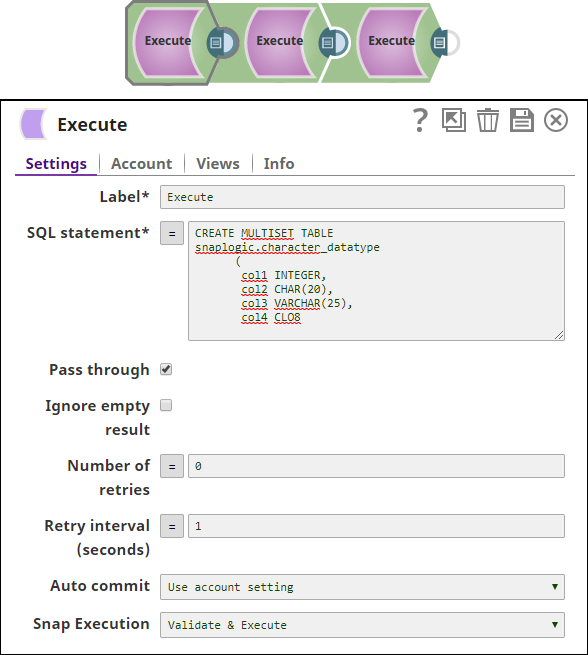
This example demonstrates how to execute various commands using the Teradata Execute Snap. This pipeline creates a table, inserts the data into the table, and reads the data using the respective execute commands (CREATE, INSERT, and SELECT).
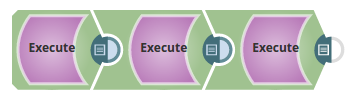
-
Insert the required data into the table Snaplogic.character_datatype using the Teradata
Execute Snap.
-
We use the Teradata Execute Snap again and select the data from the table
Snaplogic.character_datatype1 using the SELECT command.
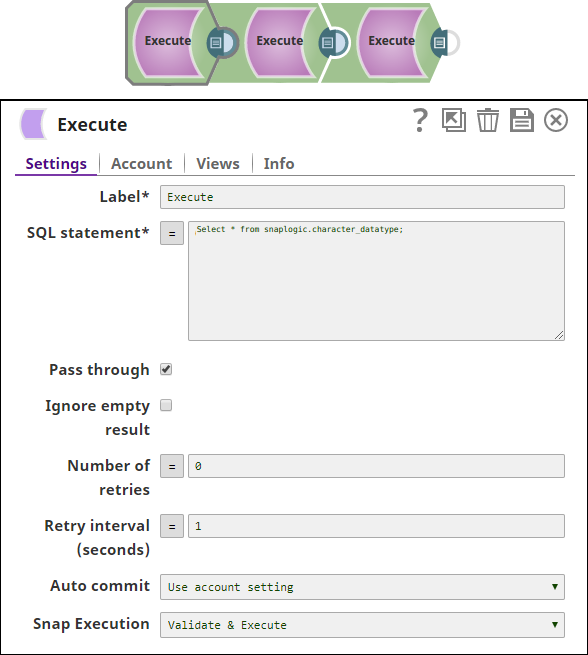
-
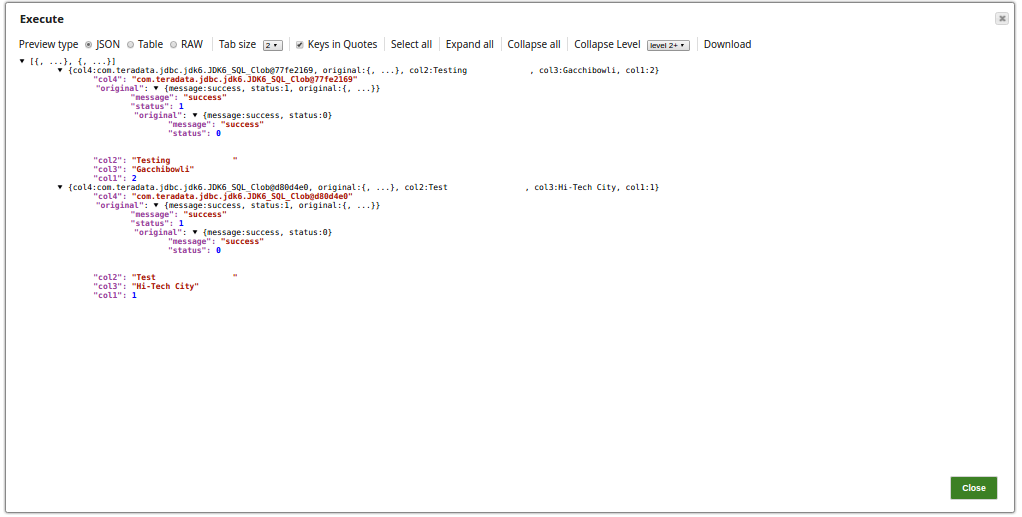
Successful execution of the Pipeline displays the following preview:
- Download and import the SLP file into your Environment.
- Configure Snap accounts.
- Provide Pipeline parameters, if any.