


XML Validator
Overview
This Snap validates XML documents against an XSD (XML Schema Definition) schema and outputs the validation results.
Use this Snap to ensure XML data conforms to a specified schema before processing. The Snap validates structure, data types, and constraints defined in the XSD schema.
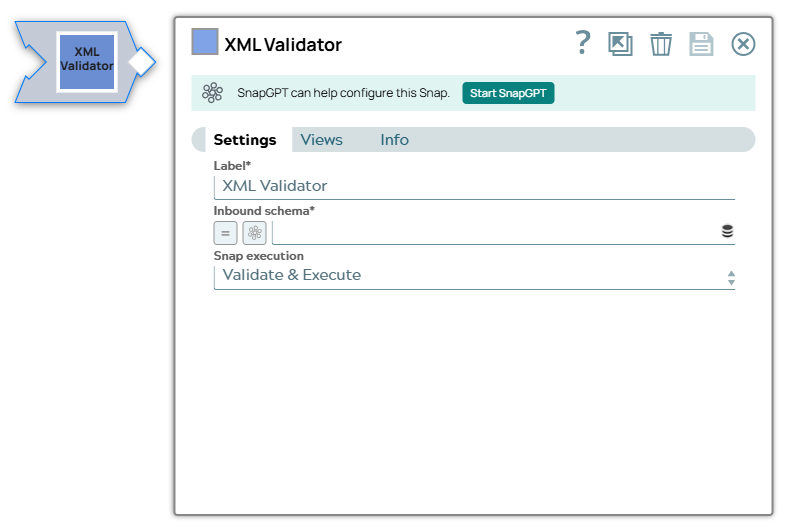
- This is a Transform-type Snap.
 Works in Ultra Tasks
Snap views
| Type | Description | Examples of upstream and downstream Snaps |
|---|---|---|
| Input |
This Snap has at most one document binary input view. The input must contain:
The XML data must be well-formed for the Snap to validate it against the schema. |
|
| Output |
This Snap has at most one document output view. The output contains:
Valid documents are sent to the output view. Invalid documents are sent to the error view. |
|
| Learn more about Error handling. | ||
Snap settings
| Field/Field set | Description |
|---|---|
|
Label String
|
Specify a unique name for the Snap. Modify this to
be more appropriate, especially if there are more than one of the same Snap in the
pipeline.
Default value: XML Validator Example: Validate Purchase Order XML |
|
Inbound Schema URL
|
Required. Specify the XSD schema definition file to use for validation. Example: CustomersOrders_xml_gernerator_test.xsd |
| Snap execution
|
Choose one of the three modes in
which the Snap executes. Available options are:
Default value: Execute Only Example: Validate and Execute |
Troubleshooting
| Error | Reason | Resolution |
|---|---|---|
| Schema validation failed: element not allowed | The XML document contains elements not defined in the XSD schema. | Review the XSD schema and ensure all elements in the XML document are properly defined. Check for typos in element names. |
| Data type mismatch | The XML data type does not match the type defined in the schema. | Verify that the data values conform to the types specified in the XSD schema (for example, integers, dates, strings). |
| Required element missing | A required element defined in the schema is missing from the XML document. | Add the missing required element to the XML document or update the schema to make the element optional. |