


Typical Snap Configurations (Azure SQL Bulk Load)
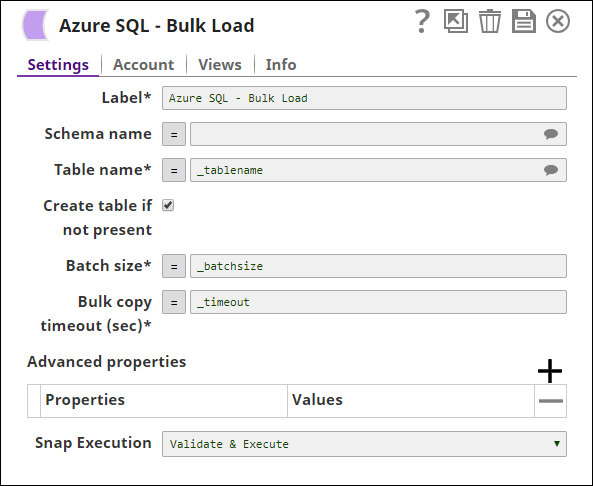
The key configurations for the Snap are:
Download this Pipeline
-
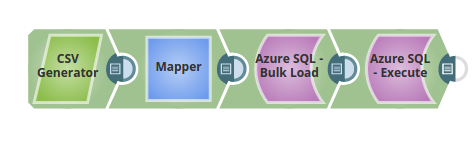
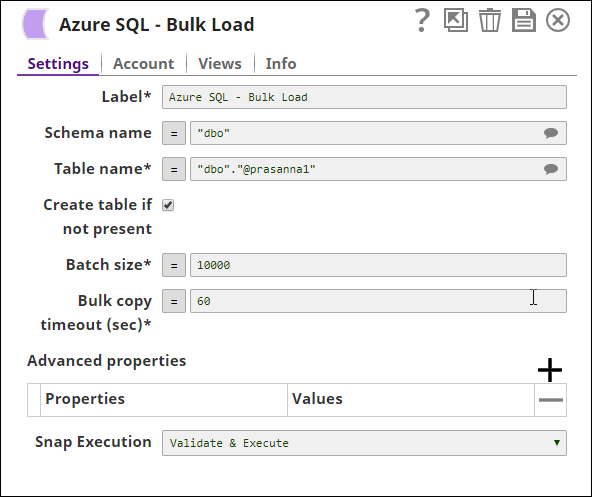
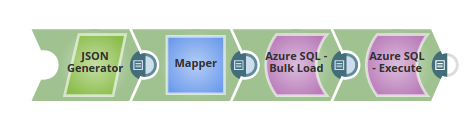
In the below pipeline, the values are passed via the upstream for the Azure Bulk Load Snap to update the table, "dbo"."@prasanna1" on the Azure.
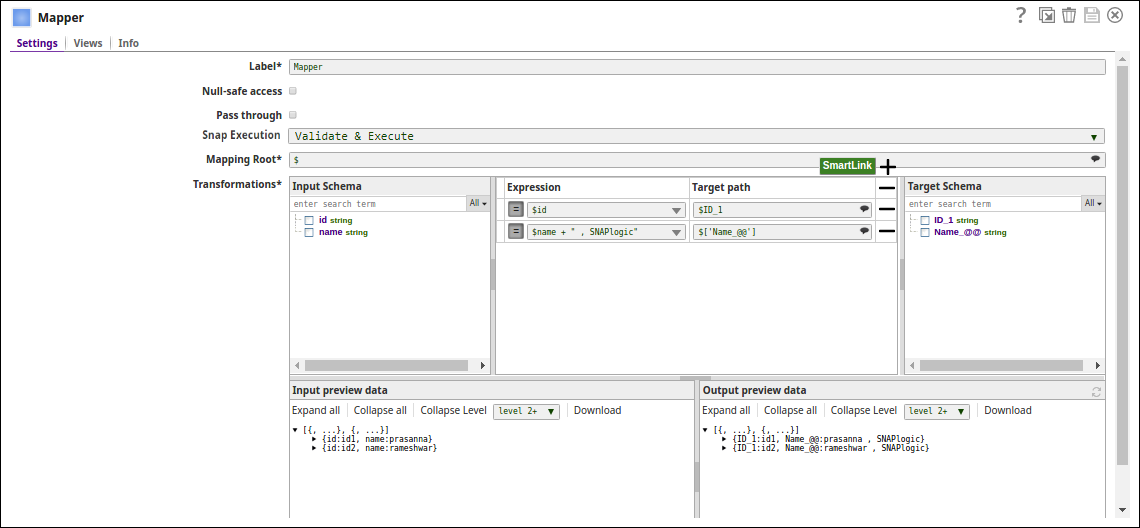
-
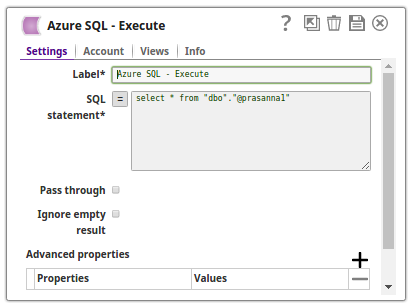
The Azure Bulk Load Snap Loads the data into the table and the Azure Execute Snap reads the table contents respectively:
-
In the below pipeline:
-
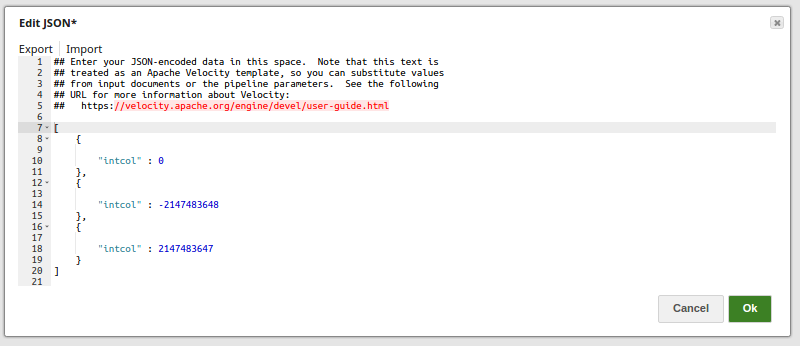
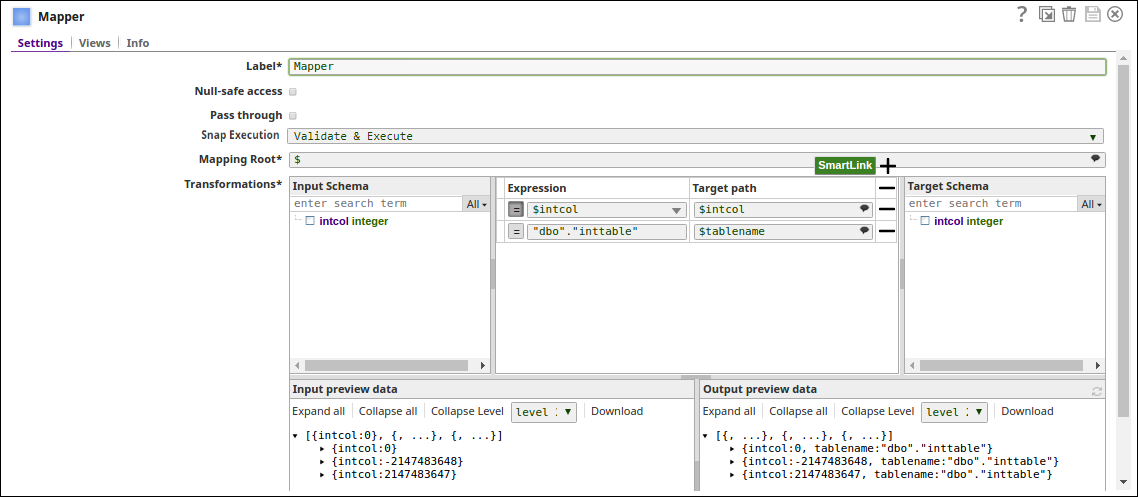
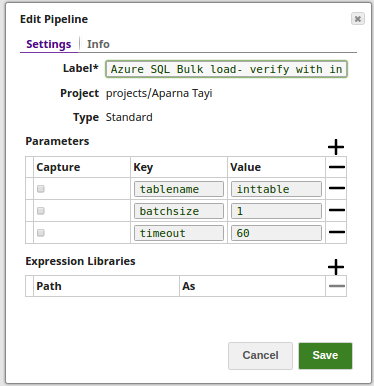
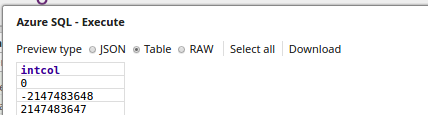
The JSON Generator Snap passes the values to be added to a table intcol.The Mapper Snap passes the values to the table intcol and "dbo"."inttable" to the target table, tablename.The Pipeline parameters are set with values for Tablename, Batchsize and Timeout.The Bulk Load Snap loads the records into the _tablename, with _batchsize (as 1) and _timeout (as 60) using the pipeline param values. The Execute Snap reads the data from the table, inttable. The output preview displays the three records as added via the JSON Generator Snap.
- Download and import the SLP file into your Environment.
- Configure Snap accounts.
- Provide Pipeline parameters, if any.