


Expensify Create Policy
Overview
The Expensify Create Policy Snap creates a policy on an Expensify account.
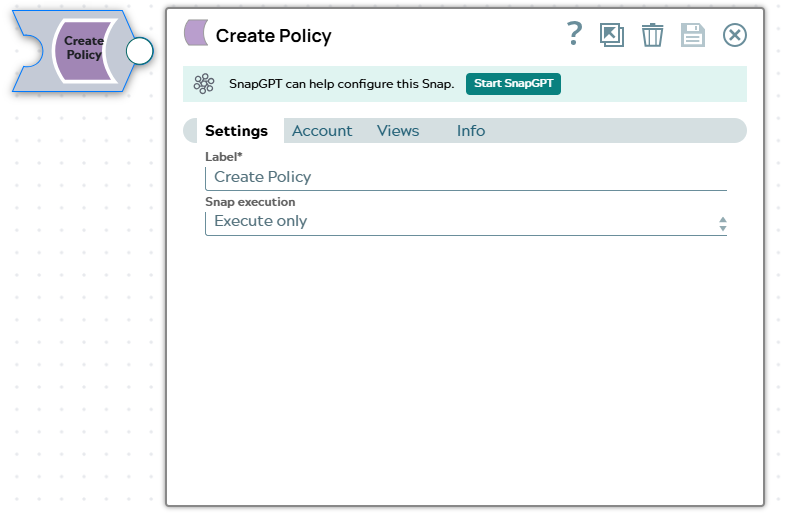
- This is a Write-type Snap.
 Works in Ultra Tasks
Supported Accounts
Prerequisites
A valid Expensify Account.
Snap views
| Type | Description | Examples of upstream and downstream Snaps |
|---|---|---|
| Input |
This Snap has exactly one document input view. Expected input: Input request data. |
|
| Output |
This Snap has at most one document output view. Expected output: The information about the created policy. |
|
| Learn more about Error handling. | ||
Snap settings
Note: Learn about
the common controls in the Snap settings dialog.
| Field/Field set | Description |
|---|---|
Label*
String |
Specify a unique name for the Snap. Modify this to be more appropriate, especially if more than one of the same Snaps is in the pipeline. Default value: Expensify Create Policy |
Snap execution Dropdown list |
Choose one of the three modes in
which the Snap executes. Available options are:
Default value: Execute only Example: Validate & Execute |
Supported Attributes for Create Policy operation
The details about attributes to be passed as input for create policy operation can be found at following link: create policy attributes.
JSON for creating policy
{
             "inputSettings": {
                    "type": "policy",
                    "policyName": "My New Policy"
    }
}