


Basic use case
The following pipeline describes how the Snap functions as a standalone Snap in a pipeline:

Download this Pipeline
-
The Mapper Snap provides the values for the type and value on the Object.
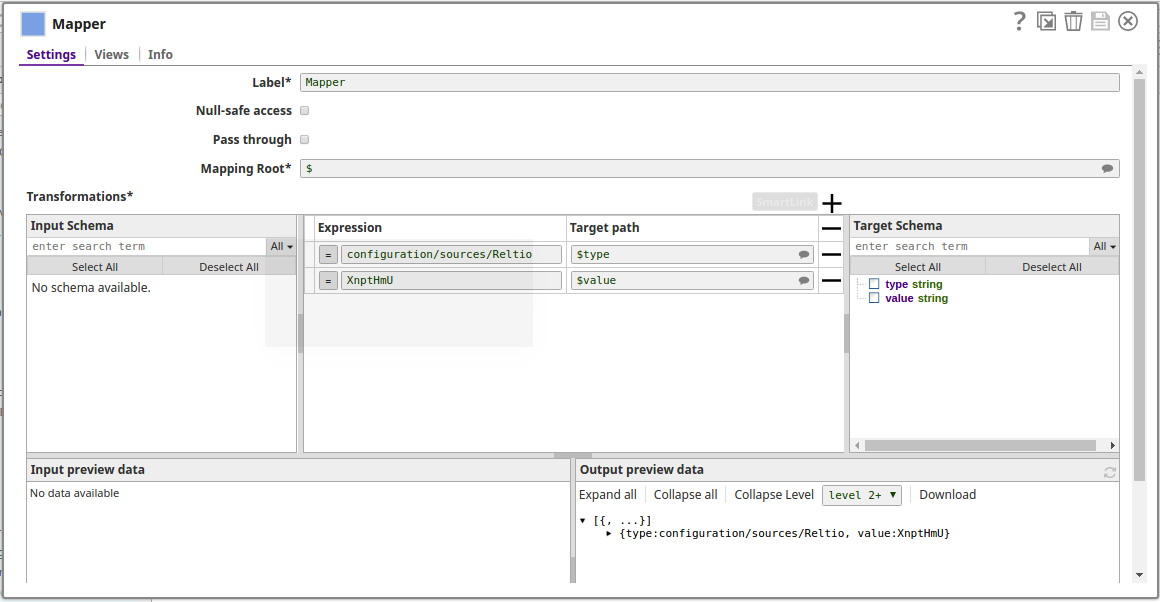
-
The successful execution of the pipeline displays the below output preview:
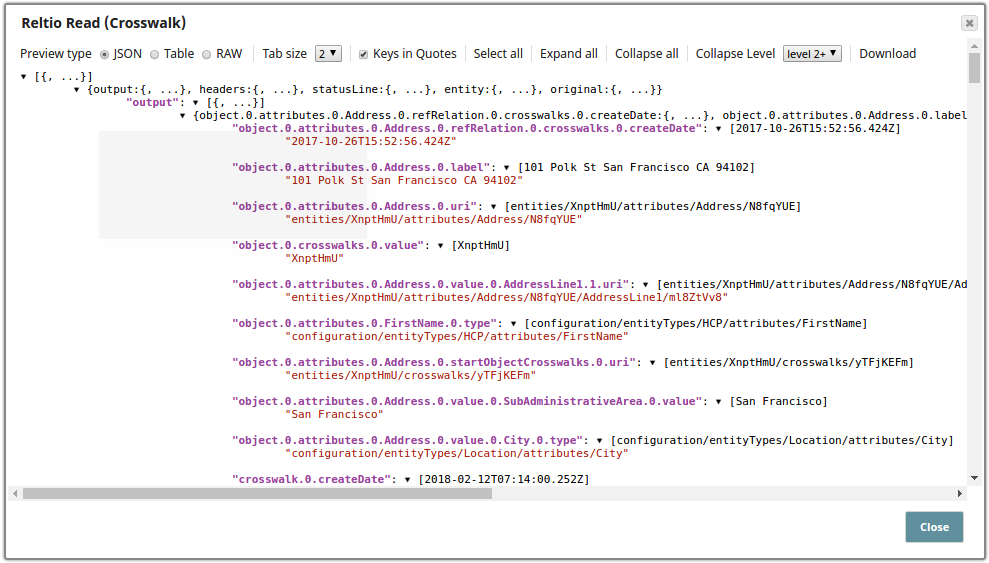
- Download and import the SLP file into your Environment.
- Configure Snap accounts.
- Provide Pipeline parameters, if any.