


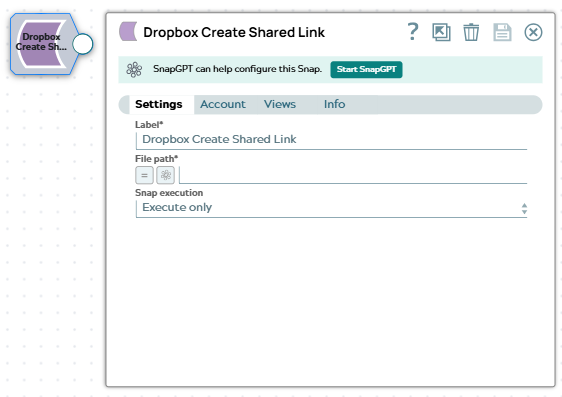
Dropbox Create Shared Link
This Snap
Supported Accounts
- This is a Transform-type Snap.
 Works in Ultra Tasks
Snap views
| Type | Description | Examples of upstream and downstream Snaps |
|---|---|---|
| Input | This Snap has at most one document input view. The Snap reads the file or folder path (and, for shared or team folders, the namespace ID and namespace-relative path) from the incoming document. Typically, this input is provided by an upstream Dropbox List Snap. |
|
| Output | This Snap has exactly one document output view. The Snap outputs the shared link URL and its associated metadata. |
|
| Learn more about Error handling. | ||
Snap settings
Note: Learn about
the common controls in the Snap settings dialog.
| Field/Field set | Description |
|---|---|
|
Label
|
Specify a unique name for the Snap. Modify this to
be more appropriate, especially if there are more than one of the same Snap in the
pipeline.
Default value: Dropbox Create Shared Link Example: Dropbox Create Shared Link 1 |
| File path or ID*
|
Specify the file or folder in Dropbox for which to create a shared link. This field accepts either of the following:
Default value: None Examples:
|
| Snap execution
|
Choose one of the three modes in
which the Snap executes. Available options are:
Default value: Validate & Execute |