


Deleting an account from the Exact Online instance CRM server
This Pipeline example demonstrates how to delete an account in the Exact Online instance CRM service. This example assumes you have a valid Configuring Exact Online Account.

Download this Pipeline
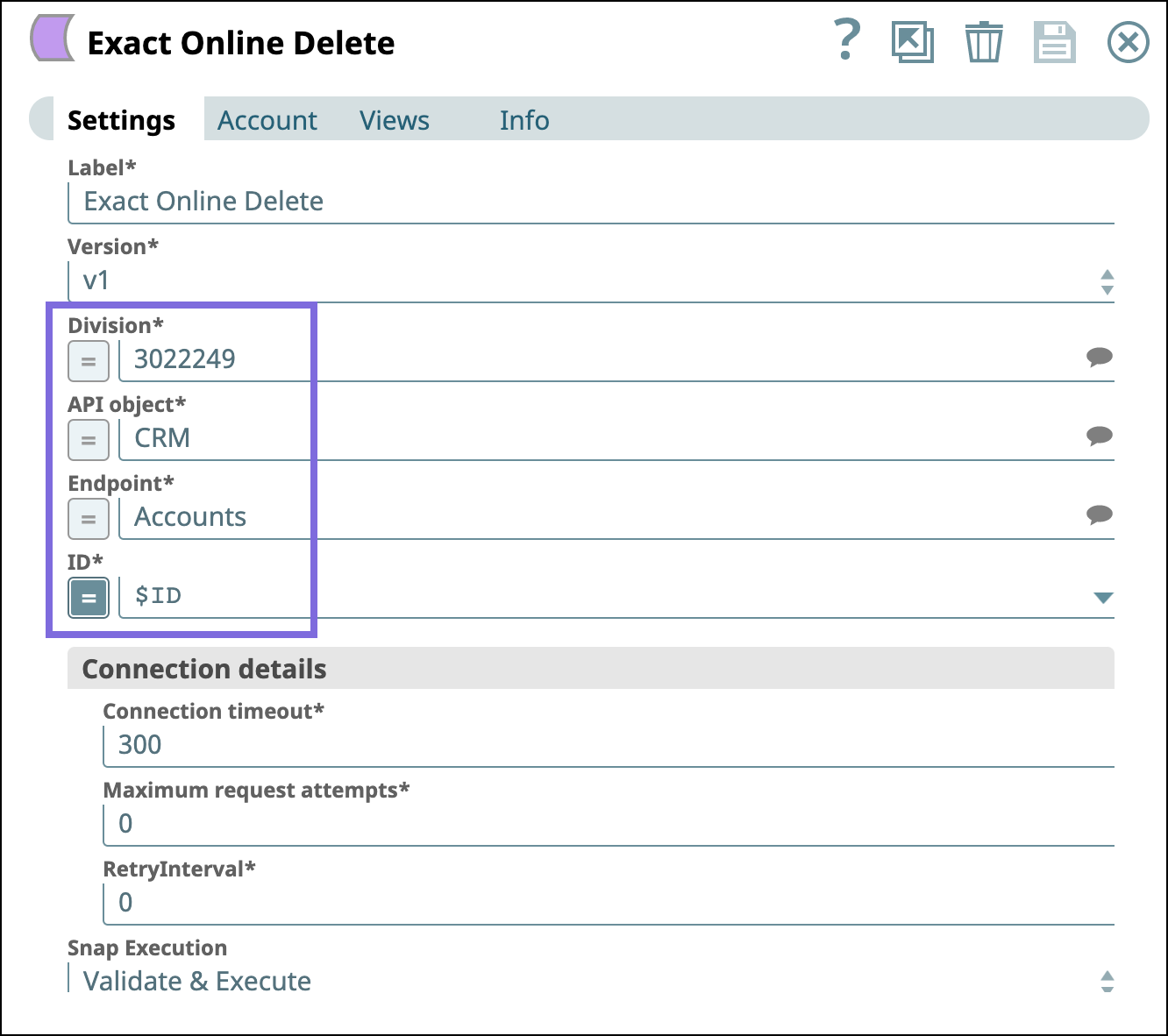
Configure the Exact Online Delete Snap with the following settings to delete an account
from the Exact Online instance CRM service it accesses.
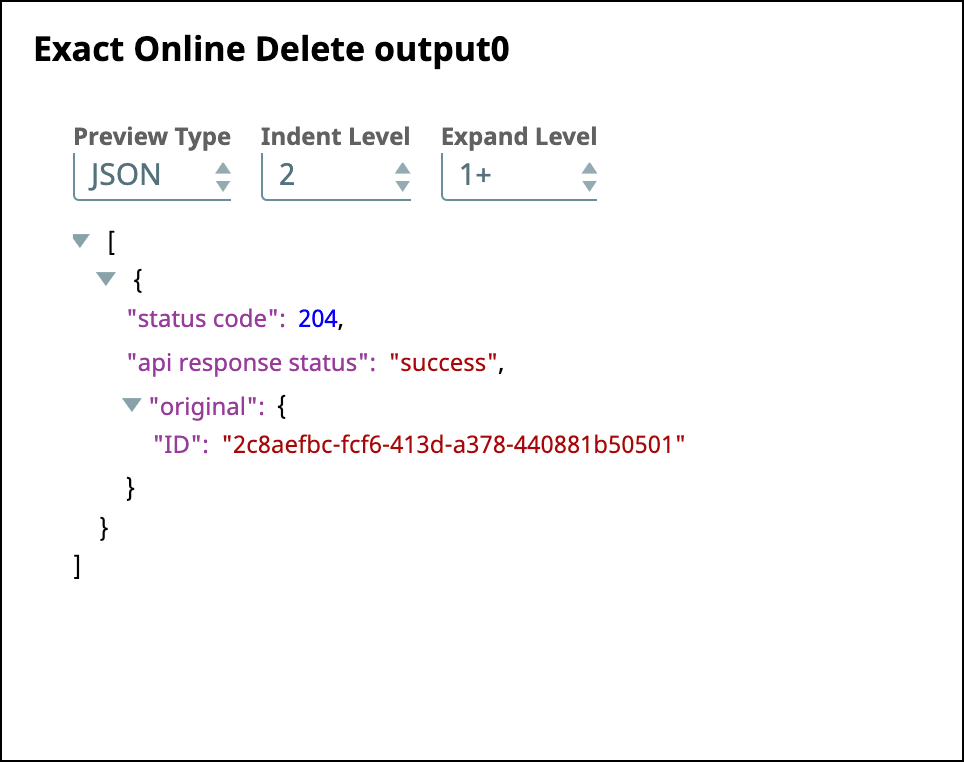
After successfully validating the Pipeline, the Snap displays the delete operation as
successful in the output message as follows.
- Download and import the SLP file into your Environment.
- Configure Snap accounts.
- Provide Pipeline parameters, if any.