


Delete Batch of Companies
Prerequisites: You must have access to HubSpot and a valid HubSpot Account (OAuth or Private App).
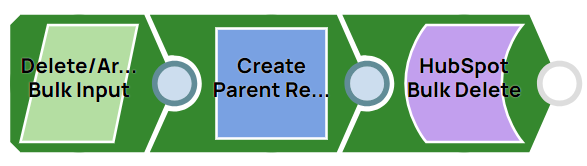
This pipeline demonstrates how to delete a batch of companies from HubSpot.
-
Configure the JSON
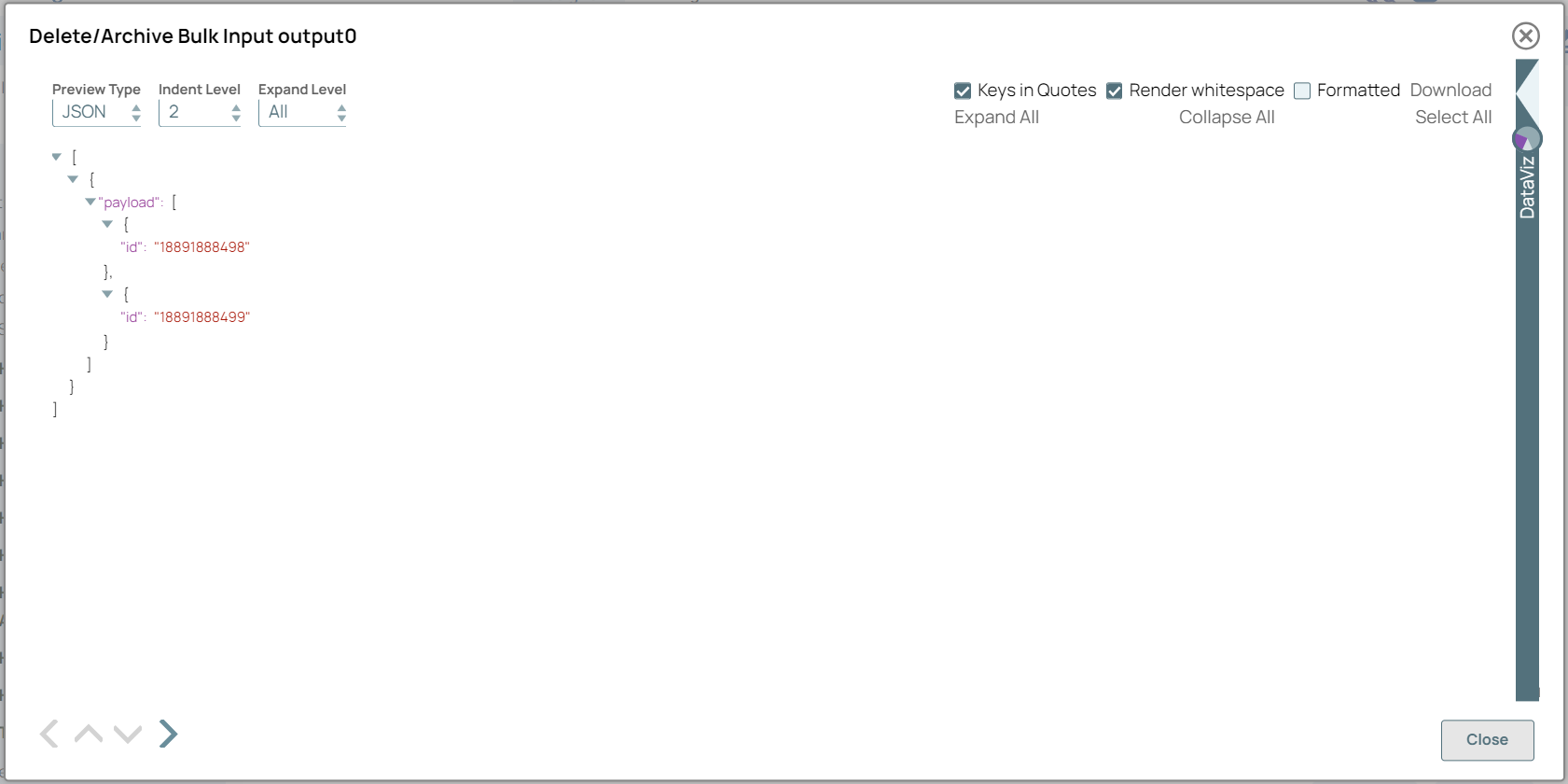
Generator Snap to provide the company name as input to delete the specific companies.
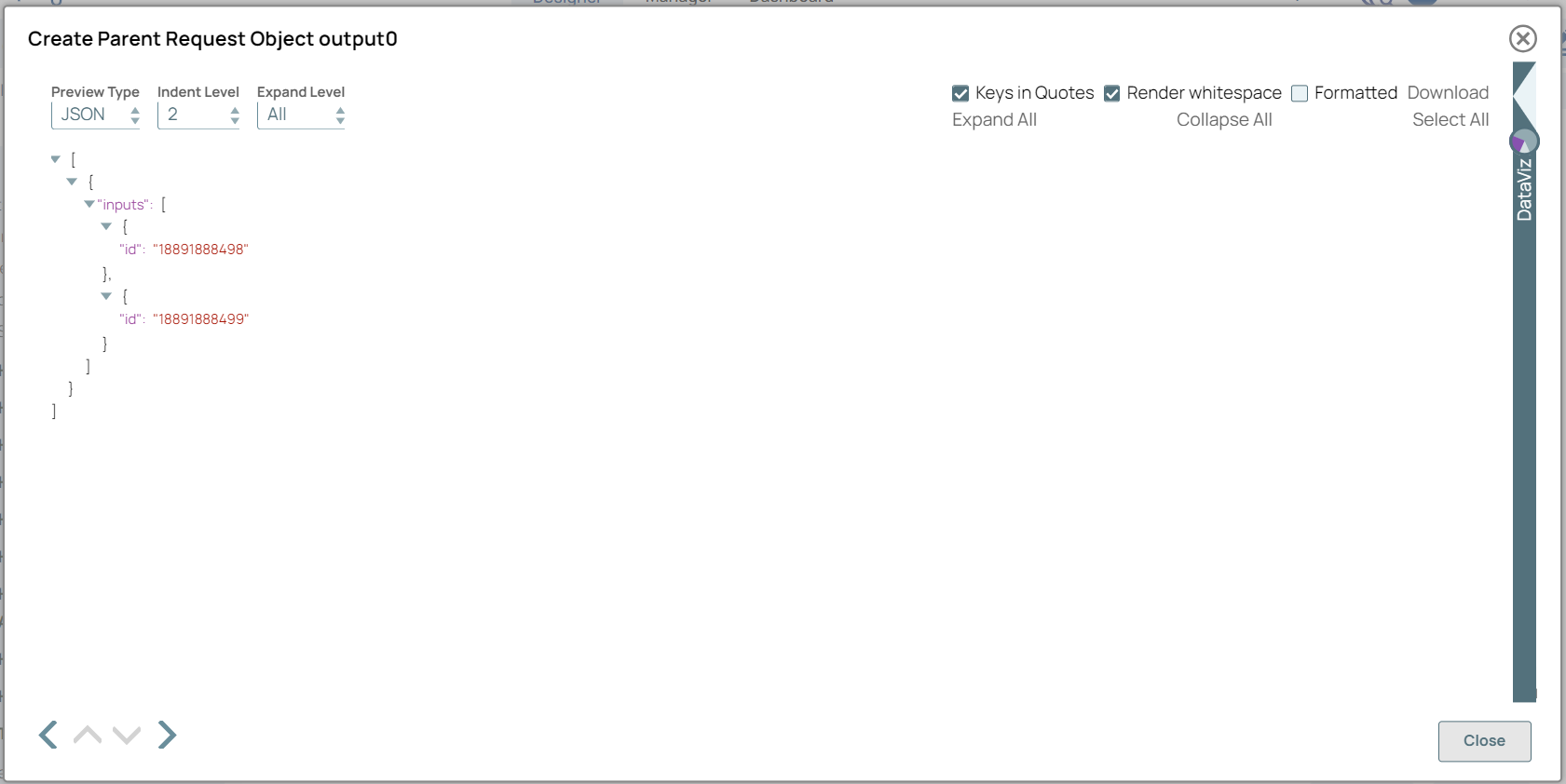
On validation, you can view the JSON output in the output preview:
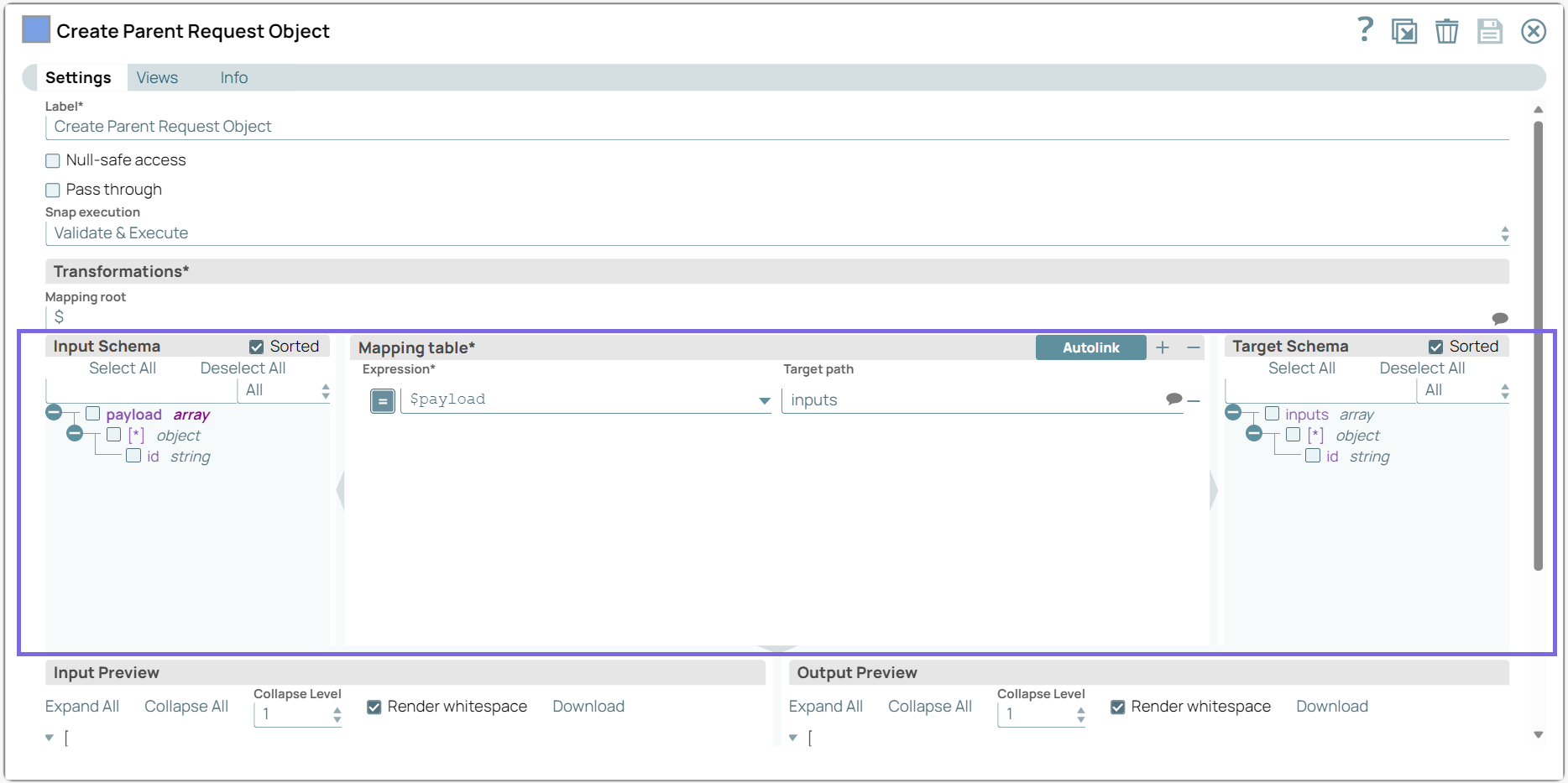
- Configure the Mapper Snap to map the output details from the JSON Generator Snap to the corresponding fields in HubSpot.
-
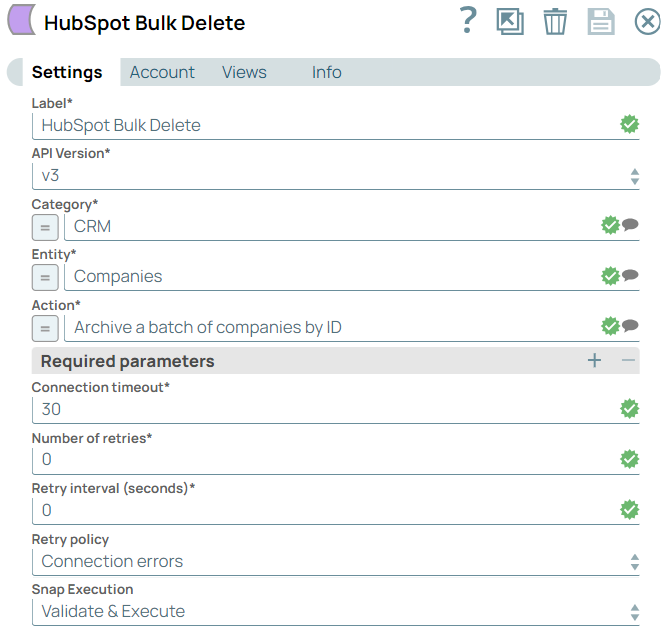
Configure the HubSpot Bulk Delete Snap with the Companies Entity and Archive a Batch of Companies by ID Action.
-
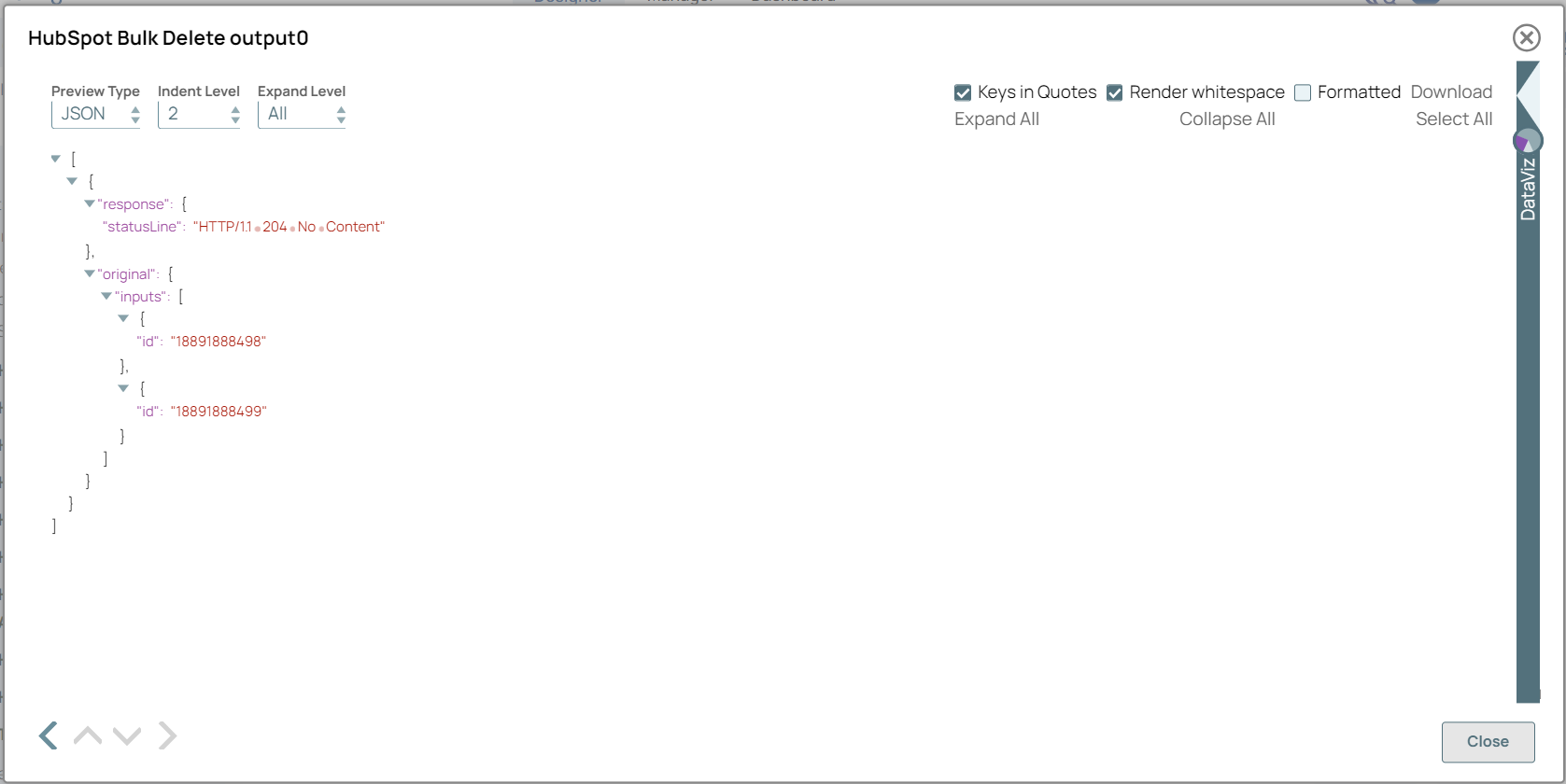
Validate the pipeline. On validation, the Snap deletes the batch of companies and displays the results in the output preview.
To successfully reuse pipelines:
- Download and import the pipeline into SnapLogic.
- Configure Snap accounts as applicable.
- Provide pipeline parameters as applicable.