


API Management 3.0 settings
The API Management page includes settings for the APIM 3.0 Developer Portal. From the Portal, consumers can browse and consume Services. For more information, refer to Manage the Developer Portal.
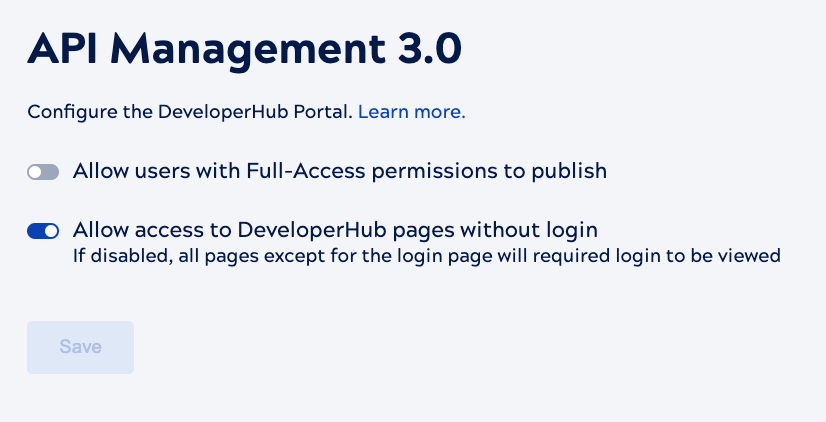
- Allow users with full access permissions to set APIM Services to published: When enabled, all SnapLogic users can publish any Services for which they have Full-Access permission, which includes read, write, and execute. When disabled, only Environment admins can publish.
- APIM Developer Portal:
- Custom URL: Enter a custom name for the last part of the Developer Portal URL. The custom value replaces the environment name and must be unique. For example, dev and prod environments must have different URLs.
- Allow access to DeveloperHub pages without login: When enabled, all users can access the APIM 3.0 Developer Portal without logging in.
- Logo: Upload an image for the Developer Portal page headers. The maximum width is 250px and the background should be transparent.
Important: The Build site button rebuilds the site, regardless of whether you have changed the configuration or not. During a rebuild the status displays on the button and the old site continues to be available to users. After a rebuild, all published Services without a Private status display in the Developer Portal, including those newly published and those published before the rebuild.