


Create a form in Marketo Asset database
We can interact and perform action on the records and data in the Asset database. In this example, we create a form in the existing parent folder using Asset Write Snap. We use the Asset Write Snap to accomplish this task.
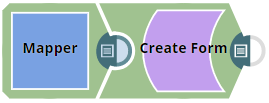
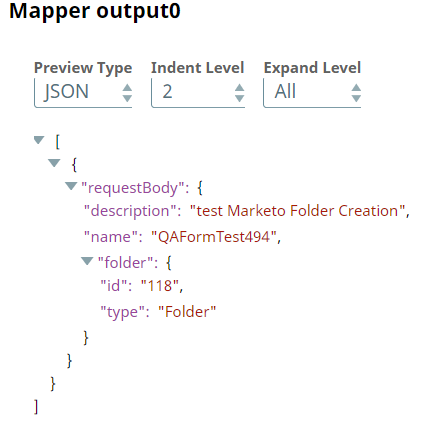
First, we provide the required input through Mapper as per the command selected in the Asset Write Snap.
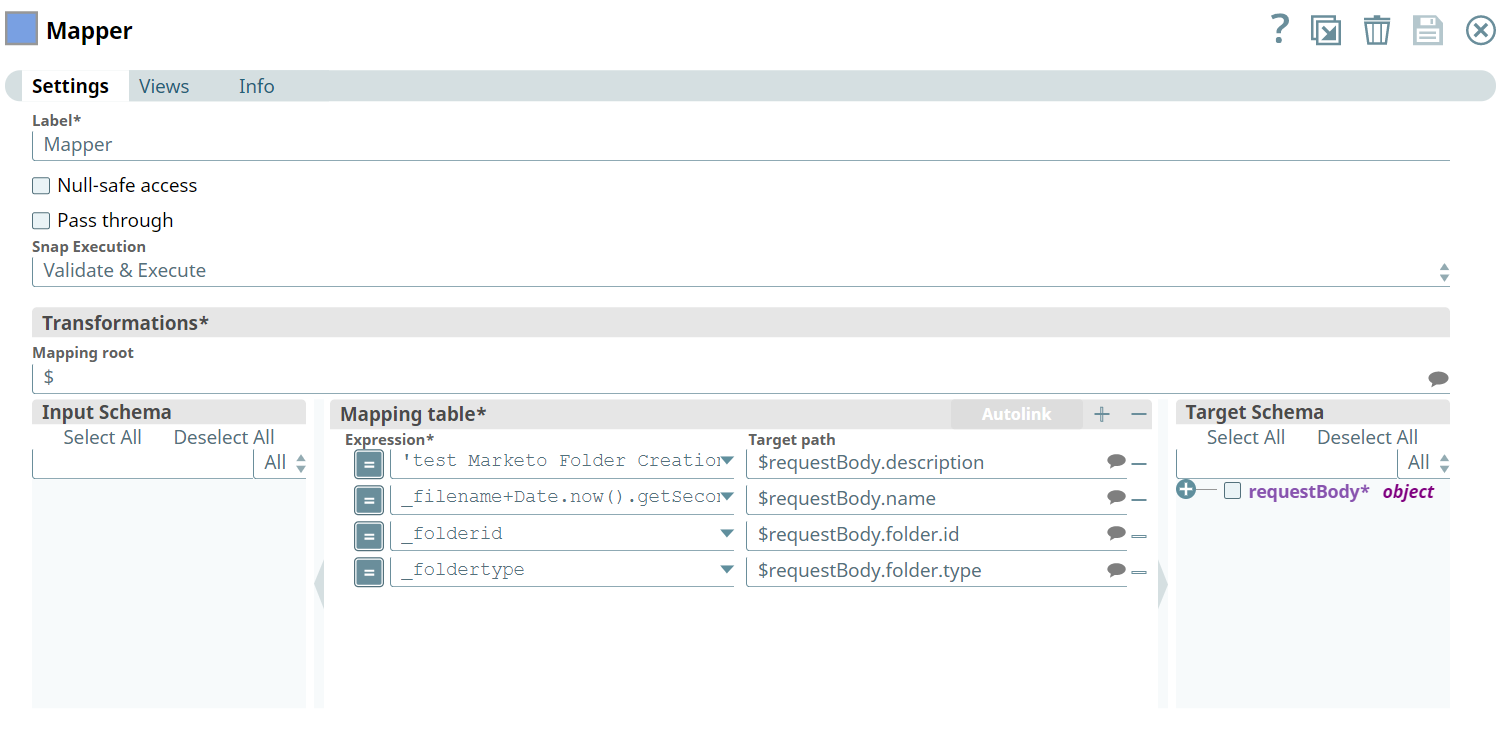
Upon execution, we see confirmation of the mapping.
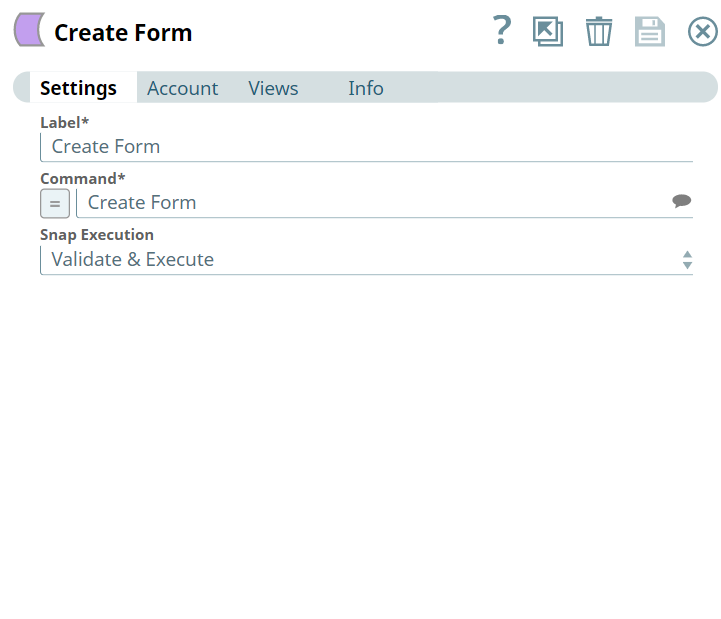
Next, we configure the Asset Write Snap with required inputs under Snap settings.
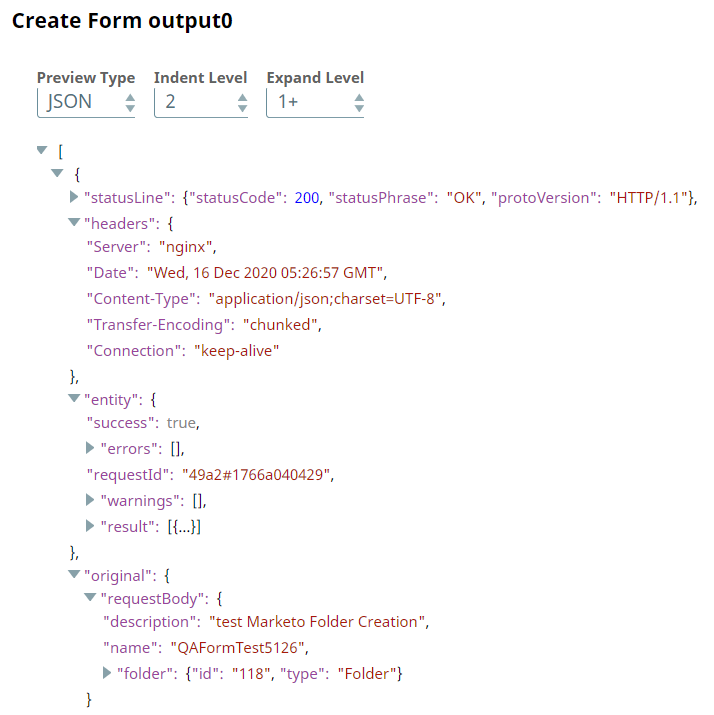
Upon validation, we see the following output in the Snap's preview.
- Download and import the pipeline into SnapLogic.
- Configure Snap accounts as applicable.
- Provide pipeline parameters as applicable.