


Add data in an endpoint using PUT method
The following Pipeline demonstrates how to add a file in the specified endpoint using the PUT method.

-
Configure the JSON
Generator Snap with the
record details that you want to include in the endpoint.

-
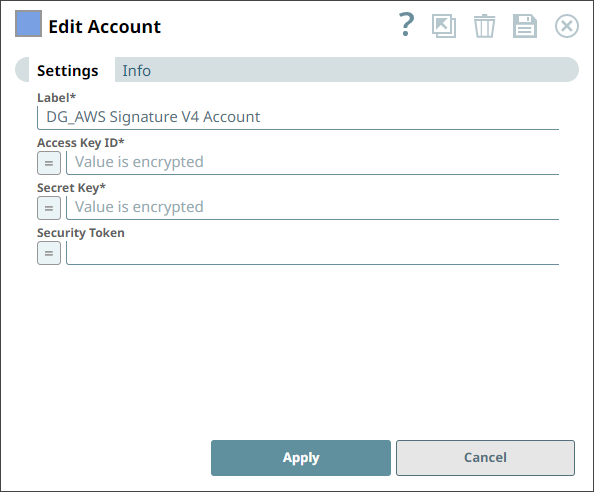
Configure the account details for AWS Signature V4 Account.
-
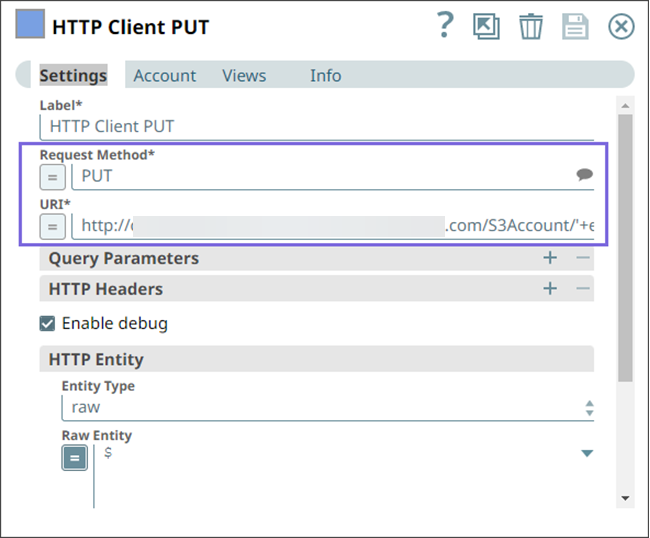
Configure the HTTP Client Snap with the PUT Request Method and specify
the URI where you want to insert the file.
-
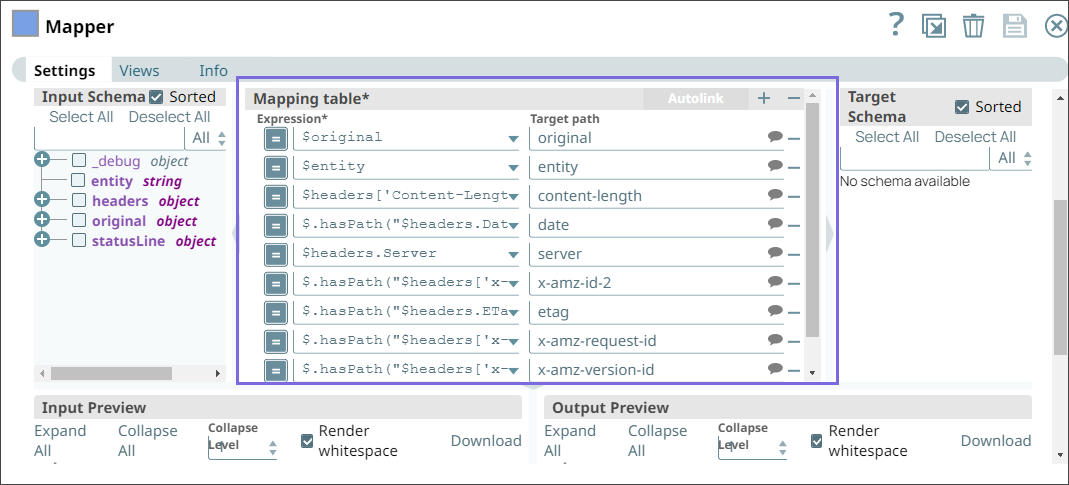
Configure the Mapper Snap with all the
fields that you want to update in the output.
- Download and import the pipeline into SnapLogic.
- Configure Snap accounts as applicable.
- Provide pipeline parameters as applicable.