Use Case: Move Data Using Snowflake Snap Pack
Overview
This use case demonstrates a practical application of the Snowflake Snap Pack to automate and optimize the movement of data from a PostgreSQL database to a Snowflake environment.
Problem
- Correct mapping of datatypes between PostgreSQL and Snowflake.
- Schema adjustments or transformations during transfer.
- Monitoring and performance optimization.
- Setting up scheduling mechanisms for recurring data movement.
Solution
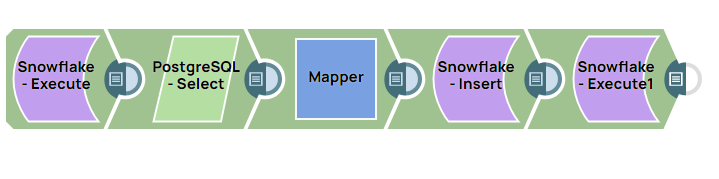
This pipeline addresses the above challenges by automating the process. It truncates the existing Snowflake table, extracts data from a PostgreSQL source, maps the data into variables, and inserts it into a Snowflake table, followed by data validation.
Understanding the Solution
The pipeline first truncates any pre-existing table in the Snowflake environment to prevent the creation of multiple tables. It then selects the required table from the PostgreSQL database and stores the values of the required columns in variables in the Mapper Snap. The data is inserted into the table in the Snowflake environment, and finally the transferred data is retrieved from the Snowflake table to validate the accuracy of the transfer.
- Automation: Replace manual transfers with an automated pipeline to reduce errors and save time.
- Data Integrity: Validate data transfer by retrieving and displaying Snowflake table content post-insertion.
- Performance: Improve performance by staging, truncating, and cleanly inserting data in batch.
- Reusability: Use pipeline variables to easily configure and reuse the solution for different tables.
-
Use the Snowflake - Execute Snap to execute a
TRUNCATE TABLESQL query in Snowflake. This ensures the target table is cleared before data insertion.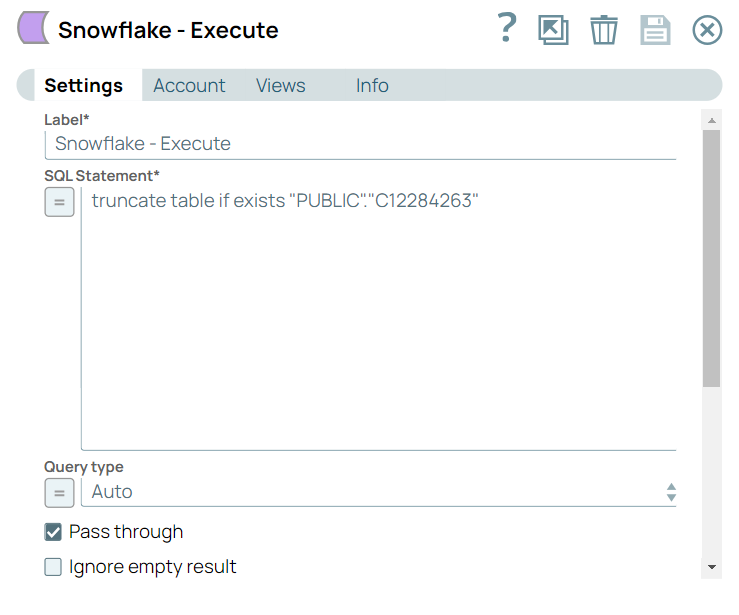
-
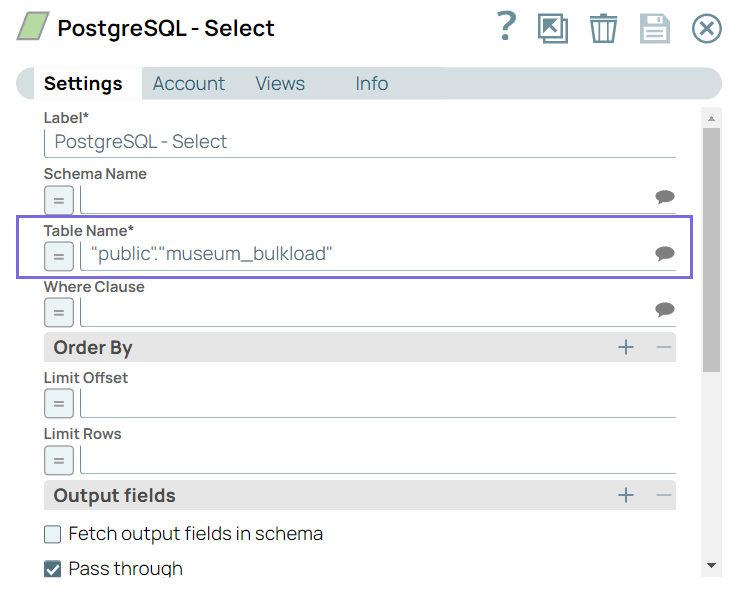
Configure the PostgreSQL Select Snap to
extract the required table data from the PostgreSQL database that you want to
transfer to Snowflake.
-
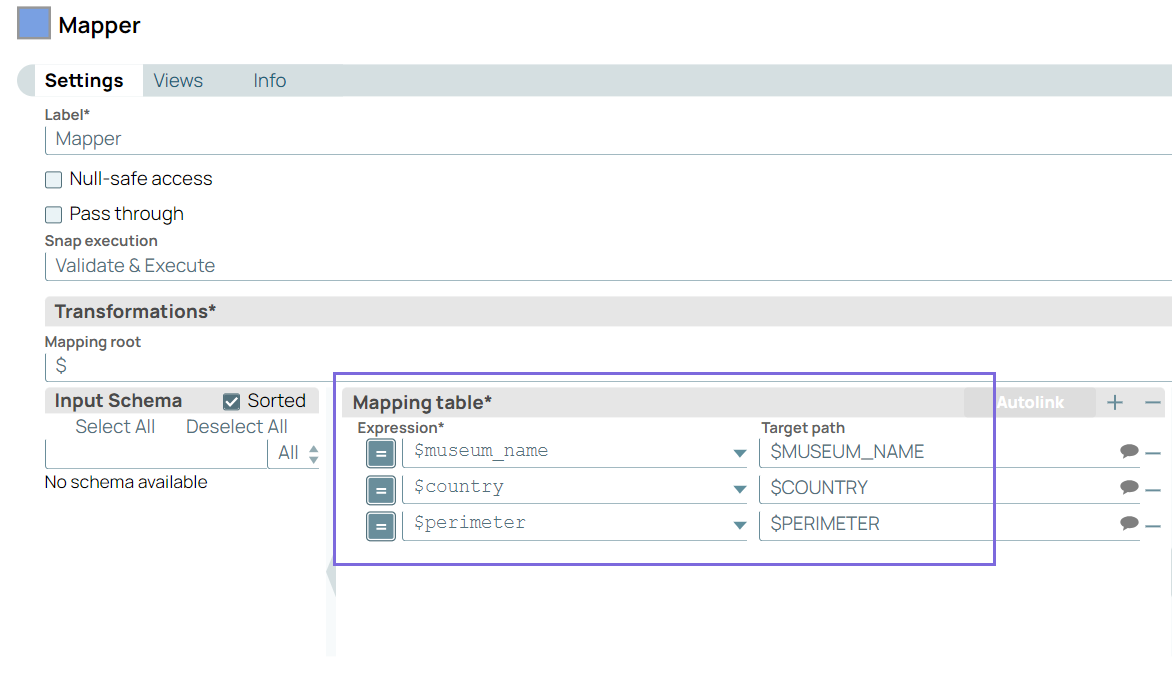
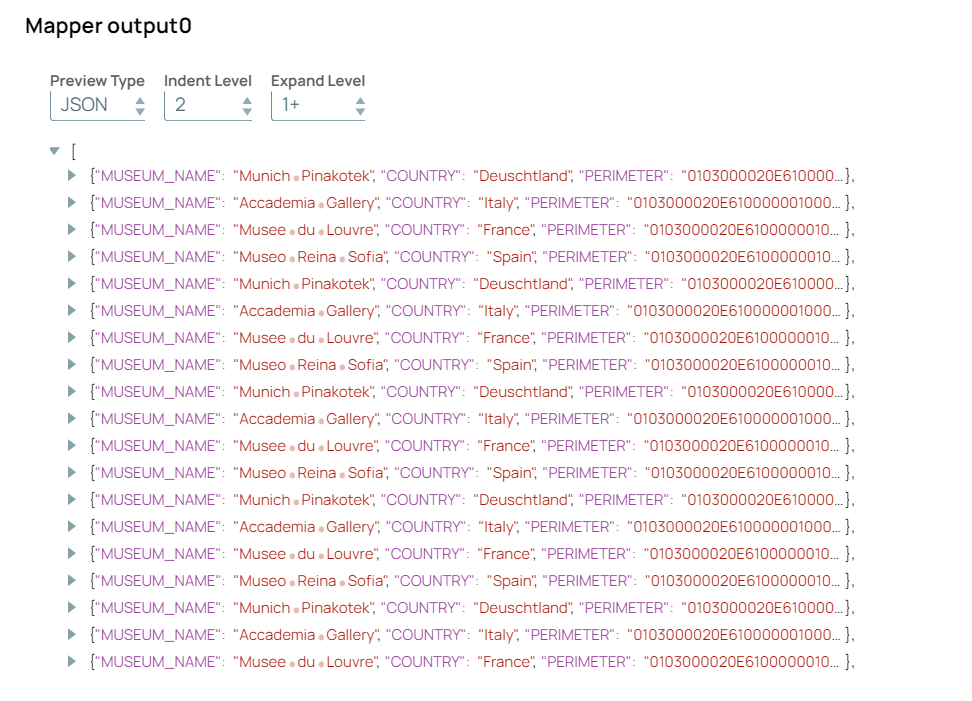
Configure the Mapper Snap to store
the values of required columns of the table in specific variables as
follows:
-
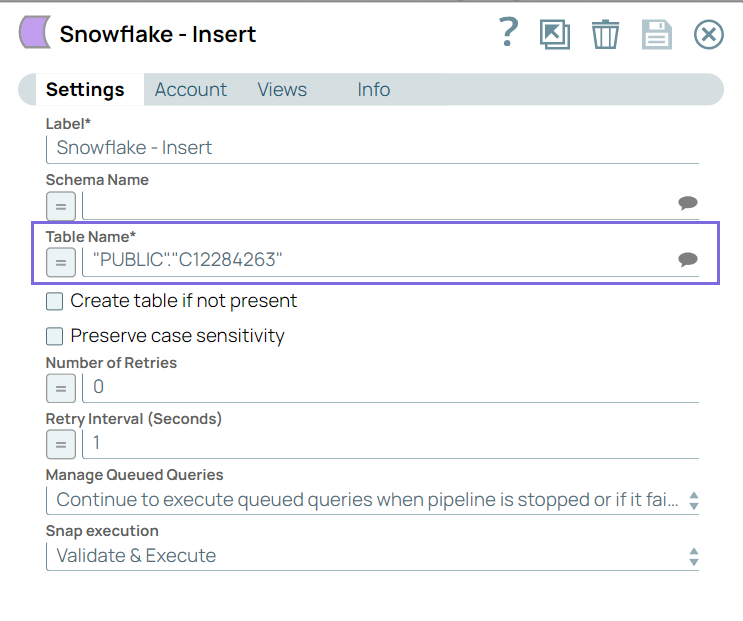
Configure the Snowflake - Insert Snap to insert
the extracted data from PostgreSQL into the Snowflake database in the C12284263
table.
-
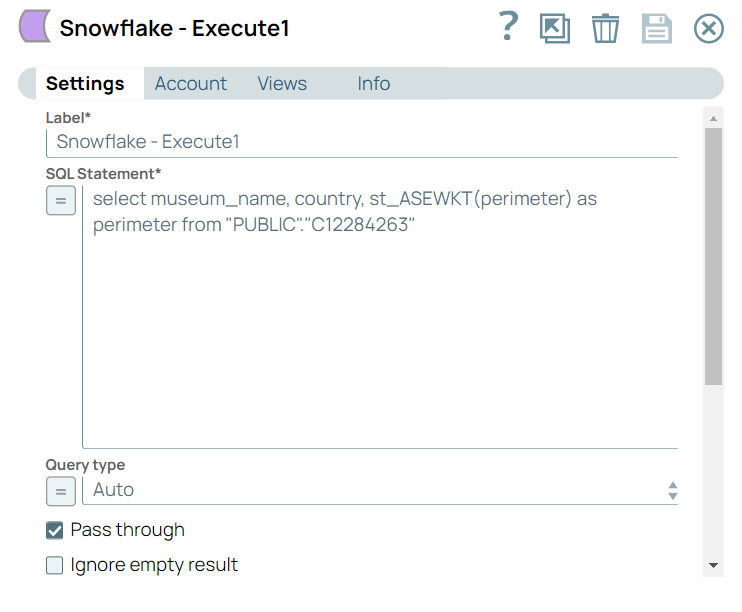
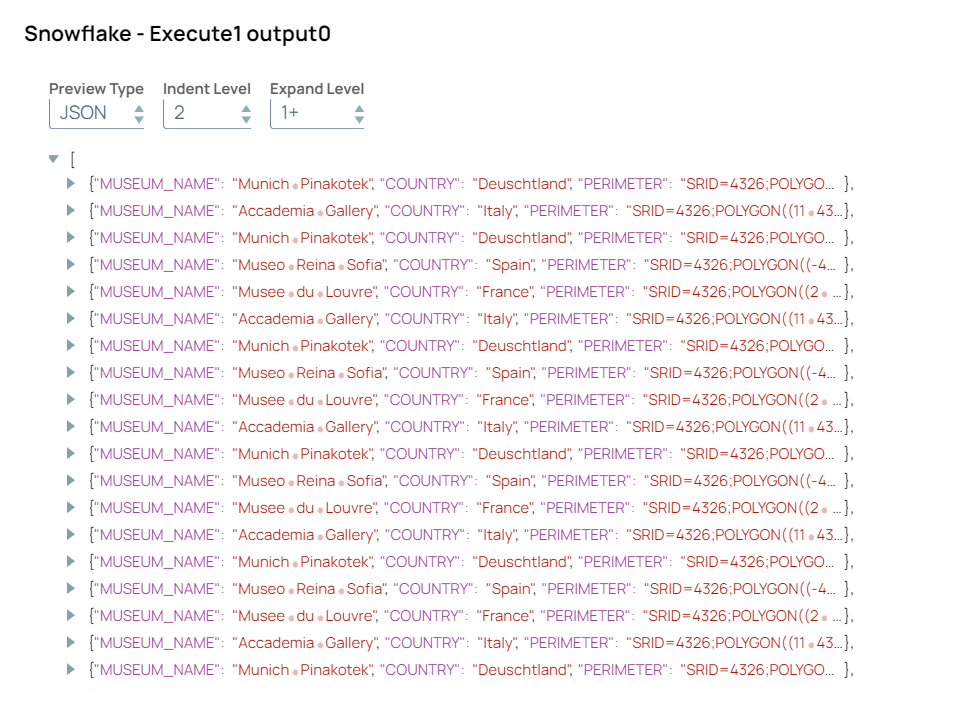
Configure the Snowflake - Execute Snap to
verify that the data is successfully loaded. On validation, the Snowflake
Execute Snap displays the required data in the output preview.