


Skip lines from input data
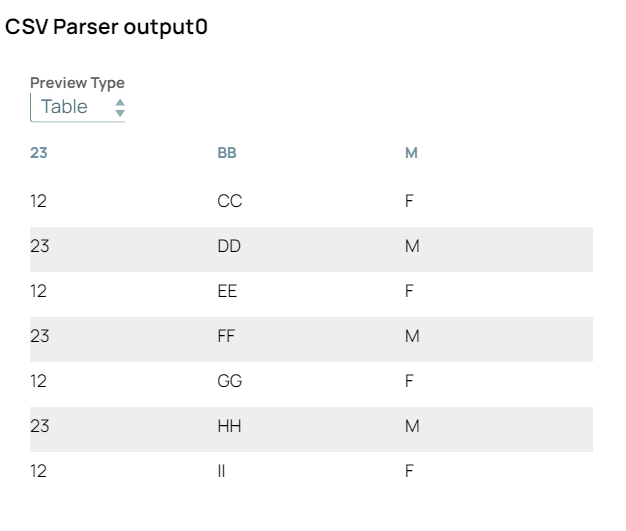
The following example pipeline demonstrates how to skip lines from the input data (CSV) and parse the remaining data.
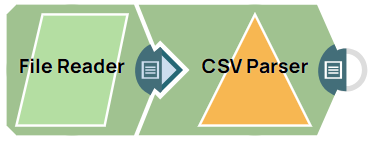
Download this pipeline
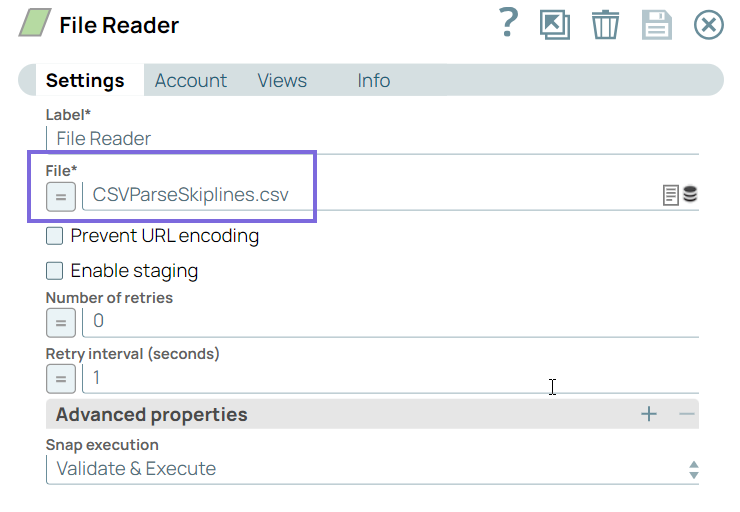
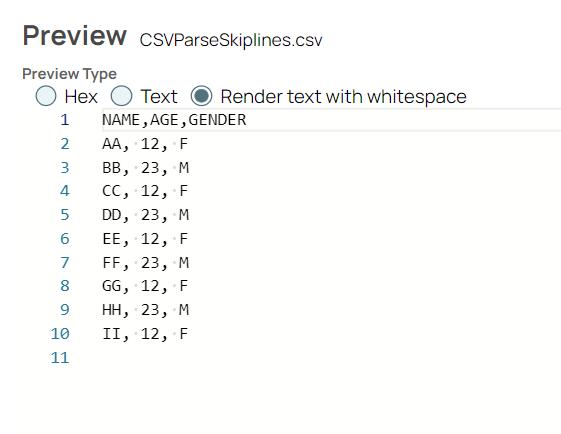
Configure the
File Reader
Snap to pass CSV file as input.
 |
 |
Configure the
CSV Parser
Snap to
skip two lines (value from the upstream Snap via expression enabler) while parsing the CSV
data.
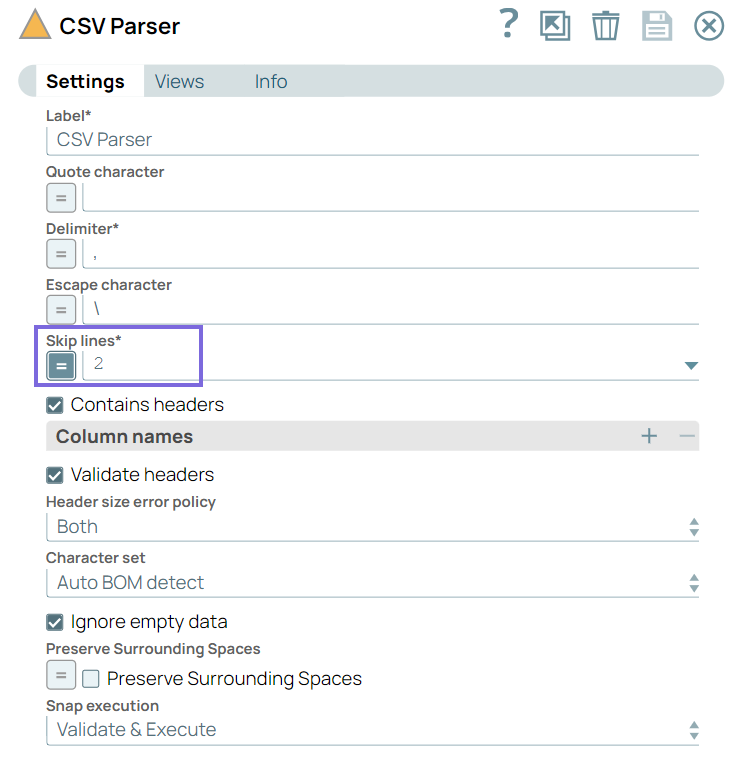
On validation, the
CSV Parser
Snap skips two lines from the input and
parses the remaining data.
 |
 |
Note:
To reuse the example pipelines:
- Download and import the SLP file into your Environment.
- Configure Snap accounts.
- Provide Pipeline parameters, if any.