Insert input data into a table
The following example pipeline demonstrates how to insert a row of data into TEST_EMPLOYEE table.

-
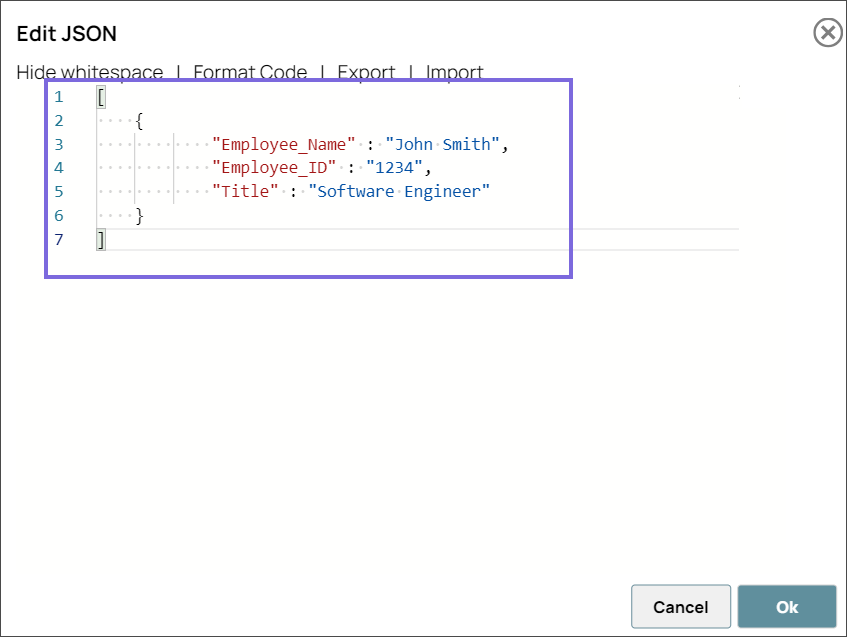
Configure the JSON Generator Snap with the data you want to insert into the target table.
-
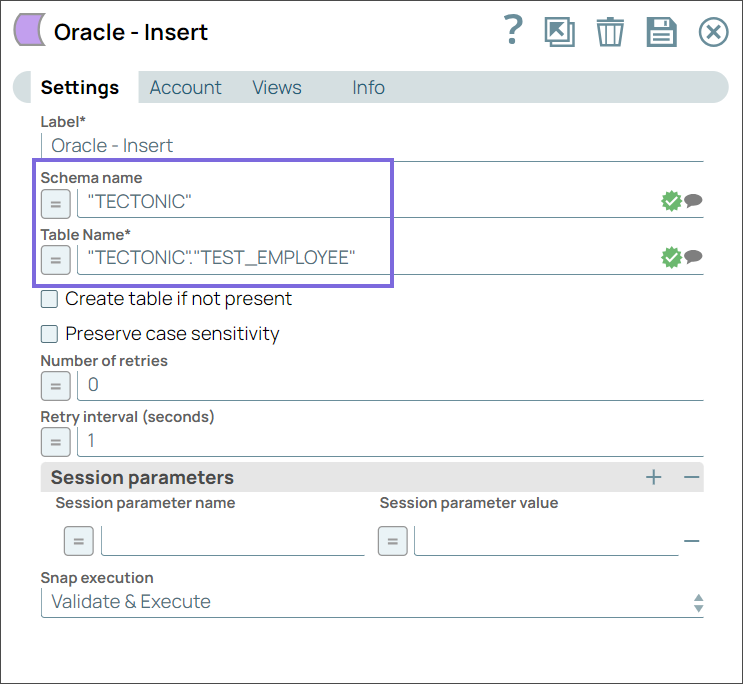
Configure the Oracle - Insert Snap as shown below to insert this data into the TEST_EMPLOYEE table.
-
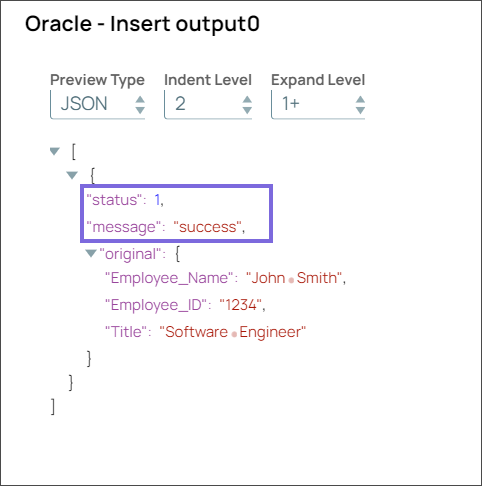
On validation, Snap inserts the employee details into the target TEST_EMPLOYEE table and displays the “success” message in the output.