


Extracting data for selective fields for Program Members
This Pipeline demonstrates how to extract data for selected fields for the Program Members entity.
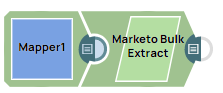
-
Configure the Mapper Snap with the fields to extract for Program Members, and specify the start and end dates during which the records for Program Members are updated.
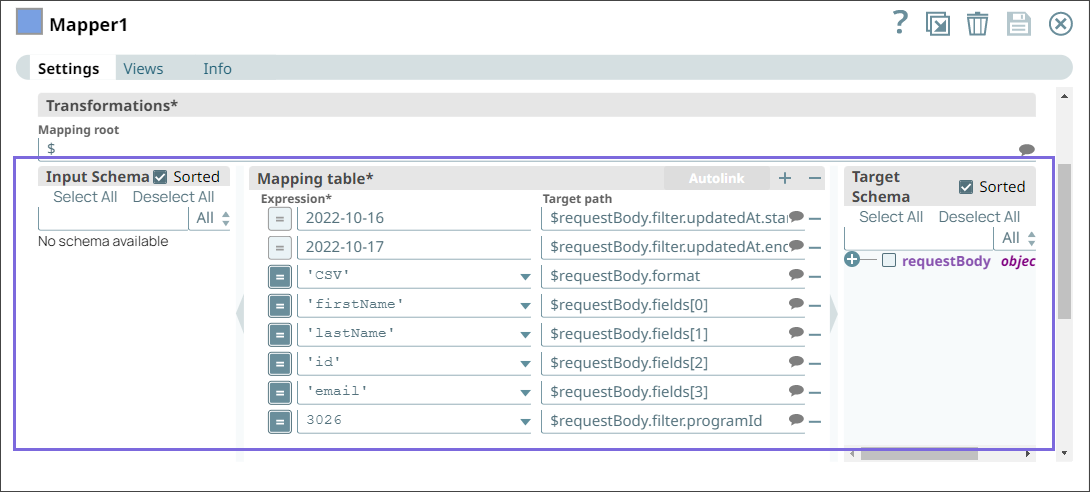
-
Configure the Marketo Bulk Extract Snap with Program Members as the Marketo Entity to extract data for the specified fields.
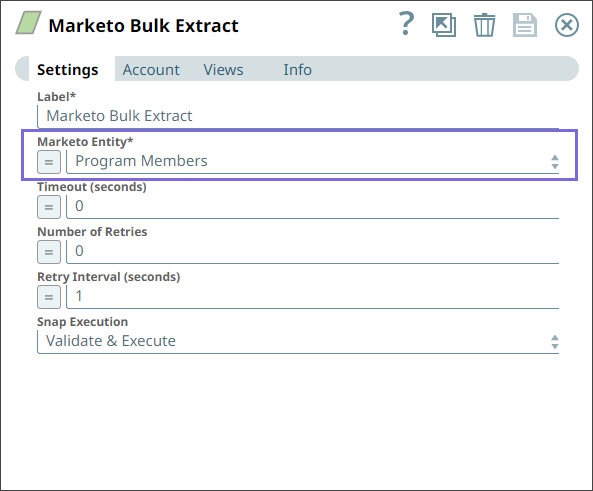
-
Run the pipeline.
Upon validation, the Snap extracts data for the fields mapped. If a requested program member field is empty, a null value appears in the corresponding field in the output.
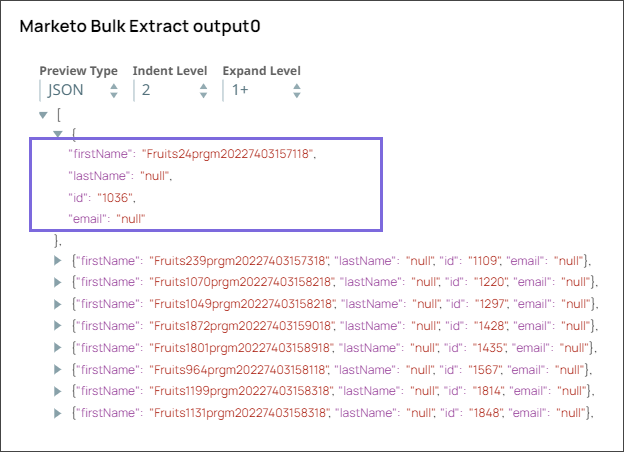
- Download and import the pipeline into SnapLogic.
- Configure Snap accounts as applicable.
- Provide pipeline parameters as applicable.