


Write a lead to the Marketo Lead database
The following example Pipeline demonstrates how we can sync a lead to the Lead database using the Lead Write Snap.

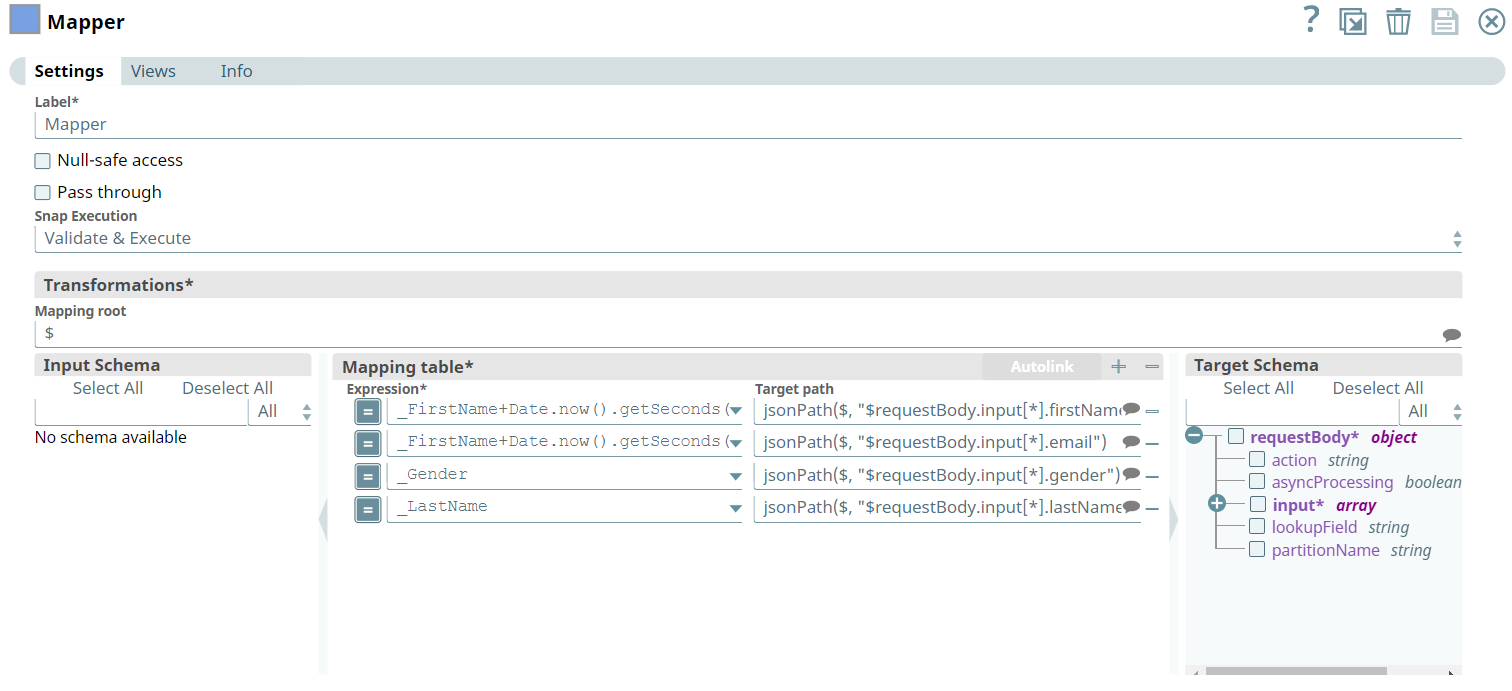
Initially, we pass the following required lead values and account name in the Pipeline as key-value parameters.
| Key | Value |
|---|---|
| MarketoAccountName | DG_Marketo_Account |
| FirstName | John |
| Gender | Male |
| LastName | Doe |
We begin with mapping the lead information using the Mapper Snap.
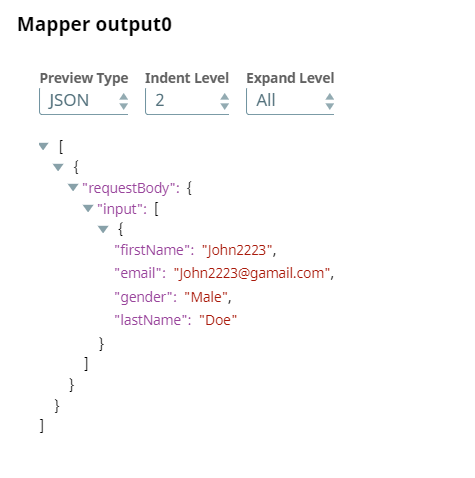
Upon validation, we see the lead information in the output preview of the Snap.
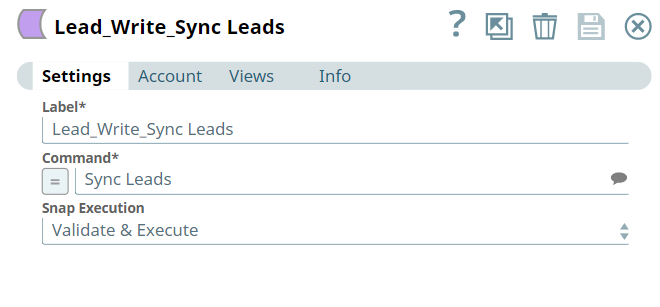
Next we configure the Lead Write Snap, to insert the lead information into the folder which is in the Lead database.
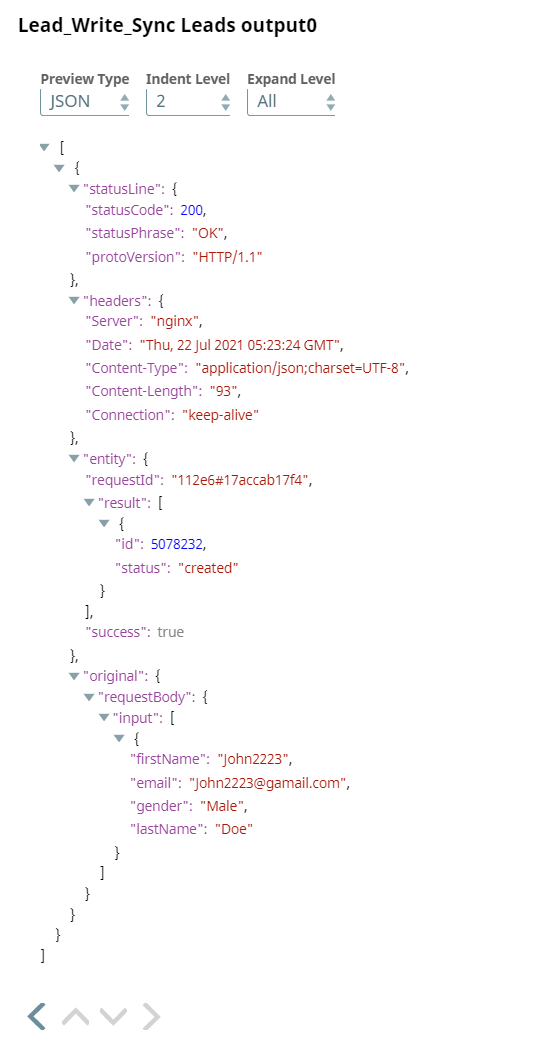
Upon validation, we see a confirmation on the lead created in the Lead database.
- Download and import the pipeline into SnapLogic.
- Configure Snap accounts as applicable.
- Provide pipeline parameters as applicable.