


Bulk load records from PostgreSQL to BigQuery
This example pipeline demonstrates how to bulk load records from a PostgreSQL database into a Google BigQuery table using streaming.
Download this pipeline.
-
Configure the PostgreSQL Select Snap to extract records from the source table.
In this example, the Snap reads records from the snapteam1.postgretimetypes table.
On validation, the Snap displays the input records to be passed to the BigQuery Bulk Load (Streaming) Snap.
-
Configure the BigQuery Bulk Load Streaming Snap to load records into the target BigQuery table.
Specify the Project ID, Dataset ID, and Table ID for the destination table. Configure batch settings to control how records are processed.
On validation, the Snap streams the records from the upstream PostgreSQL Select Snap into the Atable1 table in the babynames dataset within the case16370 project.
BigQuery Bulk Load Streaming Snap configuration BigQuery Bulk Load Streaming Snap output 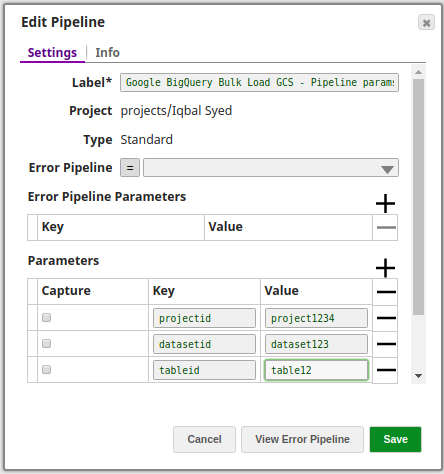
- Download and import the pipeline into SnapLogic.
- Configure Snap accounts as applicable.
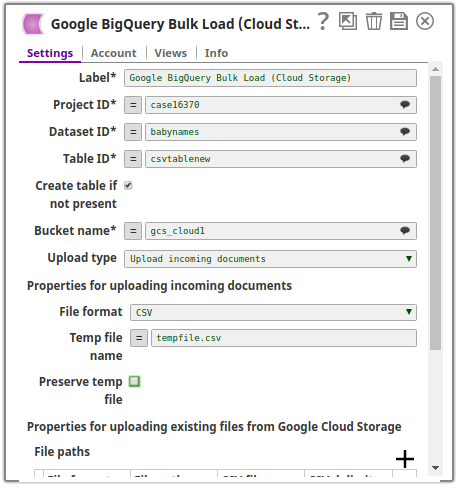
- Provide pipeline parameters as applicable.