


Handle Database Insertion Failures with Open Error View
This example demonstrates a Mapper Snap configuration designed to intentionally cause a small number of records to fail during database insertion. For every failed insertion, an error document is generated. Specifically, out of 1000 records, 7 are expected to fail, resulting in 7 error documents, and the remaining 993 records are successfully inserted. The count of successful insertions is also recorded in the output document. This pipeline demonstrates how to efficiently manage and log insertion errors. Configure the Mapper Snap with settings so that a small number of records fail during database insertion, and route the error documents to the error view.
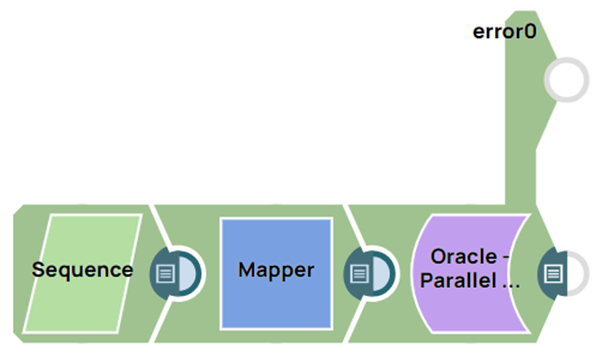
Download this Pipeline
-
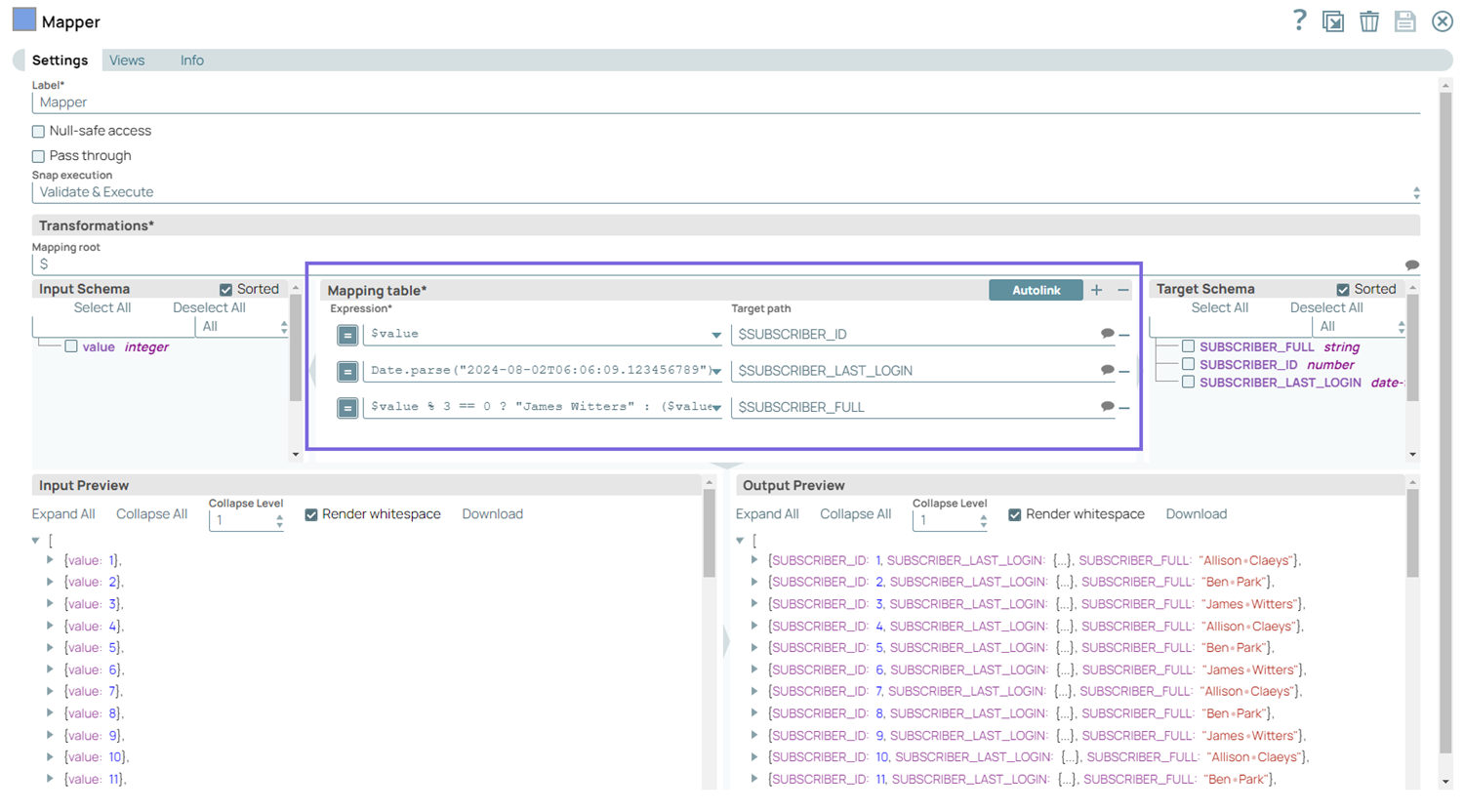
Configure the Mapper Snap to intentionally generate 7 records that will fail during database insertion out of 1000 total records.
-
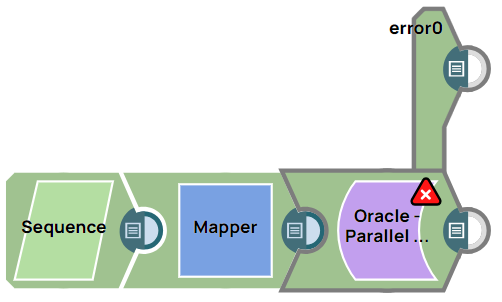
Configure the Oracle - Parallel Load Snap with error view enabled to capture failed insertions.
- Download and import the SLP file into your Environment.
- Configure Snap accounts.
- Provide Pipeline parameters, if any.