


List Events
Overview
The List Events Snap generates a list of calendar events in a given time range.
- This is a Read-type Snap.
 Works in Ultra Tasks when the Batch size is set to 1.
Supported Accounts
Prerequisites
- Valid Exchange Online tenant.
- Valid OAuth2 application in Azure Active Directory with all the required API permissions.
Snap views
| Type | Description | Examples of upstream and downstream Snaps |
|---|---|---|
| Input |
This Snap has at most one document input view. A document containing the calendar name and time interval. |
|
| Output |
This Snap has exactly one document output view. A document containing the list of events in your calendar within the specified time frame. |
|
| Learn more about Error handling. | ||
Snap settings
| Field/Field set | Description |
|---|---|
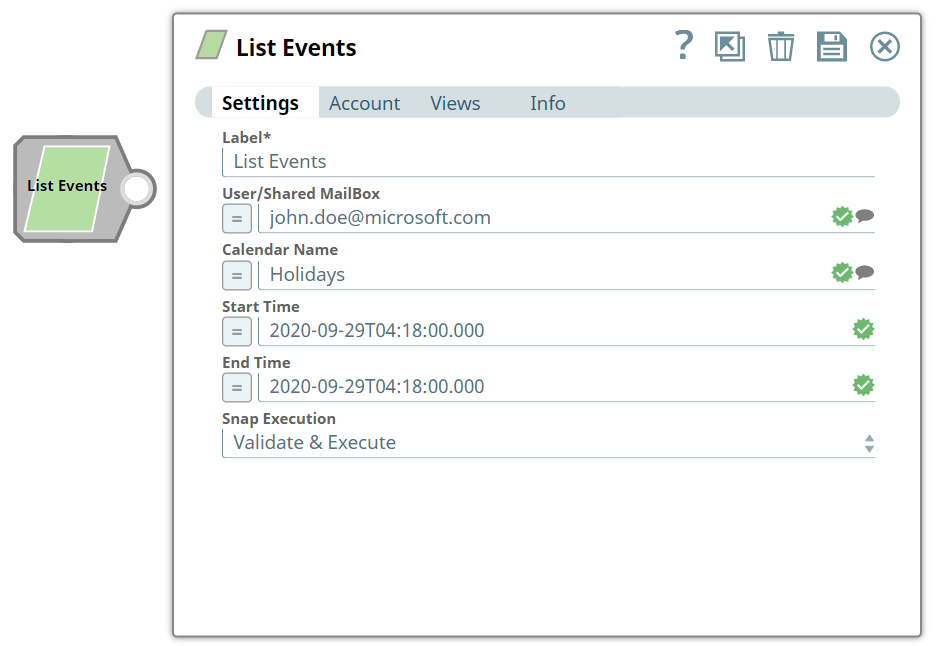
Label*
String |
Specify a unique name for the Snap. Modify this to be more appropriate, especially if more than one of the same Snaps is in the pipeline. Default value: List Events |
User/Shared MailBox
String/Expression |
Specify the mailbox from which you want to retrieve calendar events. If not provided, then the mailbox specified in the account settings is used. Default value: N/A Example: [email protected] |
Calendar Name
String/Expression |
Specify the name of the calendar. Default value: N/A Example: Office |
Start Time
String/Expression |
Specify the start time to retrieve events from your calendar. If not provided, then the current time will be considered. You can also specify time zone using Default value: N/A Example: 2020-09-30T03:19:00.000 |
End Time
String/Expression |
Specify the end time until when you want to retrieve events from your calendar. If not provided, then 24 hours from Start Time will be considered. You can also specify time zone using Default value: N/A Example: 2020-09-30T03:19:00.000 |
Snap execution
Dropdown list |
Choose one of the three modes in
which the Snap executes. Available options are:
|