


Use Case: Employee Onboarding
Overview
Employee onboarding is a complex process because it touches many enterprise systems from HCM, ERP, Service Management, and Training. Additionally, every industry and company has unique challenges with their workforce that need to be addressed with these workflows. The employee onboarding process has to be fast so that the new-hire gets on to the job quickly.
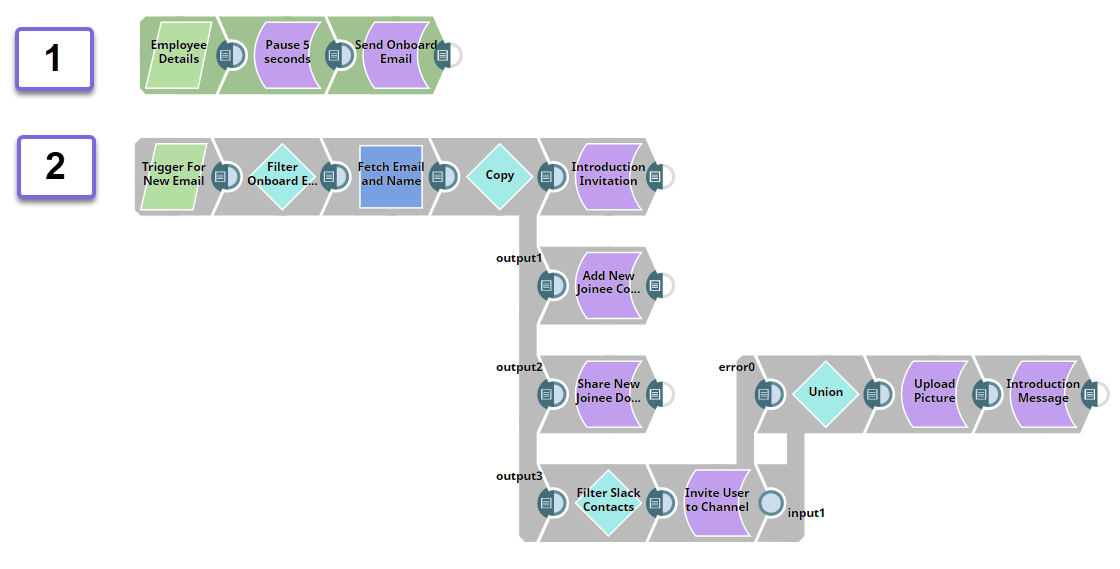
With an integrated SnapLogic Pipeline that includes Snaps from Exchange Online, OneDrive, and Slack Snap Packs, you can design a Pipeline that efficiently automates the employee onboarding process right from sending introductory mail to the relevant team, assigning permissions to new hire to access shared library of documents, and inviting the new hire to private channels in Slack. Using these Snaps we can automate the following tasks in the employee onboarding process:
Understanding the Solution
With an integrated SnapLogic Pipeline that includes Snaps from Exchange Online, OneDrive, and Slack Snap Packs, you can design a Pipeline that efficiently automates the employee onboarding process right from sending introductory mail to the relevant team, assigning permissions to new hire to access shared library of documents, and inviting the new hire to private channels in Slack. Using these Snaps we can automate the following tasks in the employee onboarding process:
-
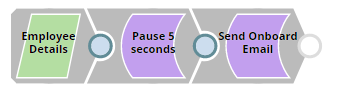
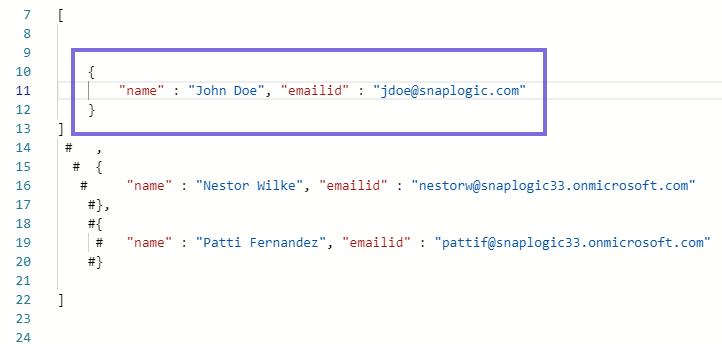
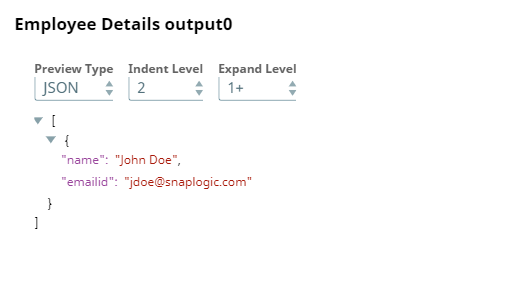
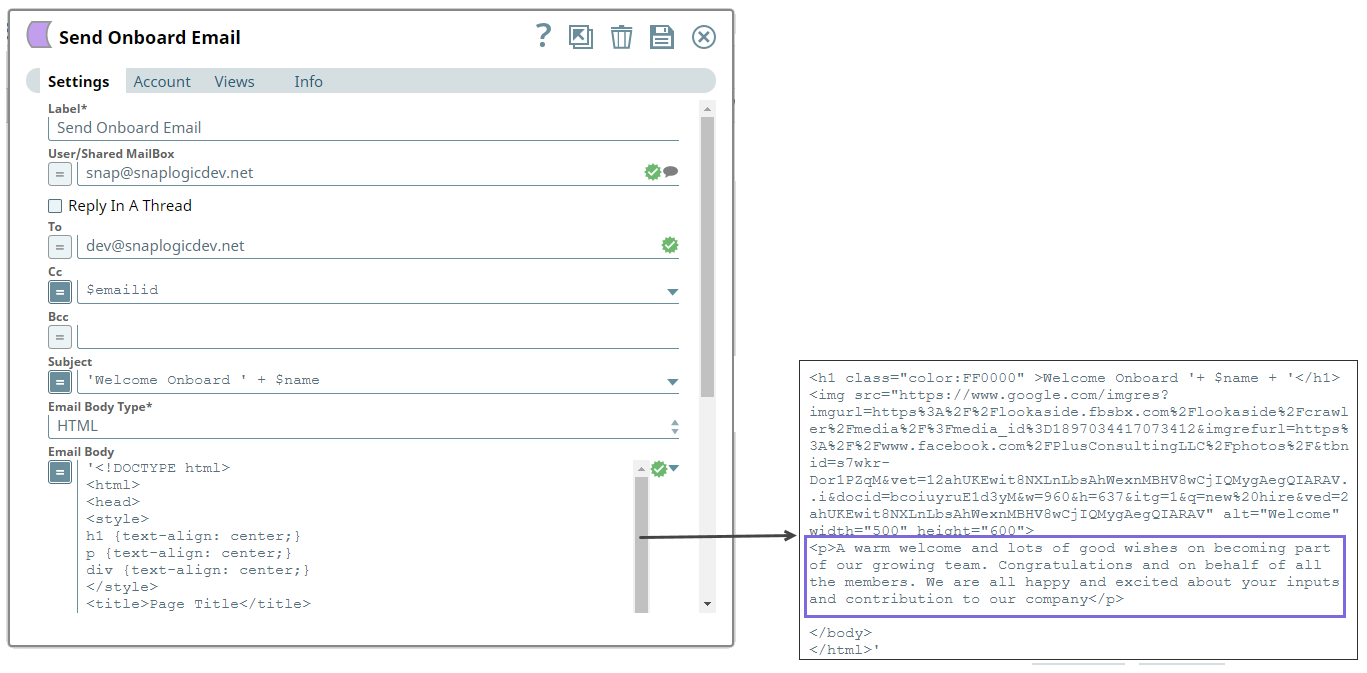
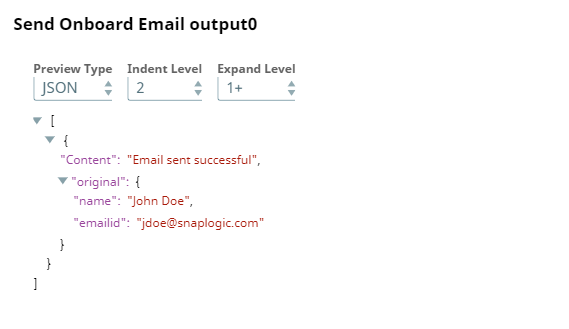
In this Pipeline, we configure the details of the new hires, and send introductory emails to new hires. We use the JSON Generator Snap, the Script Snap, and the Exchange Online - Send Email Snap to accomplish these tasks.
-
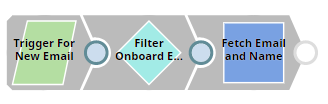
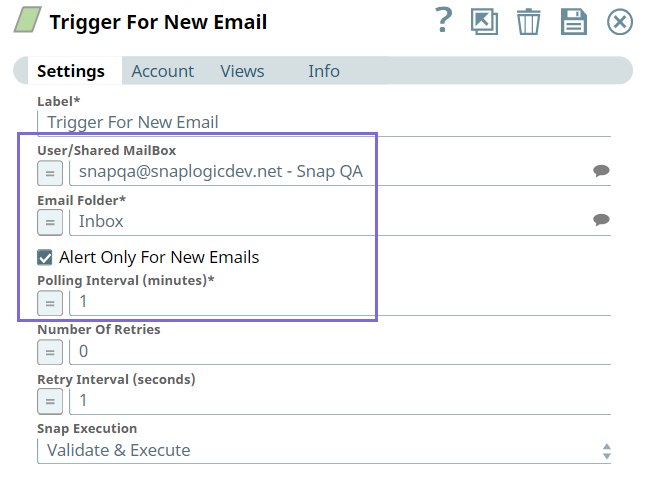
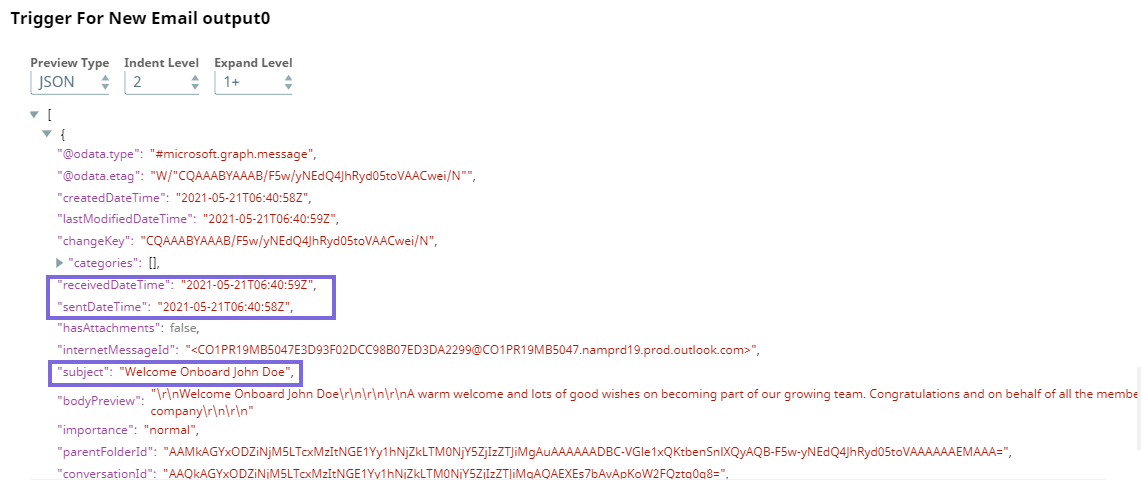
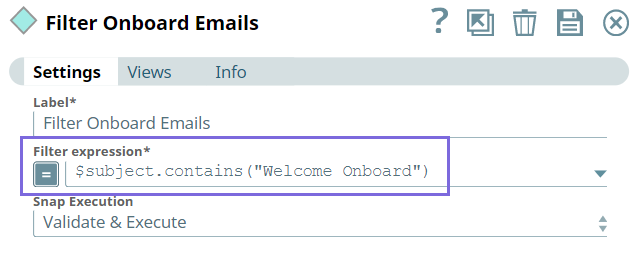
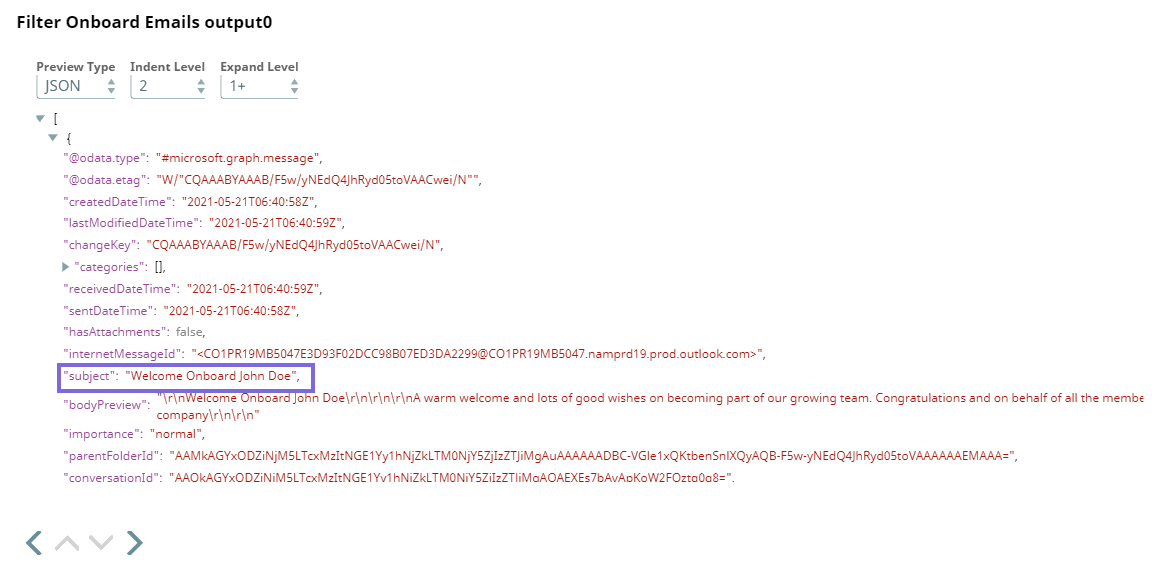
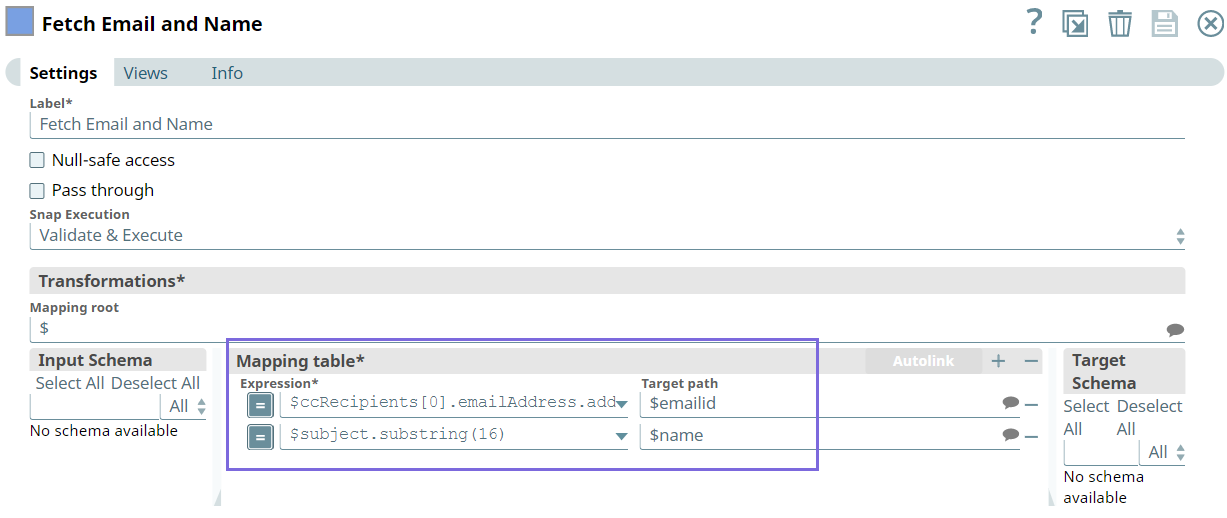
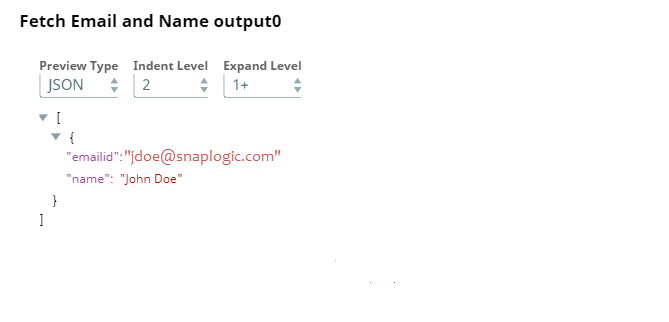
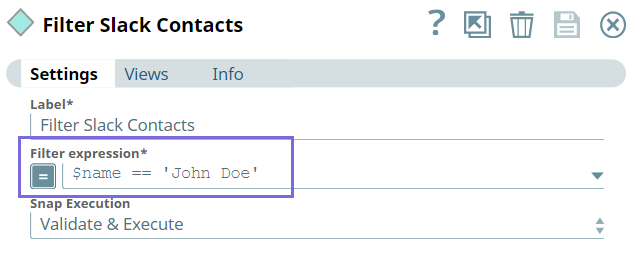
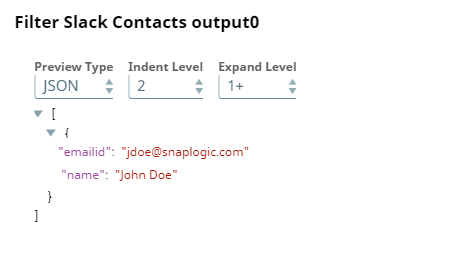
In this part of the Pipeline, we configure the Pipeline to monitor the mailbox for new emails, filter emails that include the welcome onboard message, and extract the email address and name of the new hire to use them in the downstream Snaps.
-
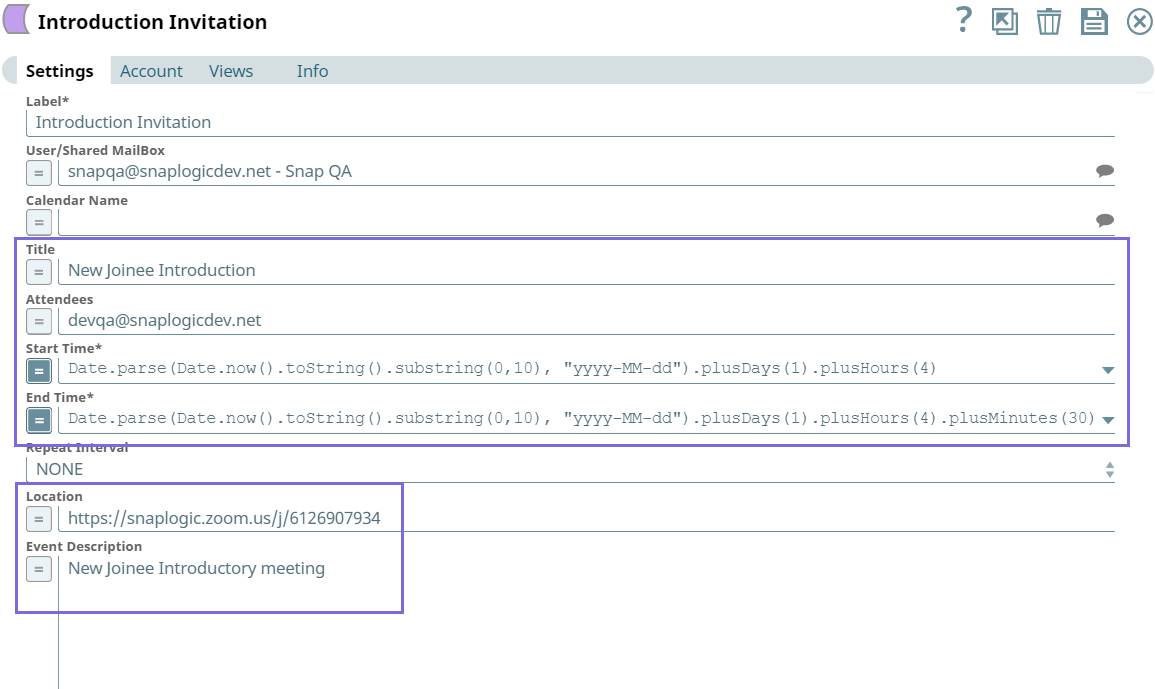
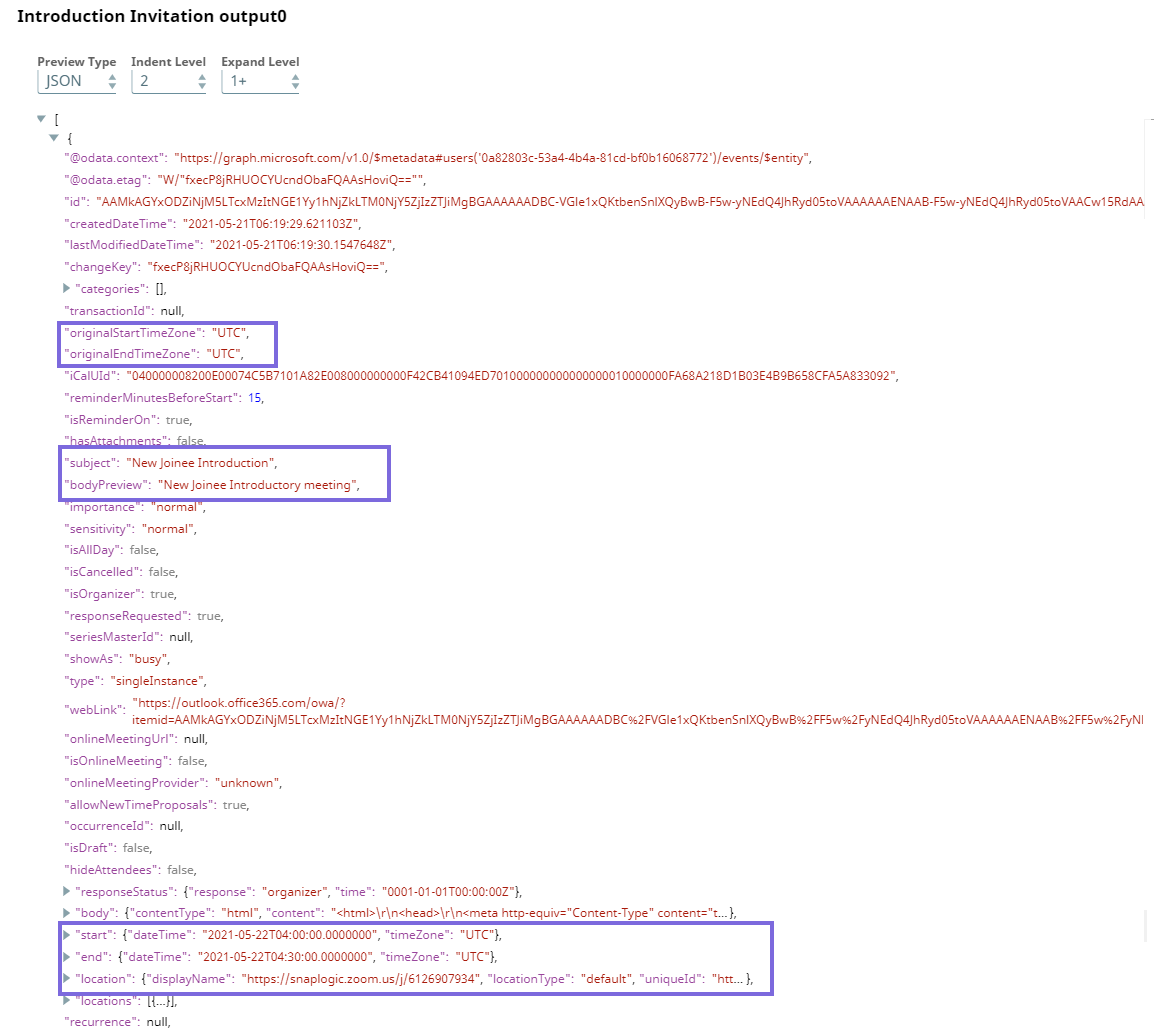
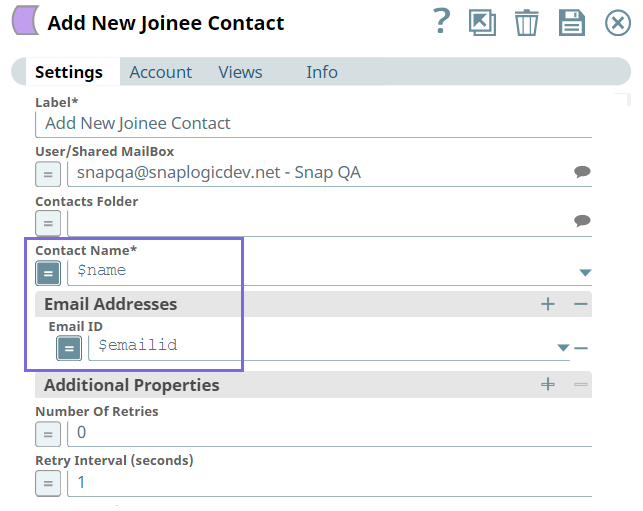
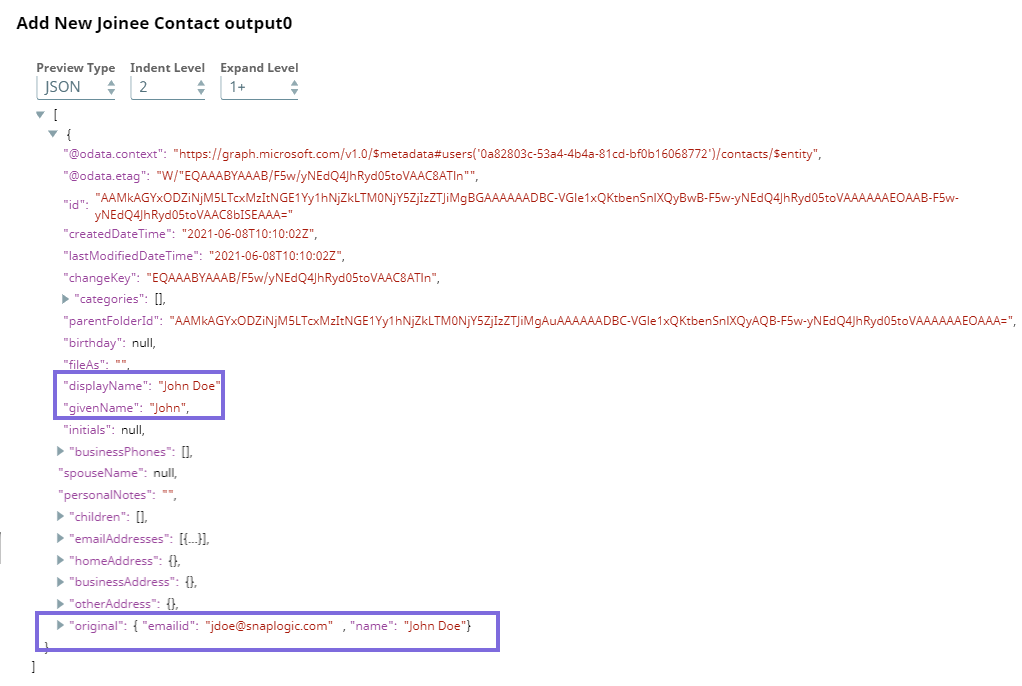
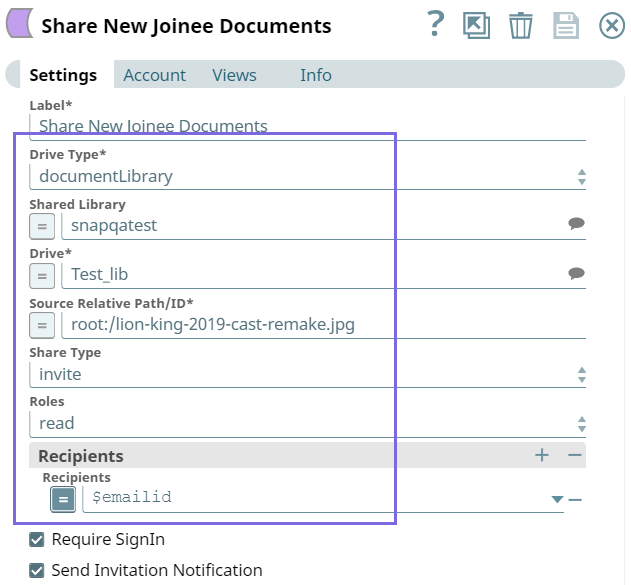
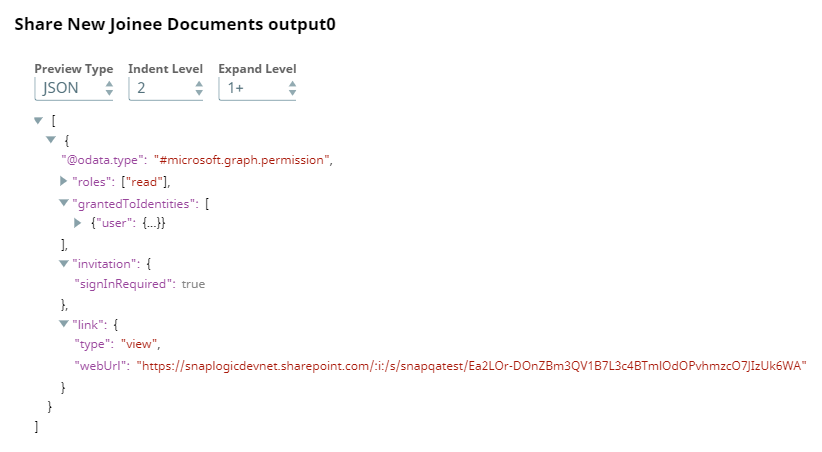
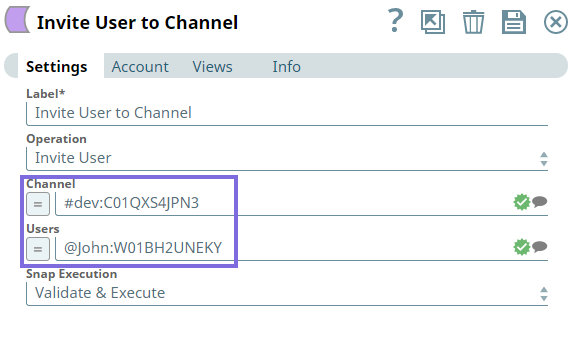
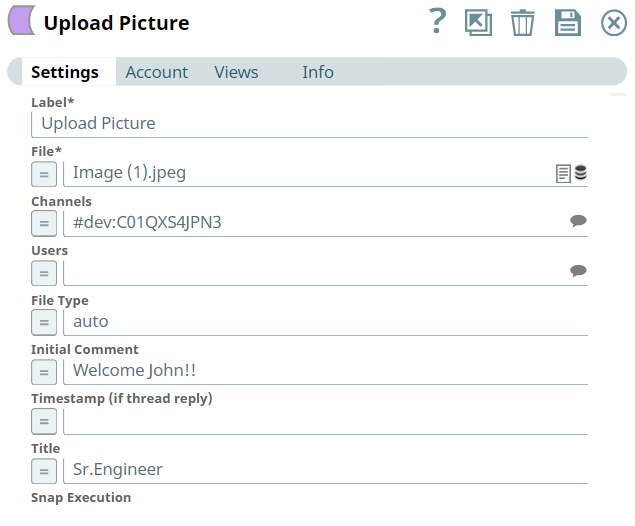
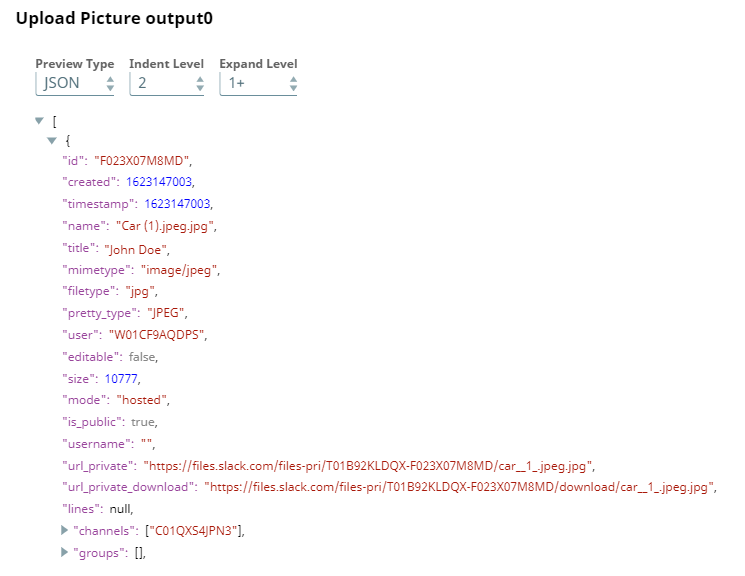
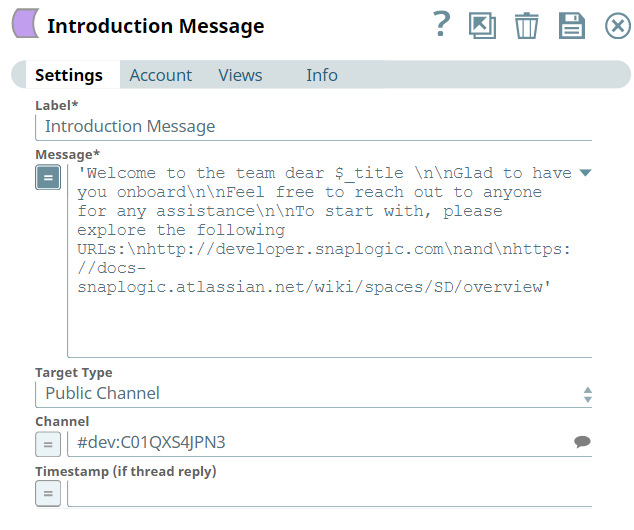
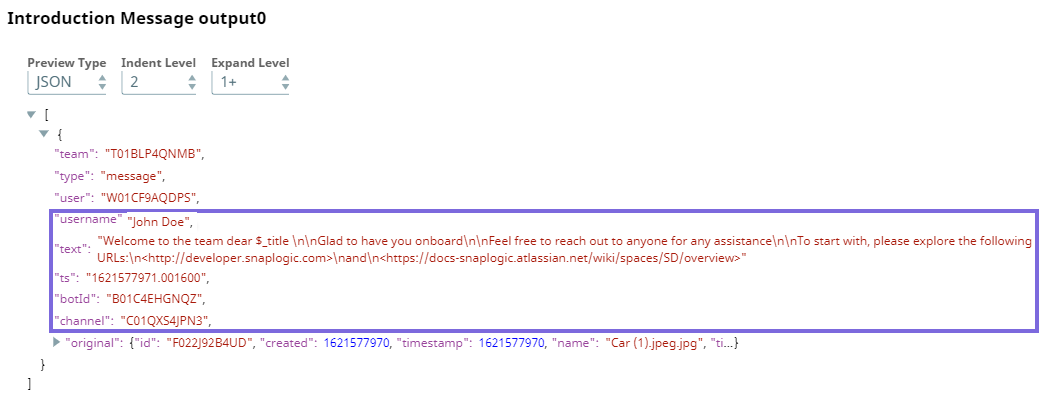
In this part of the Pipeline, we integrate the Create Event, Add Contact (Exchange Online), Share Invite (OneDrive), and Channel Operations (Slack) Snaps to perform various actions in that order. To this end, we take a copy of the output from the Mapper Snap to perform the following actions:
- Download and import the SLP file into your Environment.
- Configure Snap accounts.
- Provide Pipeline parameters, if any.