


State transition tab
View timestamps and users associated with each pipeline execution state change.
The State transition tab shows a timestamped record of each state the pipeline passed through during execution, along with the user who triggered the transition. For automated or scheduled executions with no human invoker, the user field shows N/A.
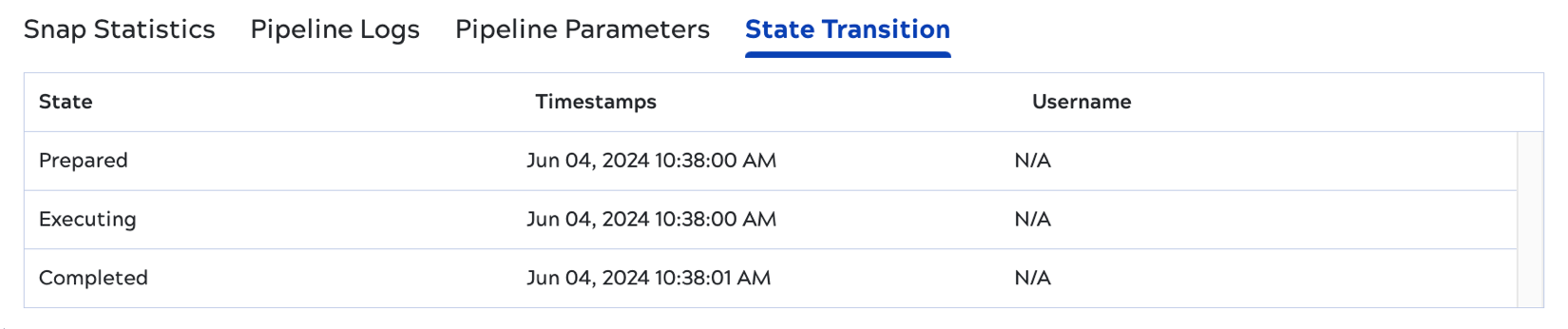
Possible states include:
- Preparing: The pipeline is being initialized.
- Prepared: Resources are allocated and the pipeline is ready to execute.
- Executing: The pipeline is actively running.
- Suspending: The pipeline is in the process of suspending.
- Suspended: The pipeline is paused, pending resumption.
- Resuming: A suspended pipeline is restarting.
- Stopping: A stop was requested and is being processed.
- Failing: The pipeline encountered an error and is shutting down.
- Completed: The pipeline finished successfully.
- Stopped: The pipeline was manually stopped.
- Failed: The pipeline terminated due to an error.