


Outbound rules
Outbound rules apply only to external endpoints, when the receiving Snaplex node forwards the request to another node or an external server. They validate or authenticate the client with the upstream server.
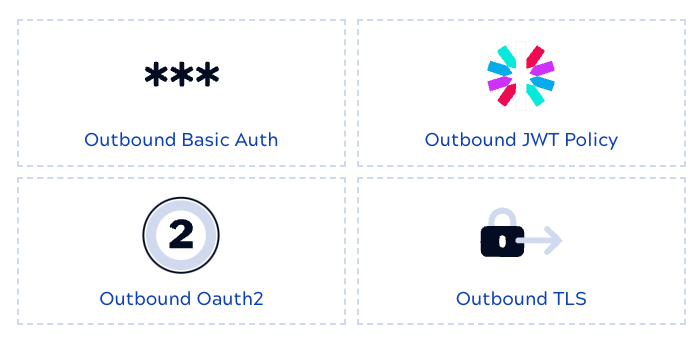
Outbound rules include:
- Outbound Basic Auth: Adds the username and password from an API Suite Basic Auth Account, encoded as a Base64 token, to each request that the proxy sends to the upstream API. The rule sets where the request carries the token: in a header, in the request body, or in a query string parameter.
- Outbound JWT: Uses a JSON Web Token (JWT) to authenticate requests to an external endpoint. Before calling the upstream URL, the rule:
- Outbound Oauth2: Adds an OAuth2 access token to each request that the proxy sends to the upstream API. The token comes from the OAuth2 account that the rule references, and the rule sets where the request carries it: in a header, in the request body, or in a query string parameter.
- Outbound TLS: Verifies TLS certificates for outbound requests to external endpoints. When a Snaplex receives a request for an external endpoint and this rule is configured, the Snaplex connects to the external resource as a client and verifies the server TLS certificate. After verification, the Snaplex continues with the request to the external endpoint.
Accounts in rules
Outbound Basic Auth, Outbound JWT, and Outbound OAuth2 rules need a SnapLogic account with credentials for authenticating with the upstream server. These rules reference an account asset so that rules in different Policies can share the same account. You can use an existing account or create a new one in Project Manager or in the Policy builder. Next, you associate it with an outbound rule.
Deleting an account invalidates every rule that references it, and those rules display an error until you select another account. These rules can't exist without an account, so to remove an account from a rule, delete the rule, as described in Remove an account from an outbound rule.