


Using Second Output View
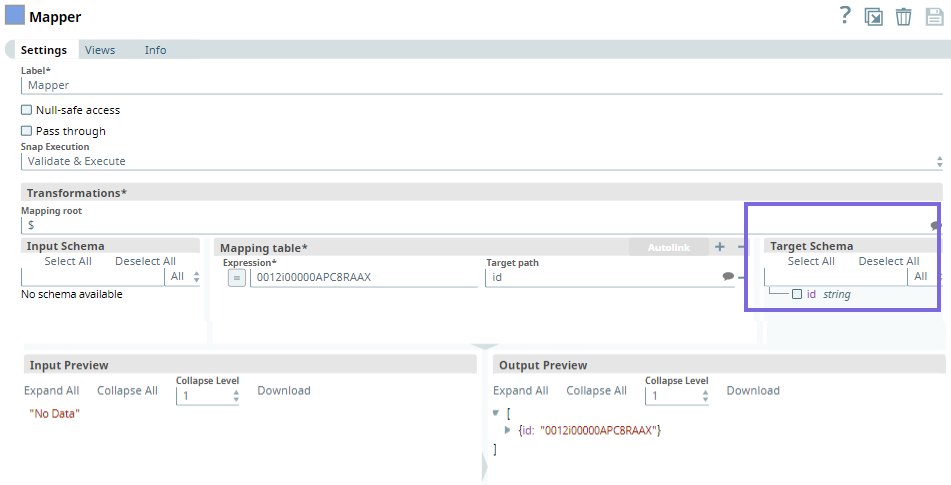
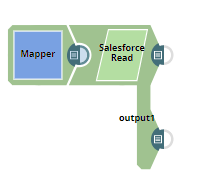
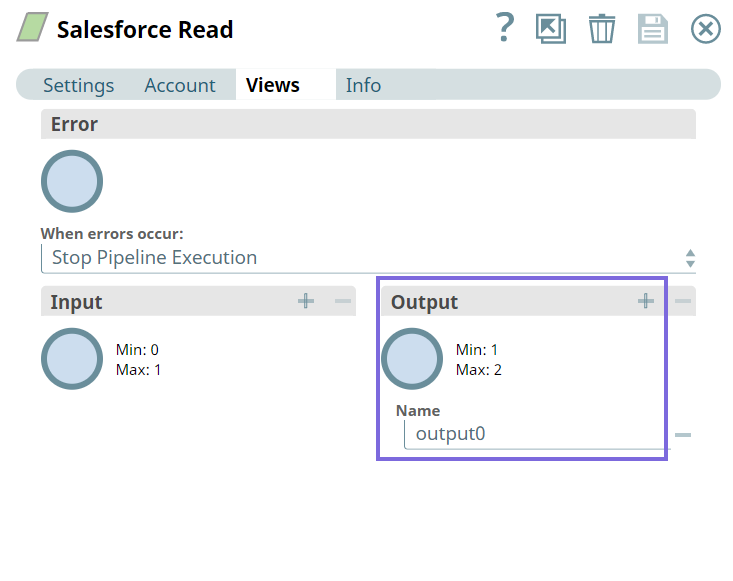
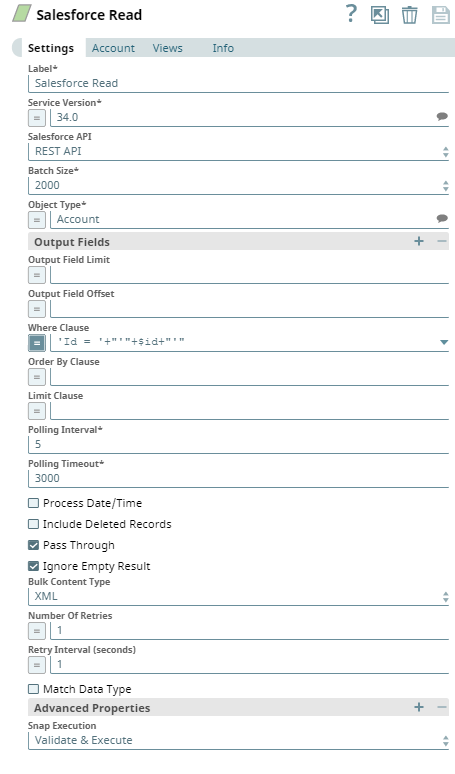
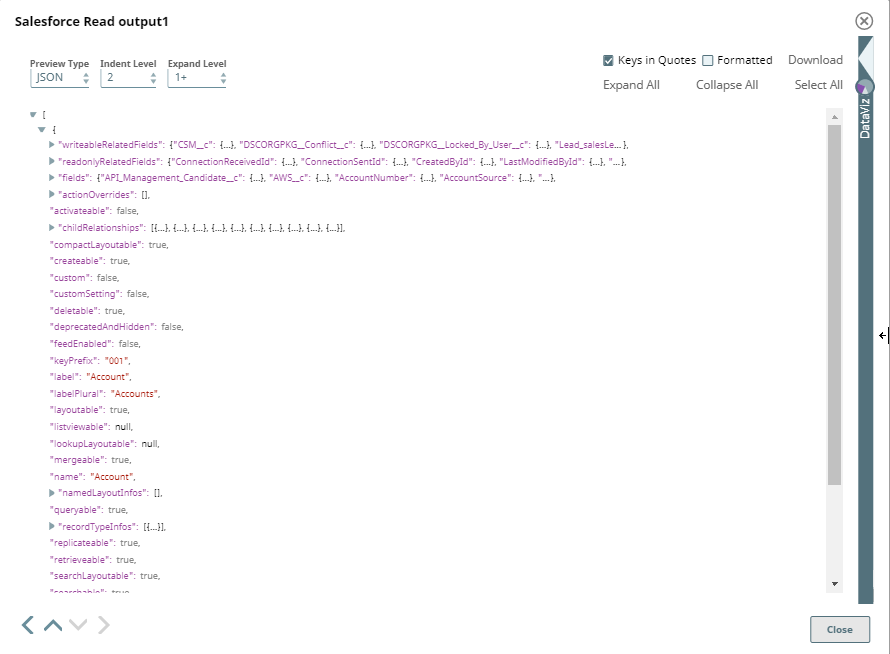
This example Pipeline demonstrates how you can add an optional second output view that exposes the schema of the target object as the output document. For this, we configure the Pipeline using the Mapper and Salesforce Read Snaps.
-
The following table shows the configuration details:
-
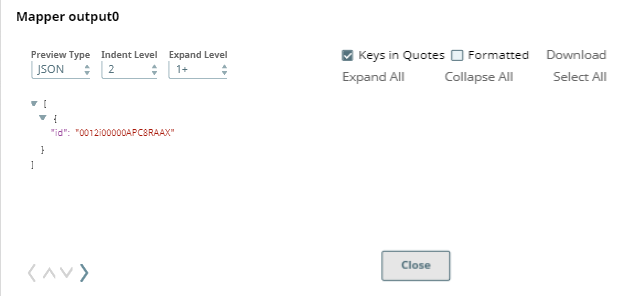
Upon validation, the following output is generated in the Snap's preview.
-
Next, we configure the Salesforce Read Snap to read the specified records.
-
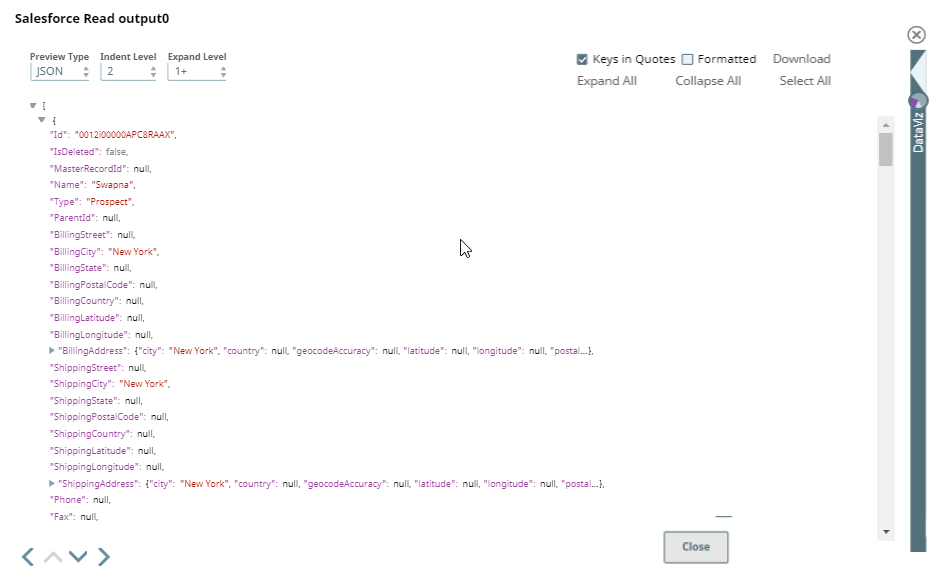
Output0 (default)
- Download and import the SLP file into your Environment.
- Configure Snap accounts.
- Provide Pipeline parameters, if any.