Managing Applications in Subscription Manager
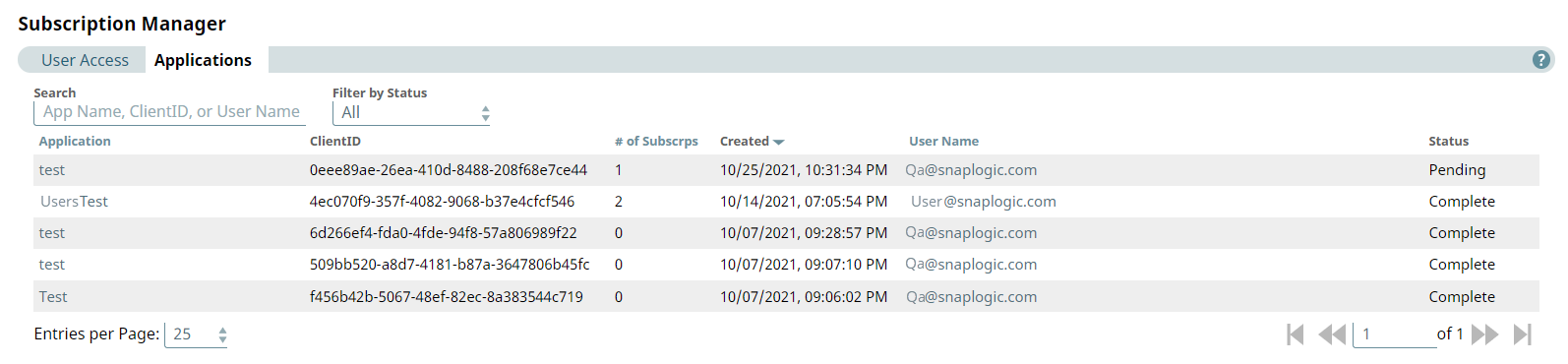
New API subscriptions must be approved by an Environment admin in the Applications tab of the Subscription Manager.
Important: This page describes Classic APIM. For APIM 3.0,
refer to API Management 3.0.
Subscription Management
You can navigate to the Applications tab by clicking Project Manager > API Management > Subscription Manager > Applications.
Warning: Only Environment admins can view the Subscription Manager.
Approve/Deny Subscriptions
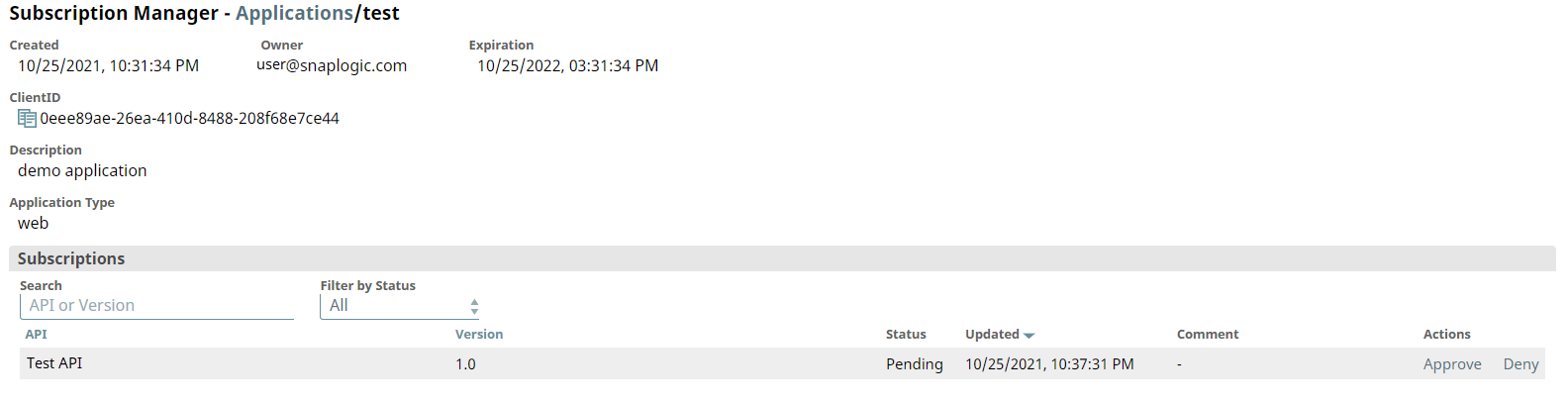
- To review new subscriptions, click the application name. You will see the following
dialog box and can either Deny or Approve
the subscription. When a subscription is denied, it will be removed from the User's
application. After approving or denying a subscription, the user will receive a
confirmation email.
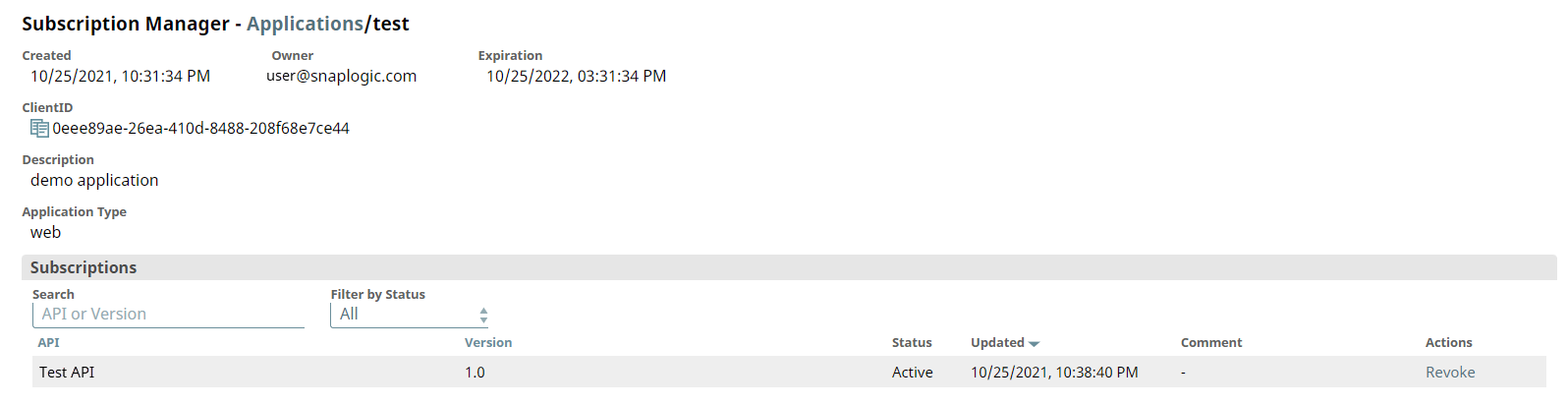
- You can revoke approved subscriptions by clicking Revoke. The user will not be able to
use the subscribed API, but the API will not be removed from their application page.
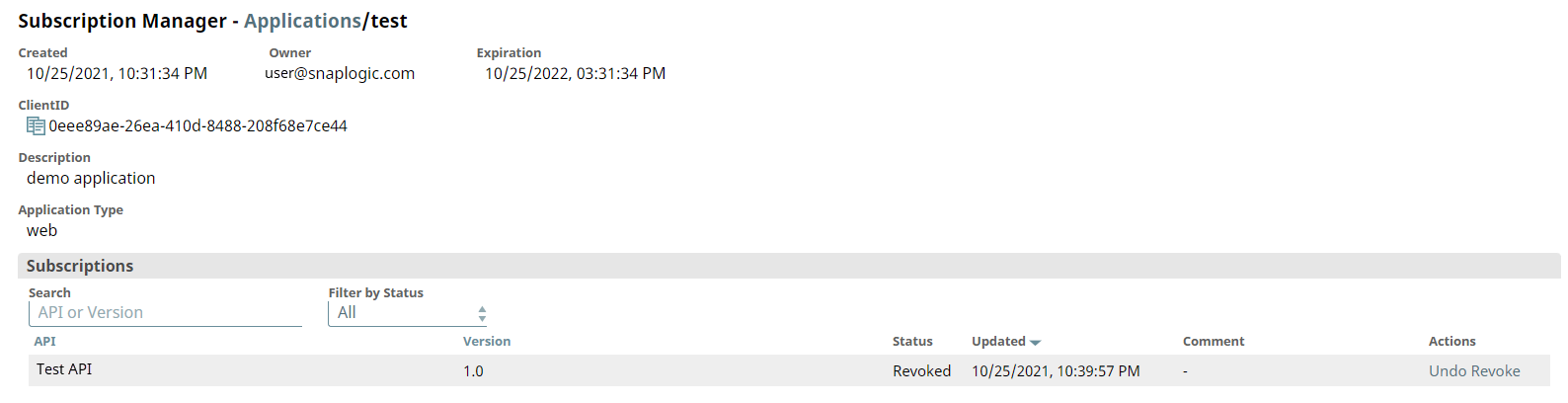
- You can also grant access to a revoked subscription by clicking
Undo Revoke.