Access API Catalog and API Documentation without Login
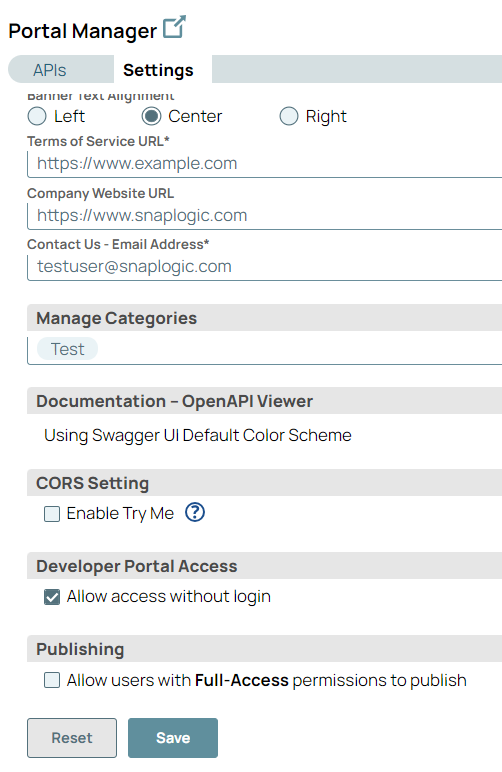
Enabling the Allow access without login checkbox in API Manager allows any API consumer to browse the external API catalog and documentation without requiring a Developer Portal account.
Important: This page describes Classic APIM. For APIM 3.0,
refer to API Management 3.0.
Overview
Enabling Allow access without login checkbox in API Manager allows any API consumer the ability to browse the external API catalog and Documentation without requiring a Developer Portal account. However, API subscriptions are not affected by these change of settings.
Tip: Only an Environment admin can enable the access to the API catalog and
documentation.
Support and Limitations
- The internal APIs can only be accessed by IIP users.
- APIs that require subscription can be accessed only using the IIP account or through a self-registered account after login.
- IIP and self-registered account users have access to only external APIs without login.
Settings to enable access without login
You can enable browsing of API catalog and API documentation without access to Developer Portal account as below:
- Login as IIP user into SnapLogic Platform.
- Navigate to Project Manager > API Management > Portal Manager
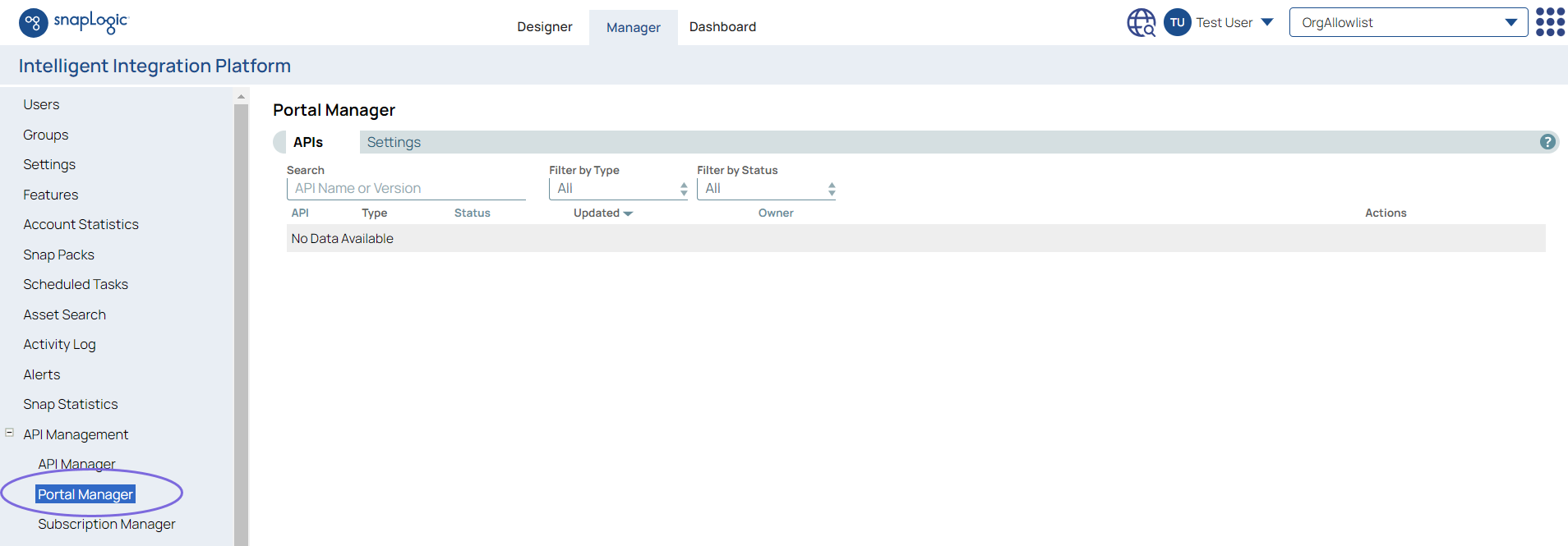
- On the right pane in the Portal Manager screen, click Settings tab
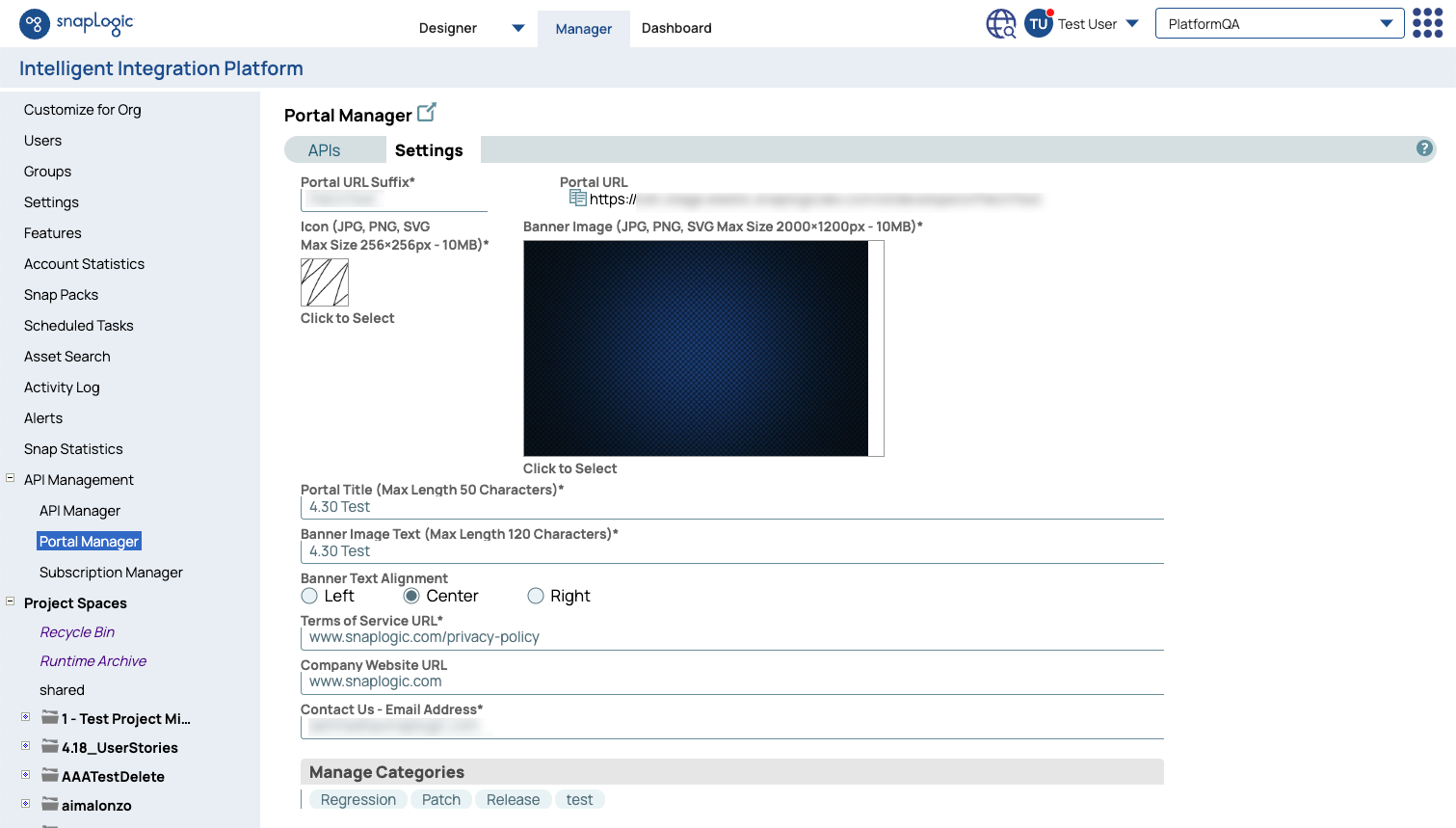
- Under Settings scroll to the bottom.
- Under the Developer Portal Access, click the checkbox named Allow access without login and click Save.
Warning: By default, the checkbox named Allow access without
login is disabled.