


Search for a contact
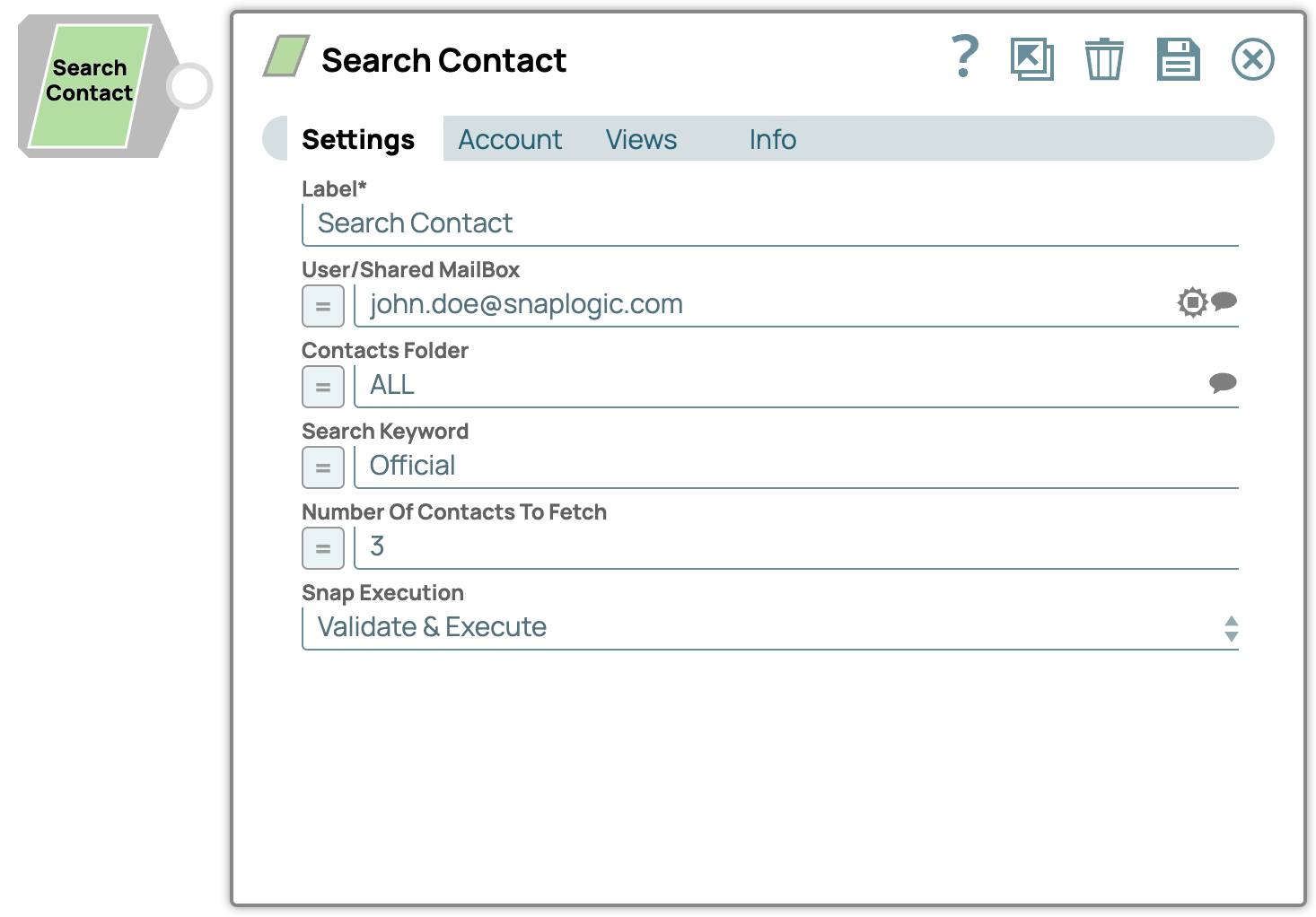
This example pipeline demonstrates how to search for contact with the required details which will be retrieved from the mailbox. Let us provide the required inputs to the Snap setting and look at the output confirmation.
Download this Pipeline
Configure the Search Contact Snap as shown in the pipeline and run the pipeline to see the results.
Upon execution, we see an output with the retrieval of searched contact.
- Download and import the pipeline into SnapLogic.
- Configure Snap accounts as applicable.
- Provide pipeline parameters as applicable.