


Twilio Auth Token Account
Overview
Use this account type to connect Twilio Snaps with Twilio's REST APIs using Auth Token authentication.
Prerequisites
- Valid Twilio Account SID
- Auth Token corresponding to the Account SID
Account settings
| Field/Field set | Description |
|---|---|
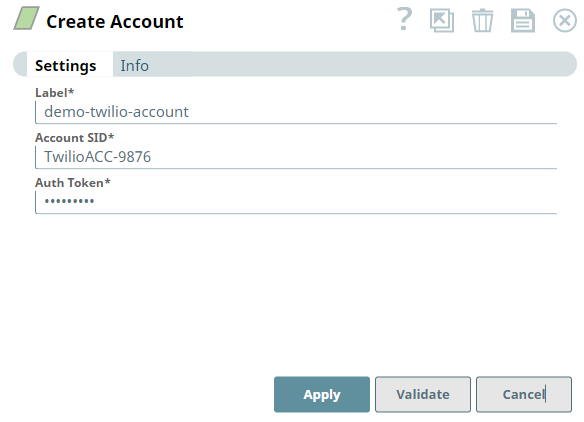
Label*
String |
Required. Unique name for the account. Default value: N/A Example: Twilio Production |
Account SID*
String |
Required. Specify the Twilio Account SID. Default value: N/A Example: ACxxxxxxxxxxxxxxxxxxxxxxxxxxxxxxxx |
Auth Token*
String |
Required. Specify the authentication token for the Twilio account. Default value: N/A Example: Encrypted |
Troubleshooting
| Error | Reason | Resolution |
|---|---|---|
| Permission Denied |
|
Authenticate your account using Account SID as the username, and Auth Token as the password. You can find the credentials in your Twilio Console.
|