


Transforming CSV data to Avro format
This example pipeline demonstrates how to convert CSV data to Avro format as per the specified schema and transform it to generate reports or update a database. The output is the transformed and formatted data ready for further processing.
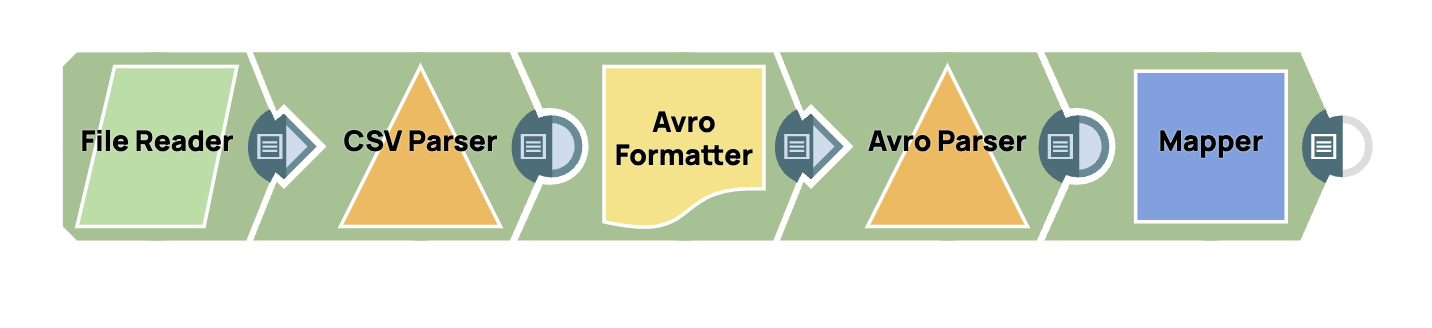
-
Configure the
File Reader
Snap to read the
leads.csv file. On validation, the Snap displays the data in binary format.
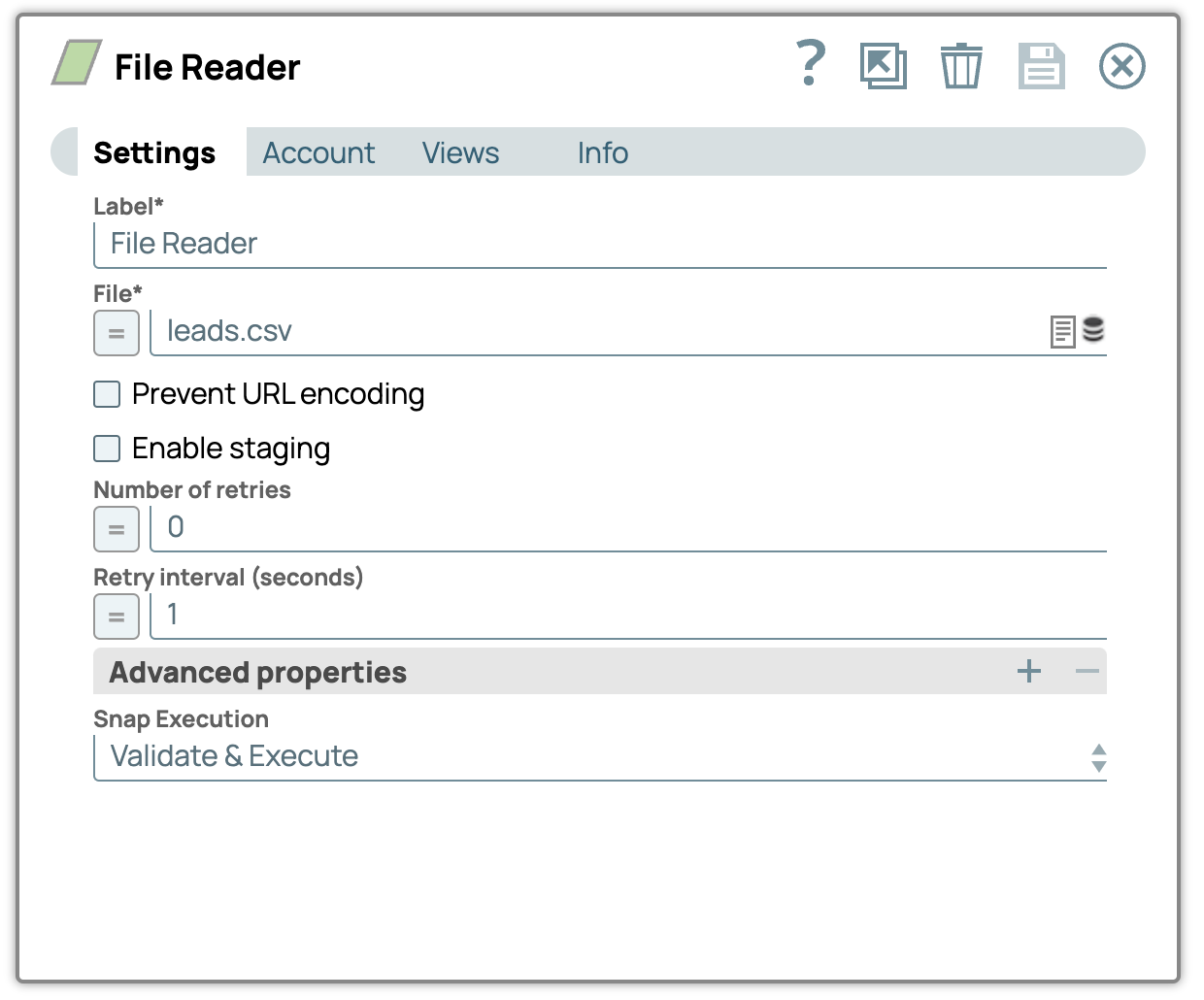
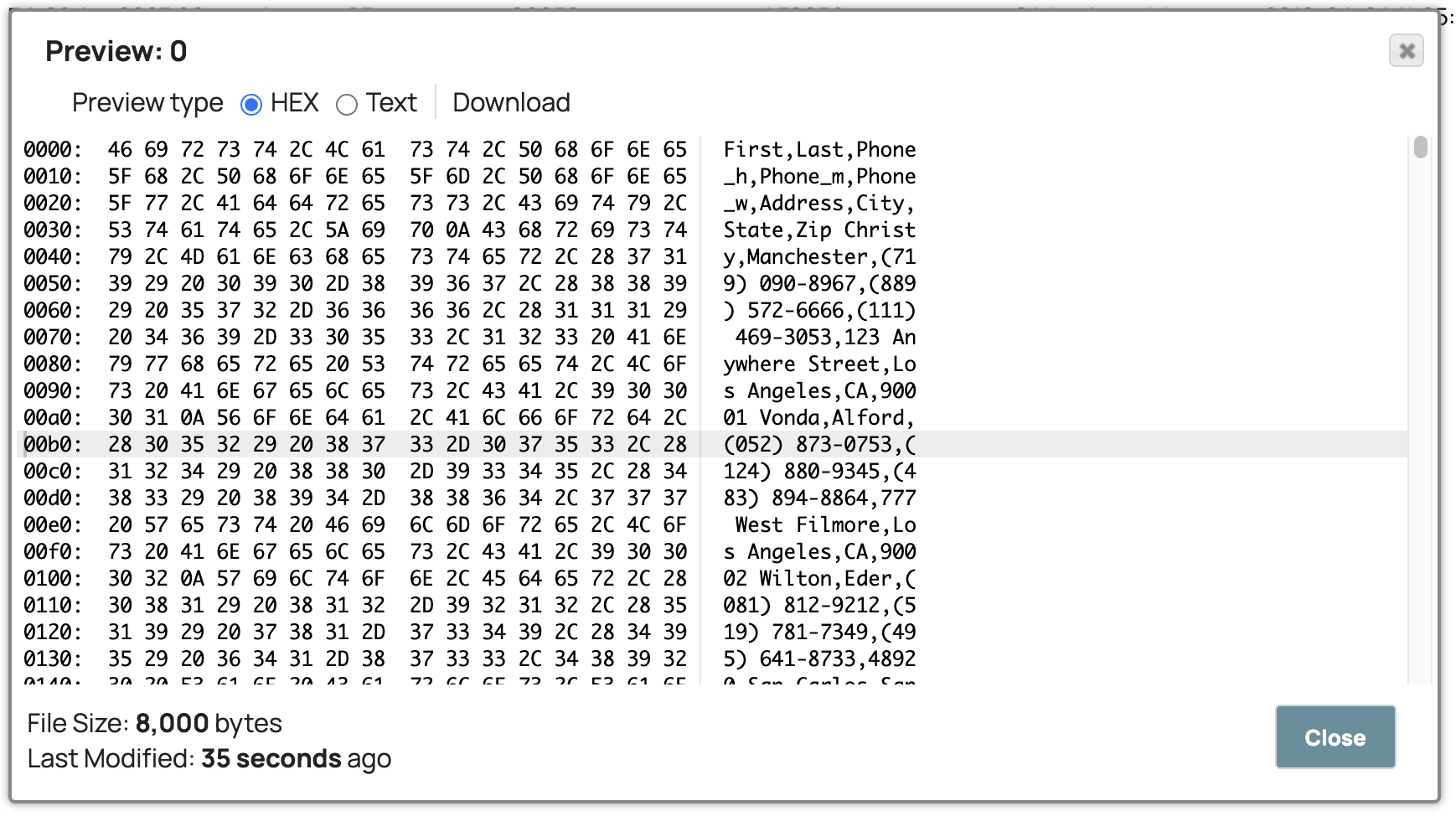
-
Configure the
CSV Parser
Snap to parse the
binary input of the leads.csv file. On validation, the Snap displays the structured
data.

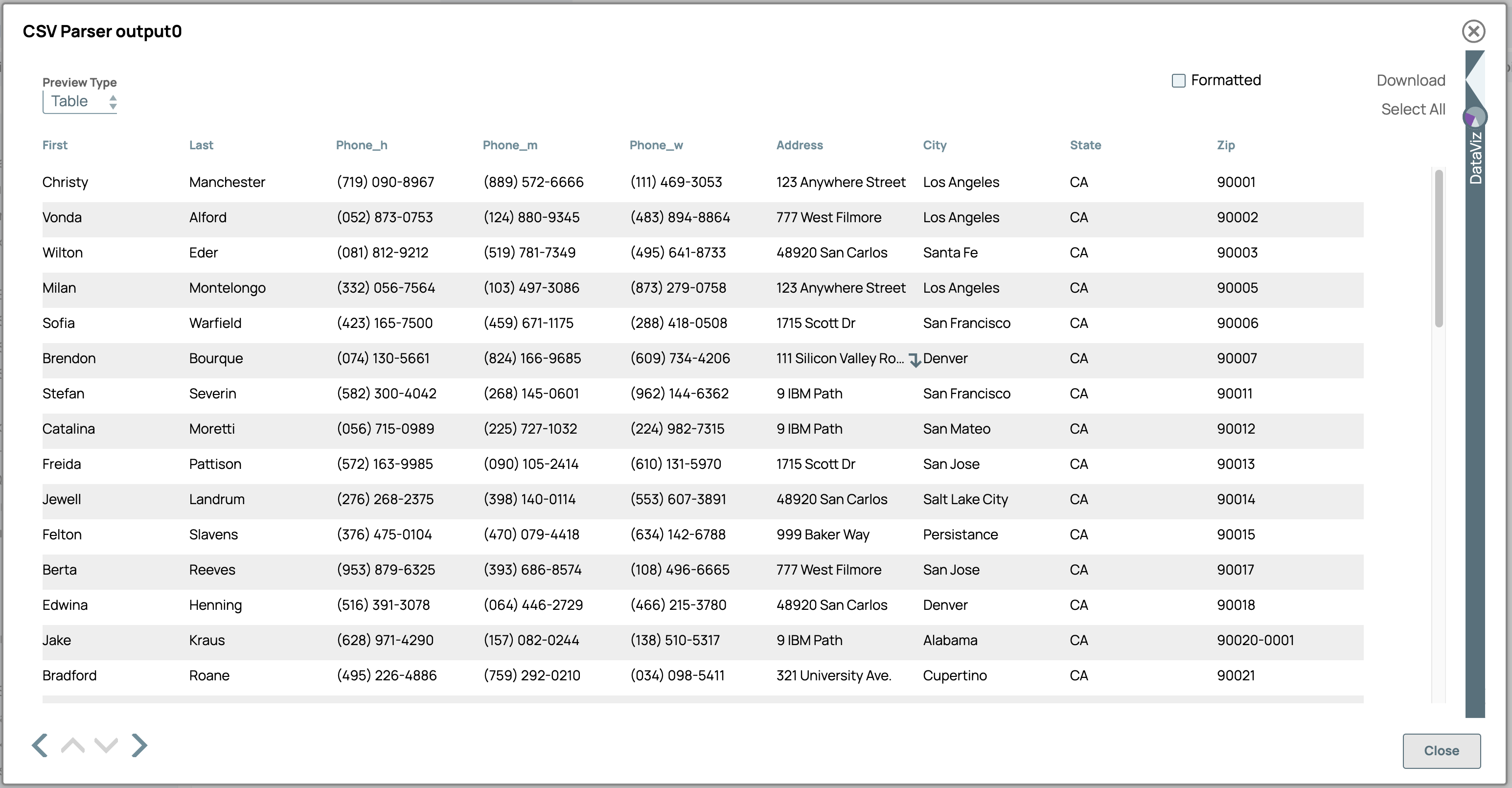
-
Configure the
Avro
Formatter
Snap to
convert the CSV data to Avro format as per the defined Schema file. On validation, the
Snap displays the Avro-formatted data.
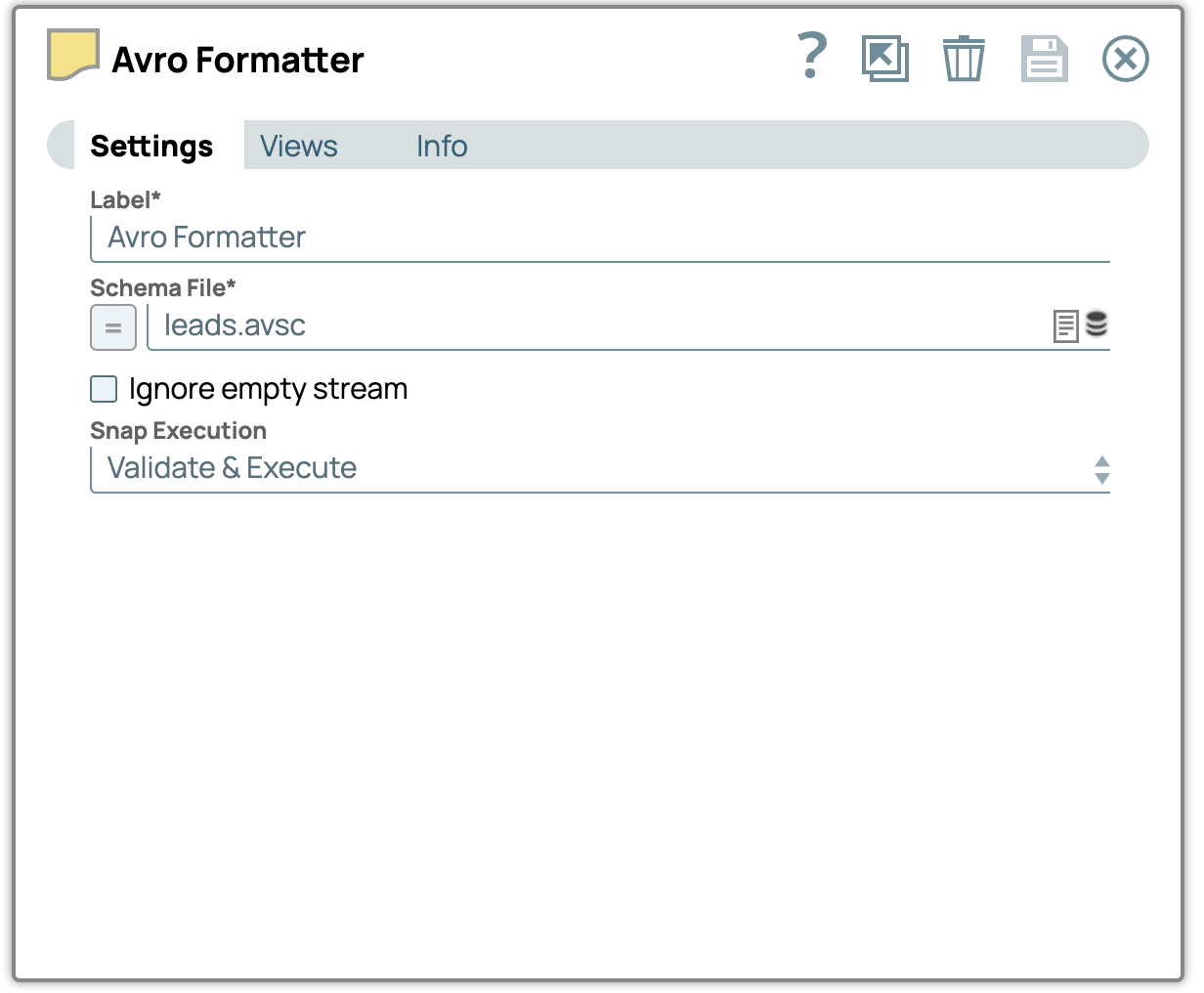
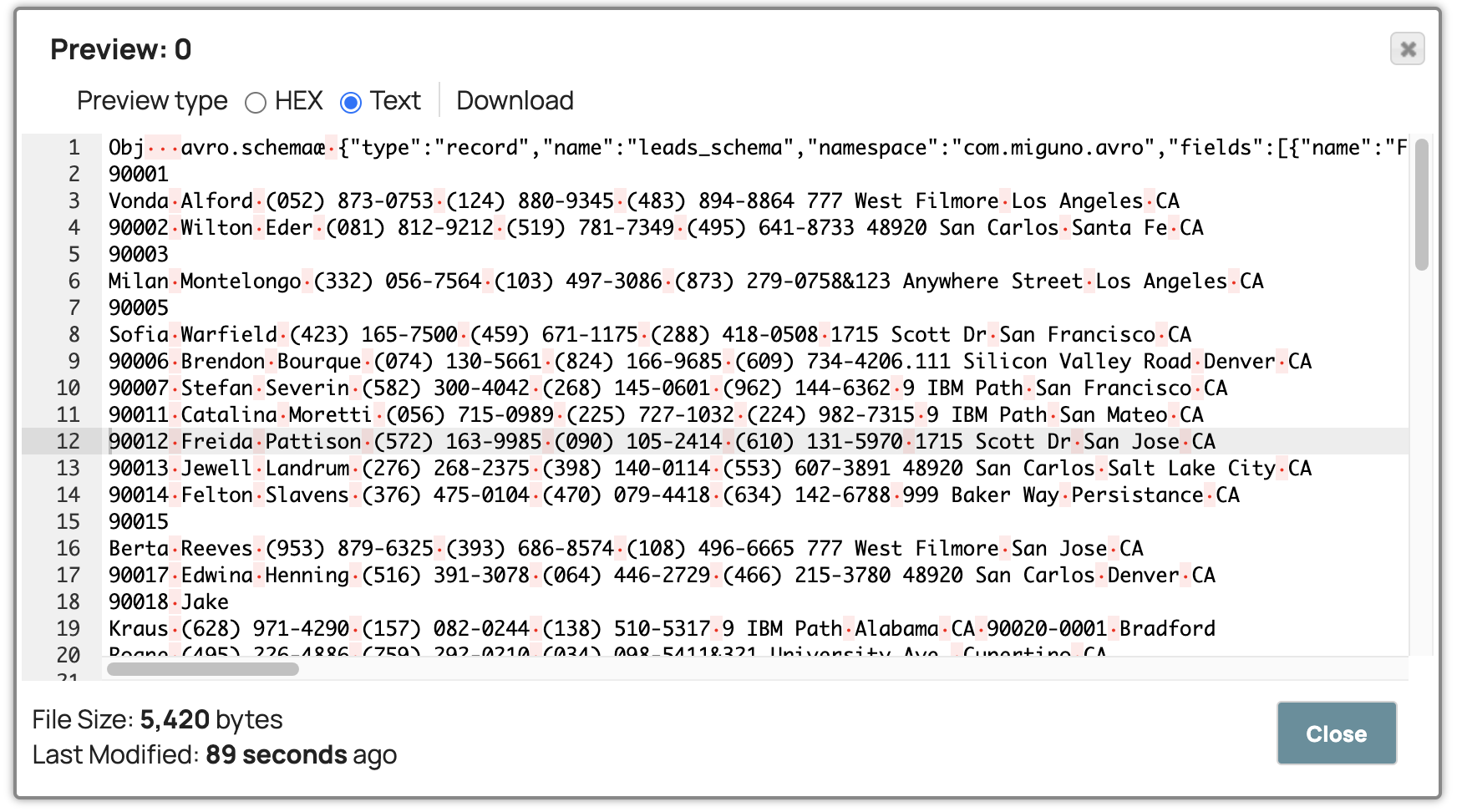
-
Configure the
Avro Parser
Snap to parse the
Avro-formatted data. On validation, the Snap displays the deserialized data.
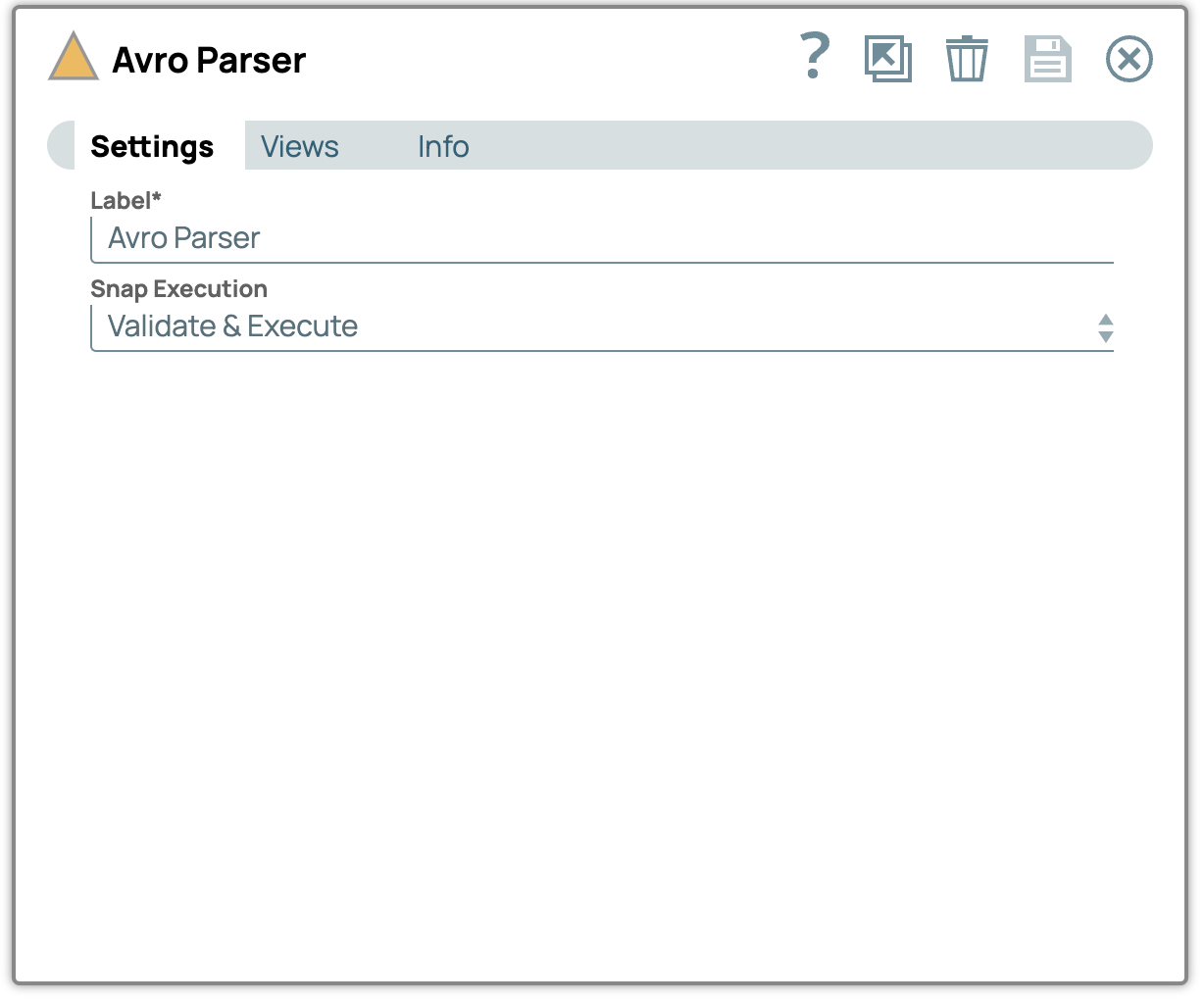
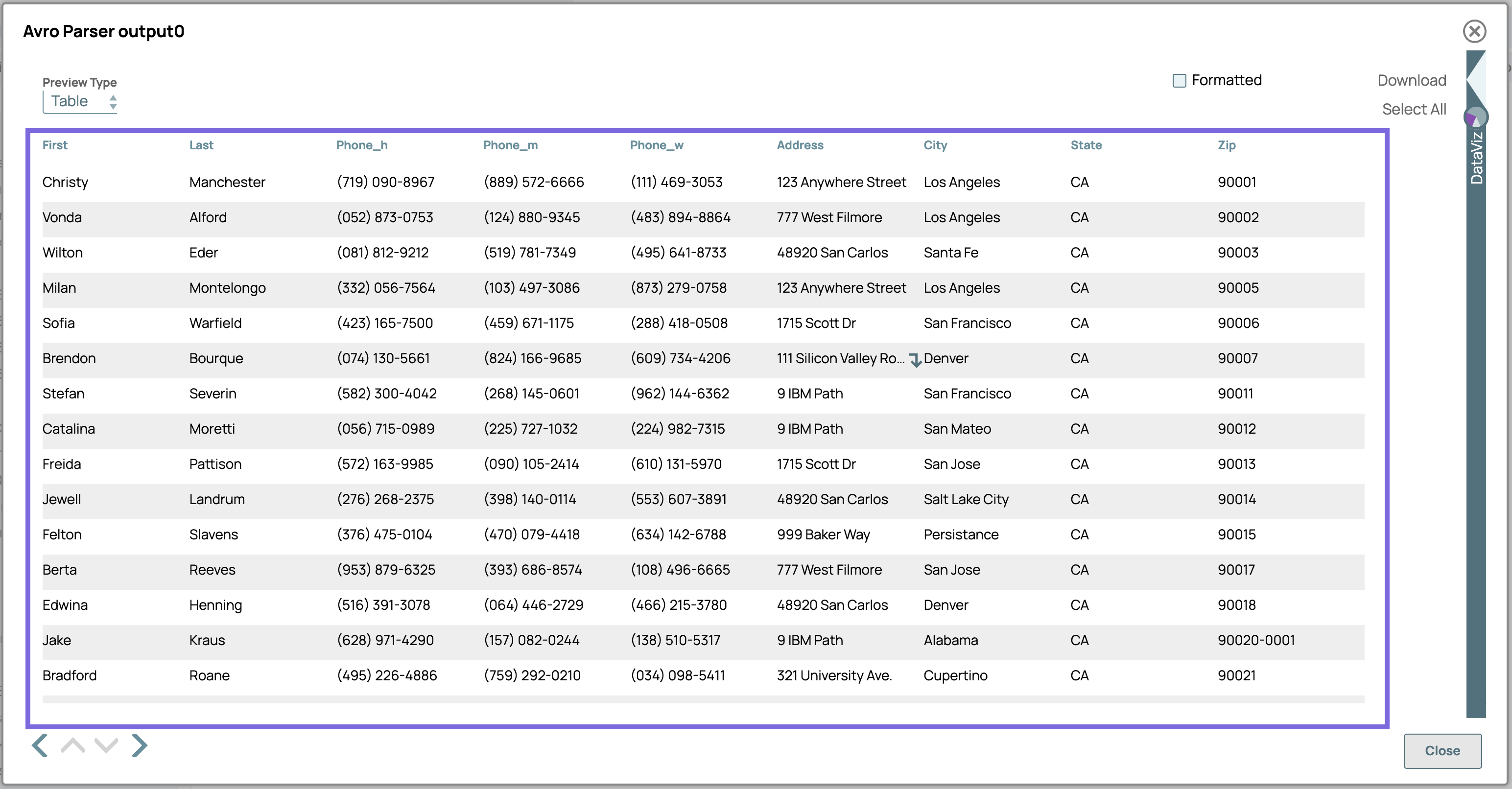
-
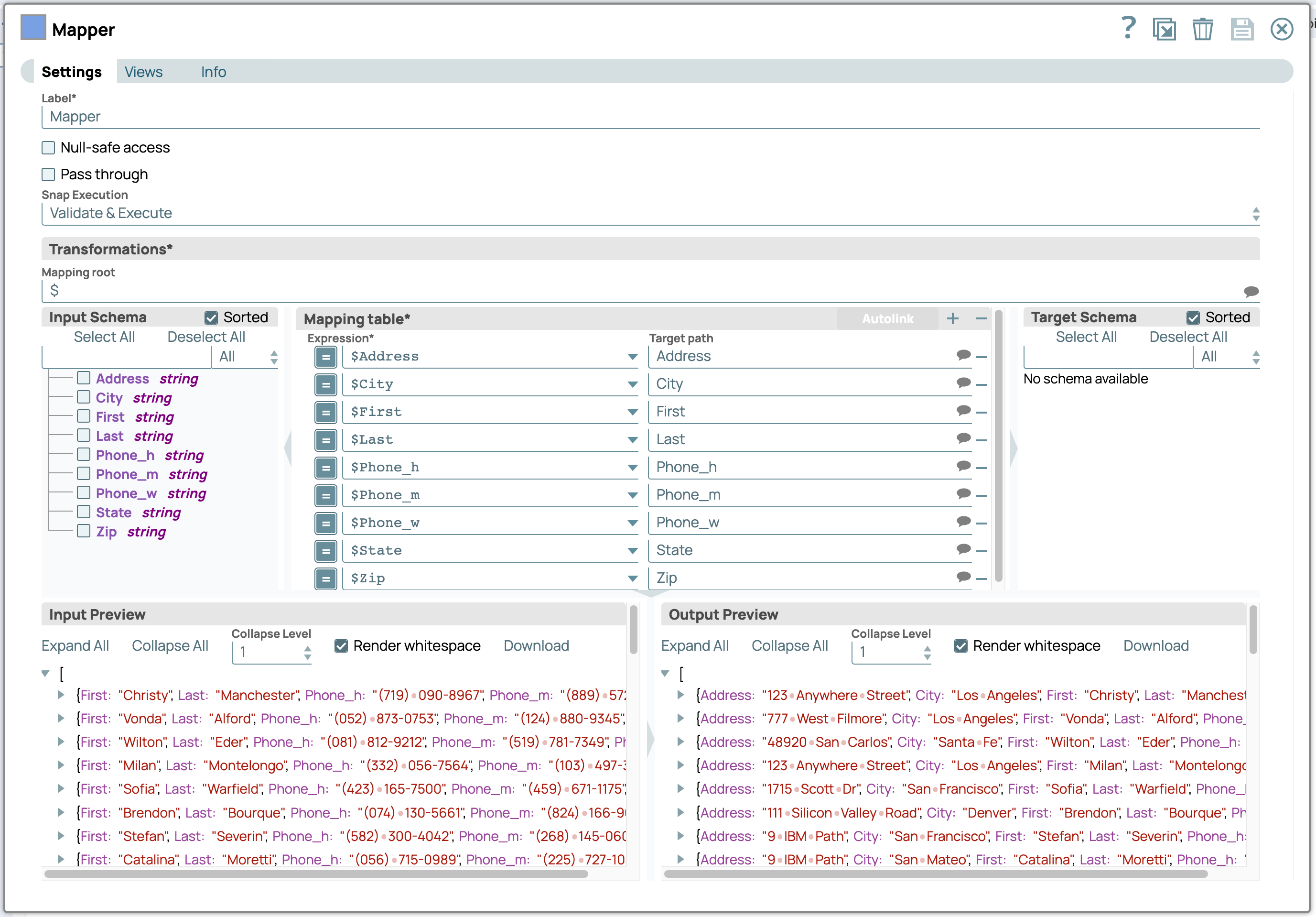
Configure the Mapper Snap to extract the
data. On validation, the Snap displays the output based on the specified mappings.

- Download and import the SLP file into your Environment.
- Configure Snap accounts.
- Provide Pipeline parameters, if any.