


Delete documents from a MongoDB collection
This example pipeline demonstrates how to delete existing documents from a MongoDB collection, insert new documents, and then delete documents based on a query condition.
In this pipeline, we shall:
- Delete the existing documents from a MongoDB collection
- Supply new documents in a JSON format using the JSON Generator Snap.
- Insert the documents into the collection
- Delete the required documents providing a delete query
-
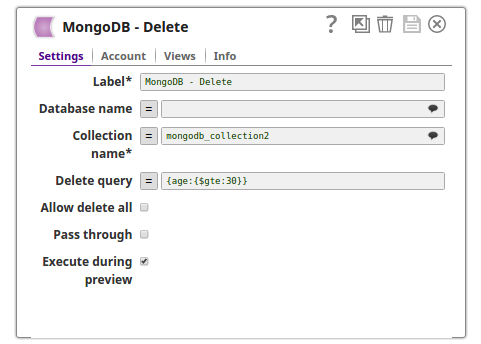
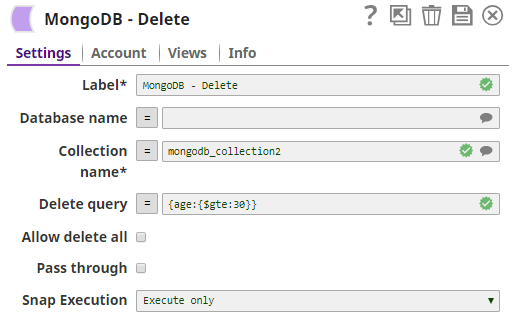
Using the MongoDB Delete Snap, delete the existing documents from the collection, mongodb_collection2.
The respective output preview displays that the three documents are deleted from the collection.
-
Supply the new documents to be inserted into the MongoDB collection through the JSON Generator Snap.
.png)
-
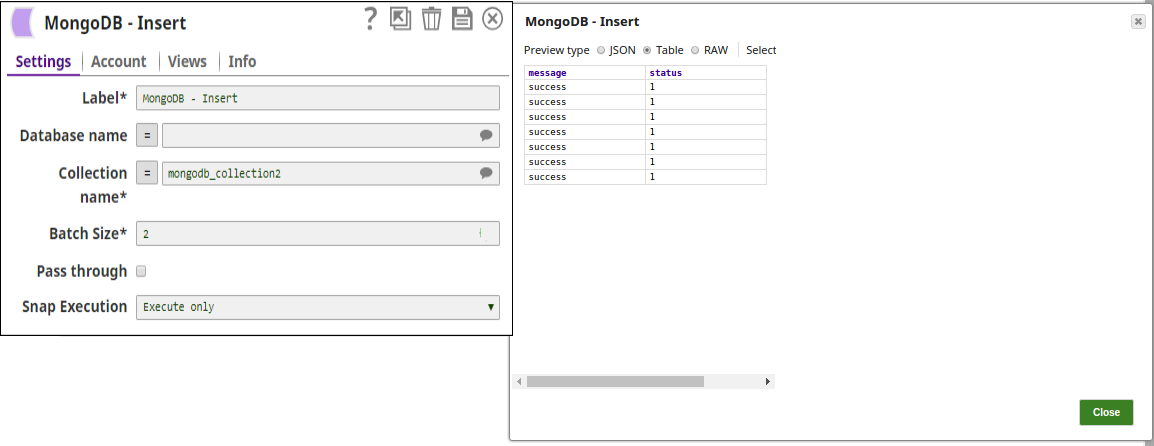
Insert the documents into the collection name, mongodb_collection2 using the MongoDB Insert Snap.
-
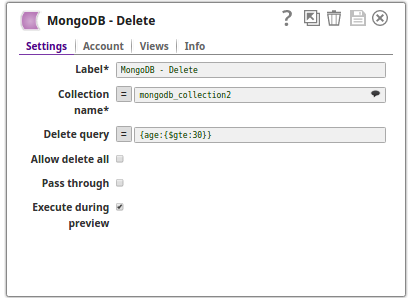
Delete the required documents from the collection, mongodb_collection2, by giving the delete query,
{age:{ $gte:30}.This would delete all the documents where the age of a person is greater than or equal to 30 years.
.png)
-
Validate the pipeline.
The successful execution of the pipeline displays the output preview showing that four documents that satisfy the delete query are deleted.
- Download and import the pipeline into SnapLogic.
- Configure Snap accounts as applicable.
- Provide pipeline parameters as applicable.