


Process Salesforce events through custom channels
This example pipeline depicts configuring a Salesforce Subscribe Snap to read event information from a Salesforce custom channel.
Download this Pipeline
-
This Snap is configured to:
Read the channel topic singleCDC1ReplayidStandardObj__chn of type CDC, where these updates are logged.
Use the Salesforce API version 60.0 with the Replay ID set to -1
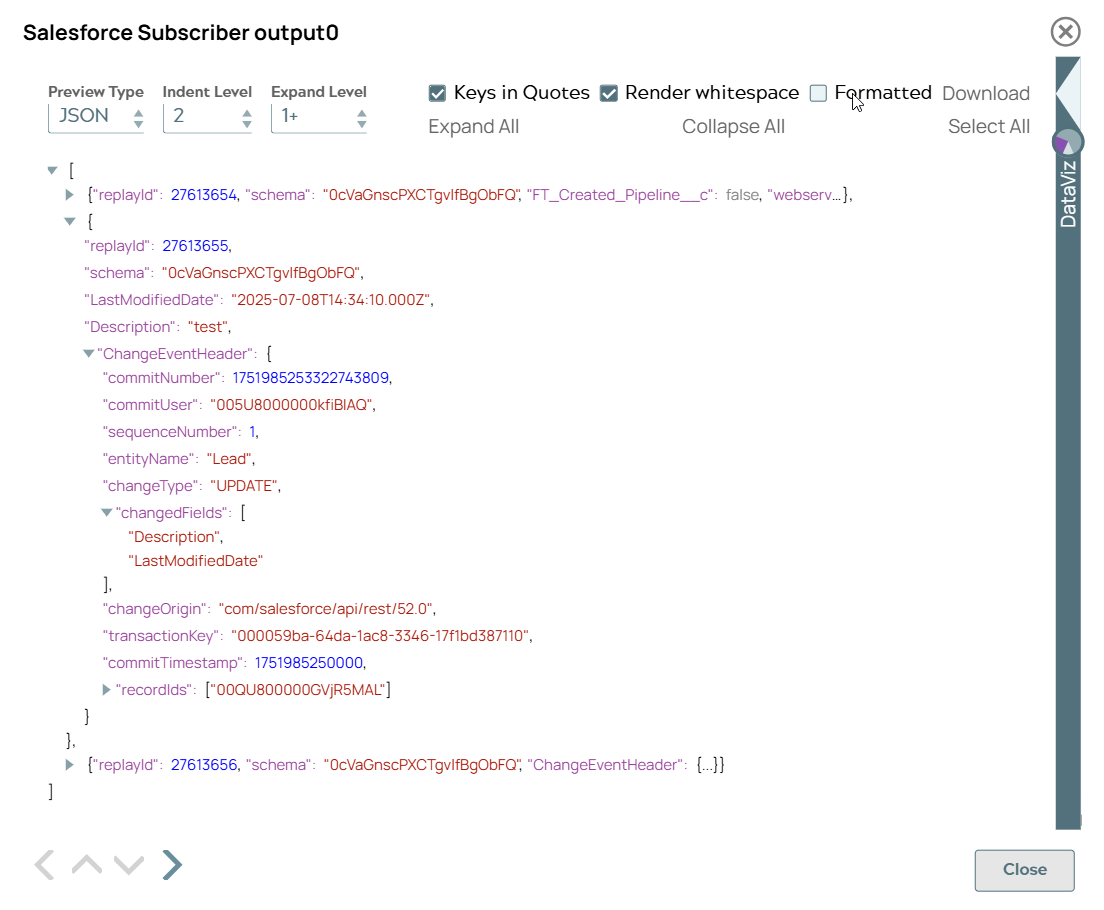
Read only three (3) messages (for a compact JSON preview in the Snap’s output).
Snap configuration Snap output preview 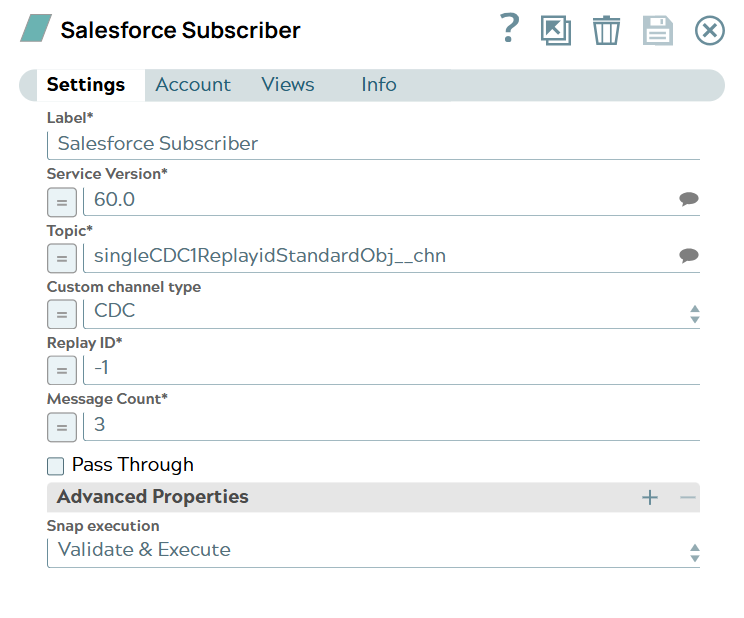
- Download and import the SLP file into your Environment.
- Configure Snap accounts.
- Provide Pipeline parameters, if any.