


Parallel Load batch insertions
The following example pipeline demonstrates the use of Parallel Load to insert 1000 documents. This example showcases Parallel Load's efficiency and capability in managing large-scale data insertion tasks.
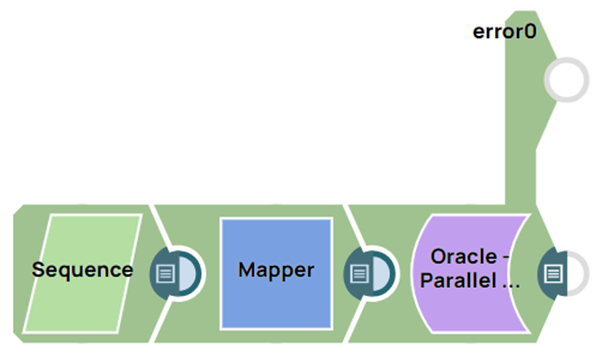
Download this Pipeline
-
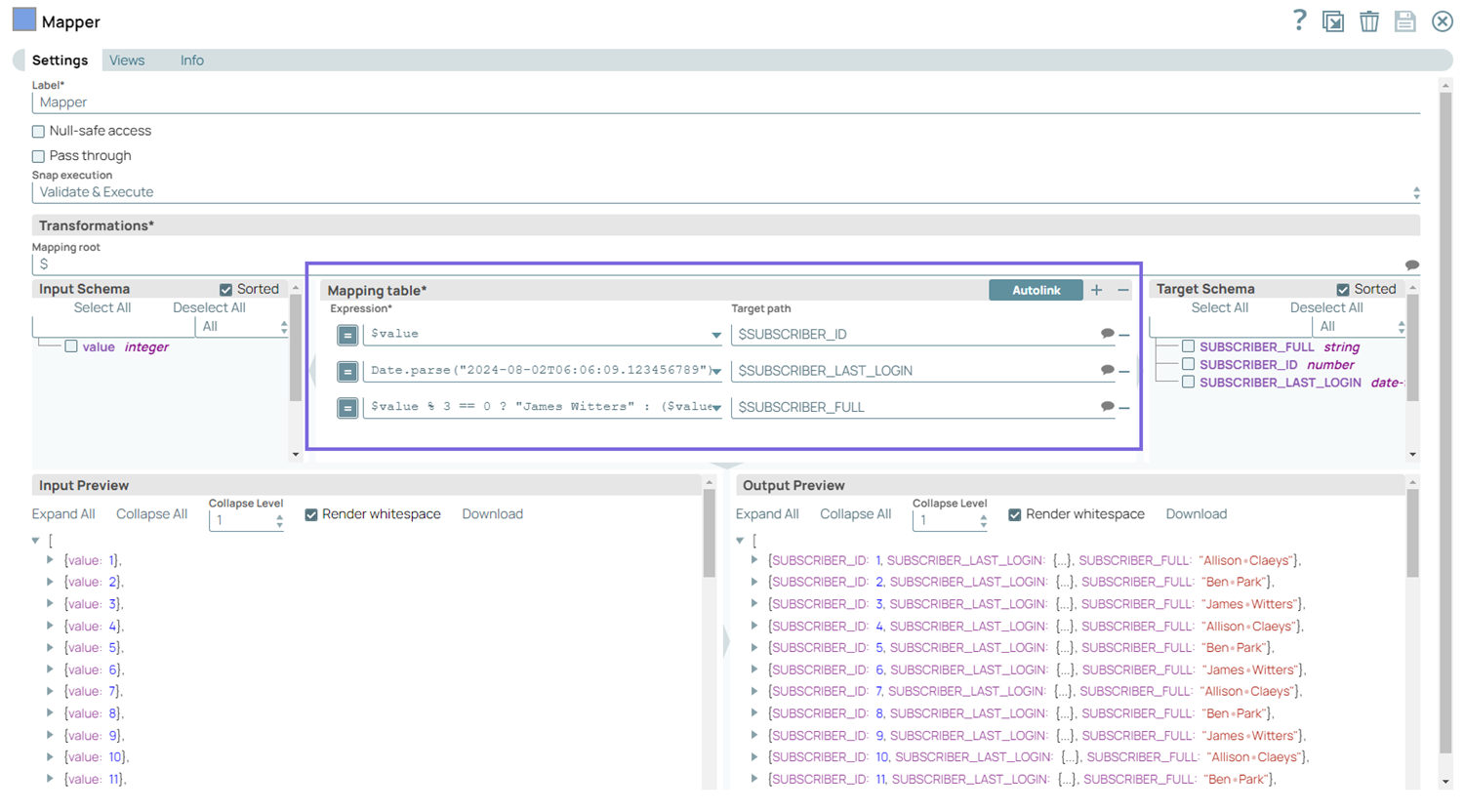
Configure the Mapper Snap with subscriber details (Subscriber ID, Last Login, and Subscriber’s full name) to pass them to the Oracle - Parallel Load Snap.
-
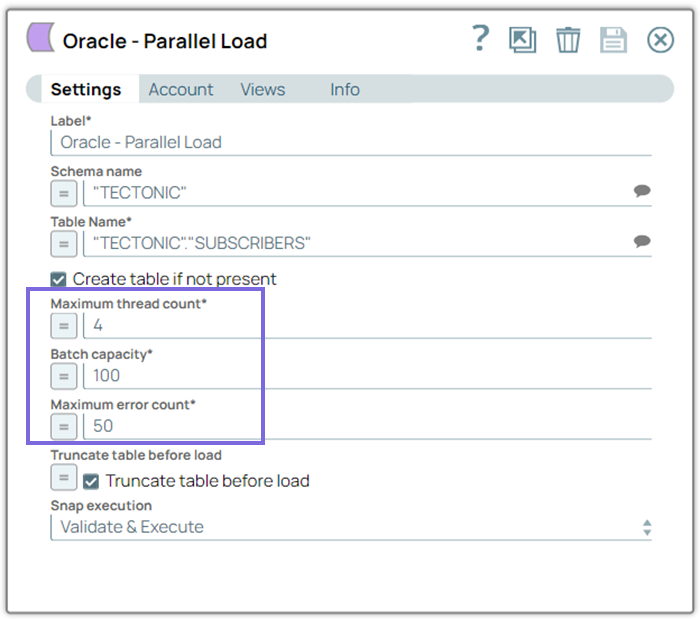
Batch capacity: 100
-
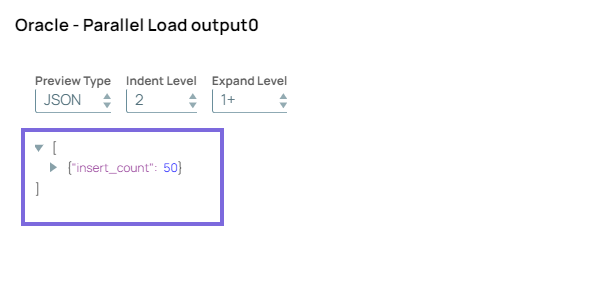
On validation, the pipeline inserts a maximum of 400 records simultaneously, across 4 threads handling 100 records each. The image below displays only 50 records because the Preview document count is set to 50.
- Download and import the SLP file into your Environment.
- Configure Snap accounts.
- Provide Pipeline parameters, if any.