


Delete object
This example pipeline demonstrates how to create an object and then delete it.
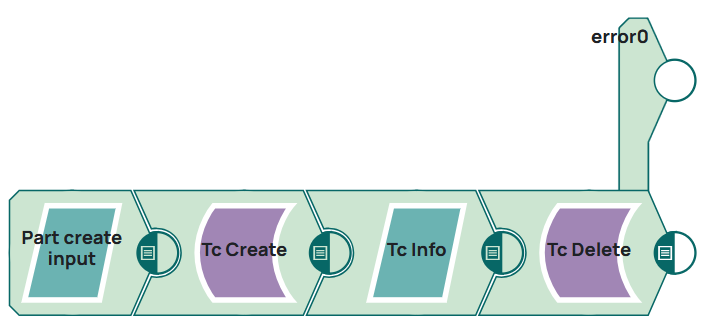
Steps
1: Since an ID of the object to be deleted is needed first action is to create a new object. Therefore a JSON Generator Snap is filled with the following JSON.
[
  {
    "object_type": "Part",
    "attributes": {
		"object_desc": "Test Create with Snap 270326",
		"object_name": "Doku_Test delete"
	},
	"expandAttributes": [
		"object_name",
		"object_string",
		"object_desc",
		"item_id",
		"item_revision_id",
		"uom_tag",
		"creation_date",
		"fnd0IcsClassNames",
		"is_modifiable",
		"ics_classified",
		"owning_user",
		"fnd0CurrentLocationCode",
		"checked_out",
		"object_type"
	]
  }
]
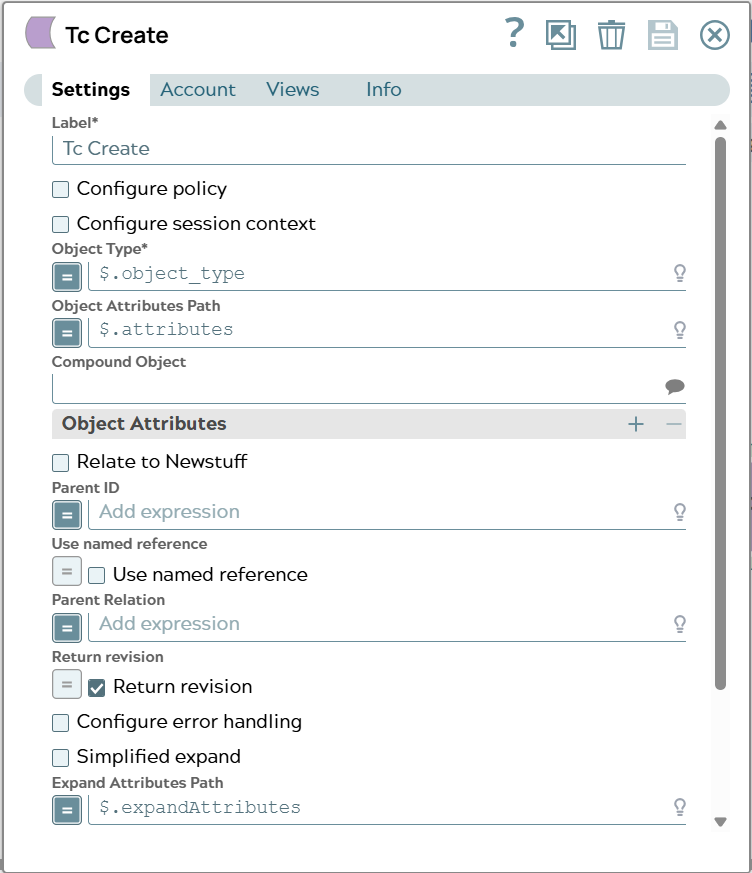
2: The data is used in the Tc Create Snap. For the deletion it is important that an object is not related to another object. That is why checkbox “Relate to Newstuff” is OFF and no parent object is configured.
Snap configuration | Snap output |
|---|---|
 | 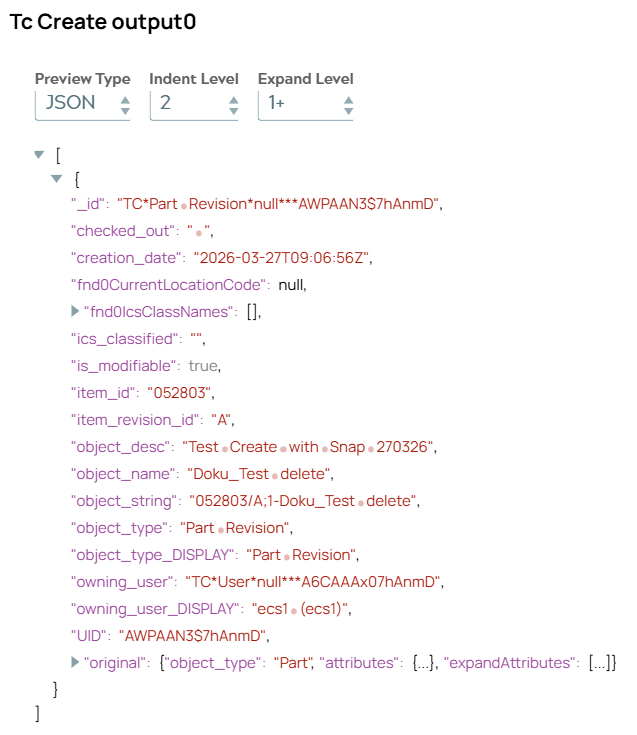 |
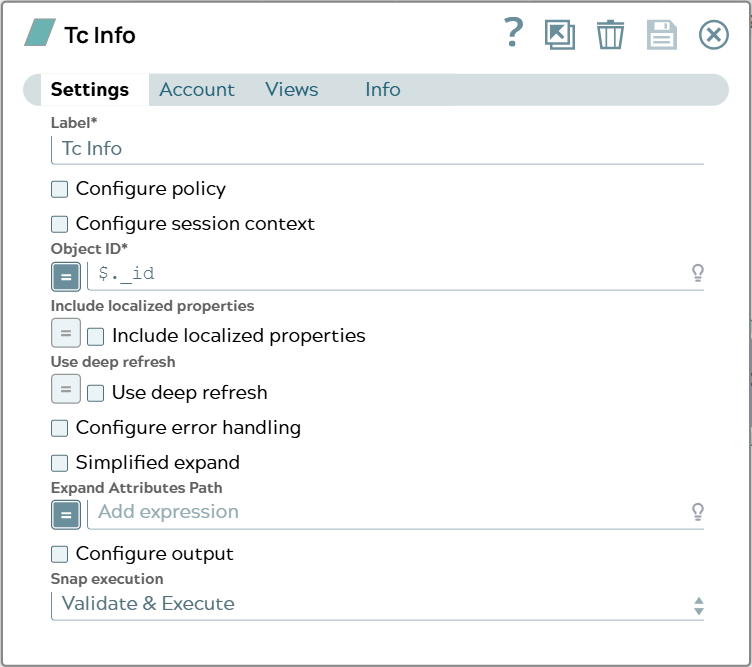
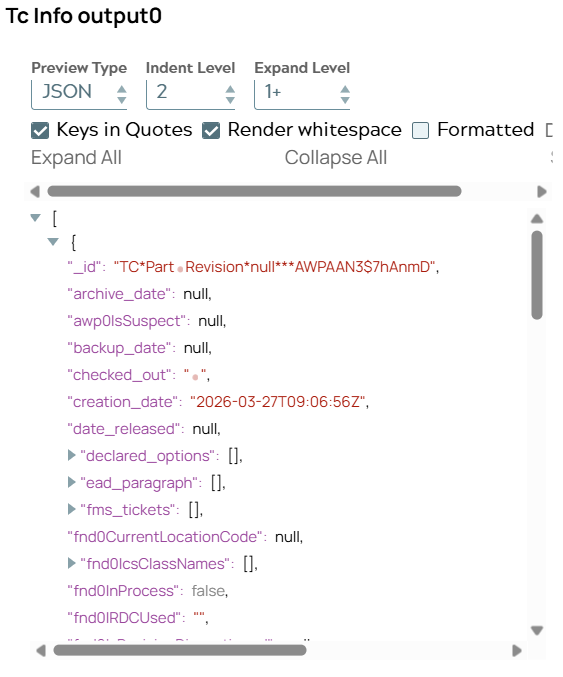
3: Output contains information of newly created object. Next Tc Info Snap uses id value to confirm object existence.
Snap configuration | Snap output |
|---|---|
 |  |
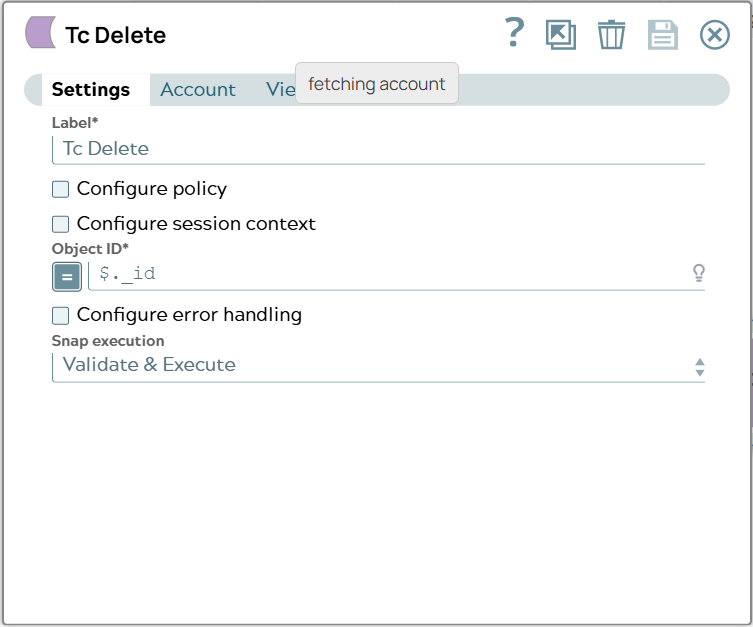
4: Output document shows data of object. Next Tc Delete Snap uses ID as input and will delete object.
Snap configuration | Snap output |
|---|---|
 | 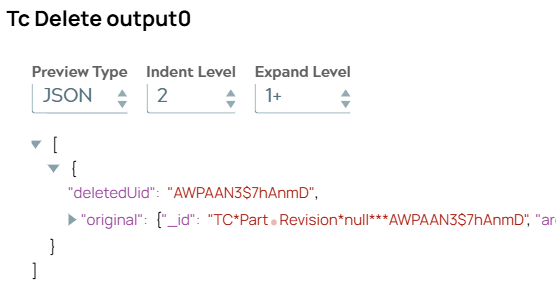 |
5: Output document of Snap contains deletion information. The “deletedUid” is the JSON property in case of deletion success.
If now in a single Tc Info Snap this UID is given as input no object will be found.
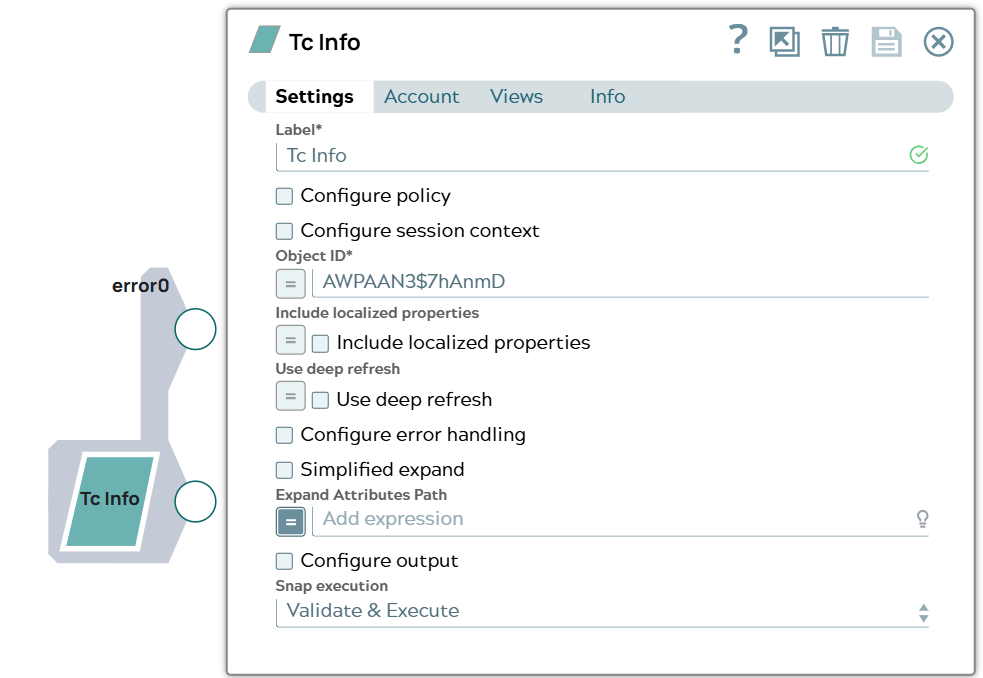
6: The Snap leads the error to error view.
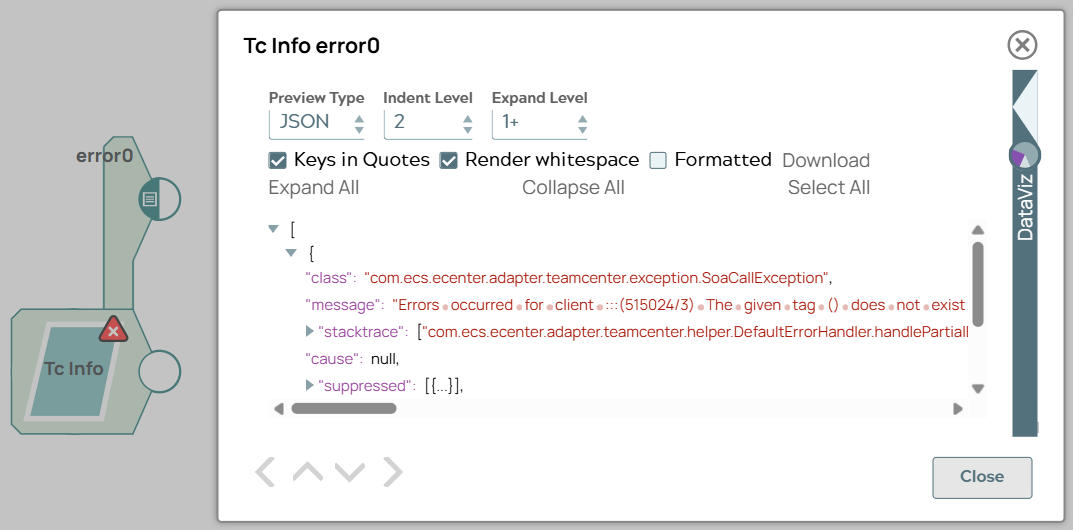
The message “Errors occurred for client :::(515024/3) The given tag () does not exist in the database or is not a persistent object tag.:::(214137/3) One or more business objects could not be loaded.:::Errors occurred for client AWPAAN3$7hAnmD:::(515024/3)" means object for this UID does not exist.