


PDF BZIP2-Compression decompression
The following example pipeline demonstrates how to read a PDF file, compress it using BZIP2 compression, and then decompress it back to its original format. It demonstrates a simple data compression and decompression workflow.

-
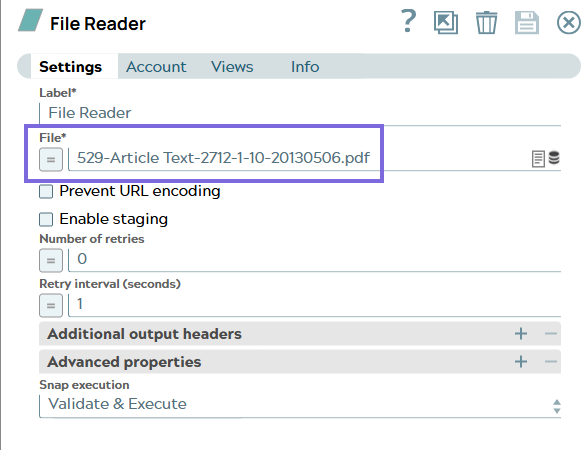
Configure the
File Reader
Snap to read the
specified PDF file 529-Article Text-2712-1-10-20130506.pdf from the file system. On
validation, the Snap The Snap reads the PDF file as binary data.
-
Configure the
Compress
Snap to compress the
file data using the BZIP2 compression scheme. On validation, the Snap compresses this
binary data using BZIP2 compression scheme.

-
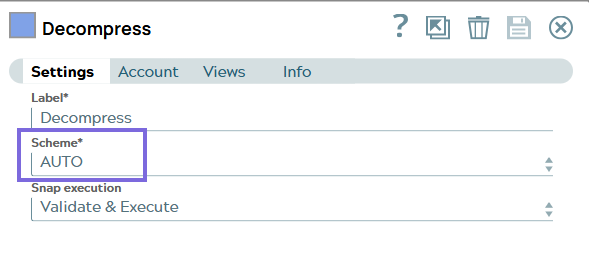
Configure the
Decompress
Snap to decompress
the compressed data using automatic scheme detection . On validation, the Snap
decompresses the data back to its original format.

- Download and import the pipeline into SnapLogic.
- Configure Snap accounts as applicable.
- Provide pipeline parameters as applicable.