Mapping of Variables from Target Schema to SOAP Execute Envelope Template
This example will help you in understanding about the working of envelope template variable substitution using Include root element check box.
Let us take an example where we are making a call to the login operation for Salesforce's SOAP API (WSDL).
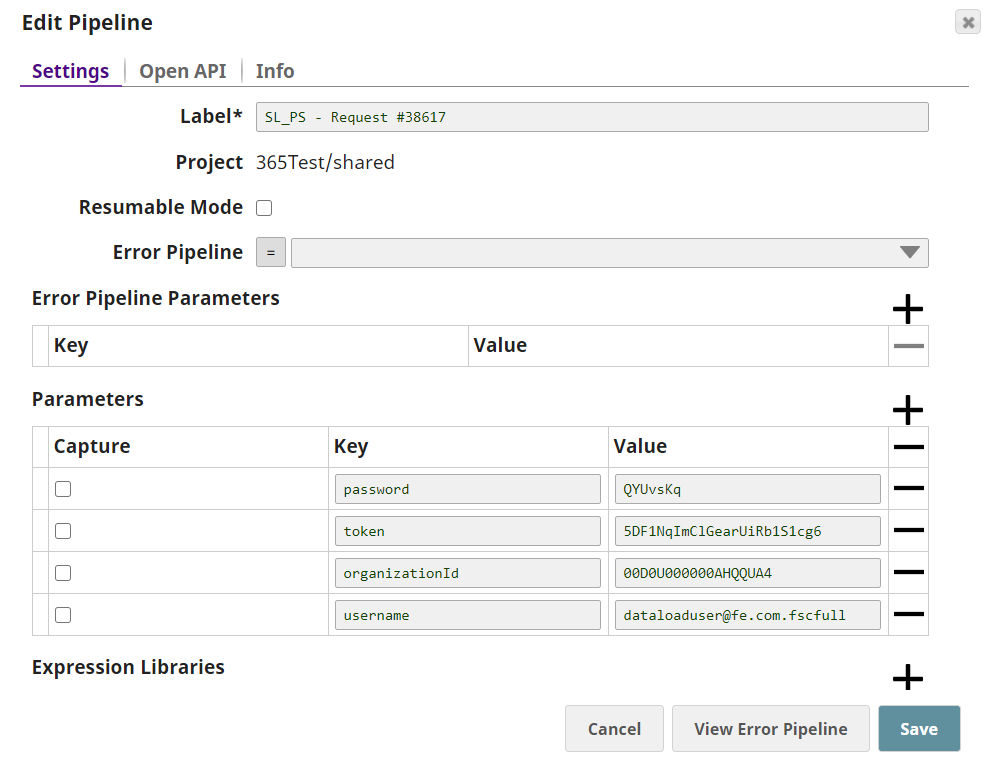
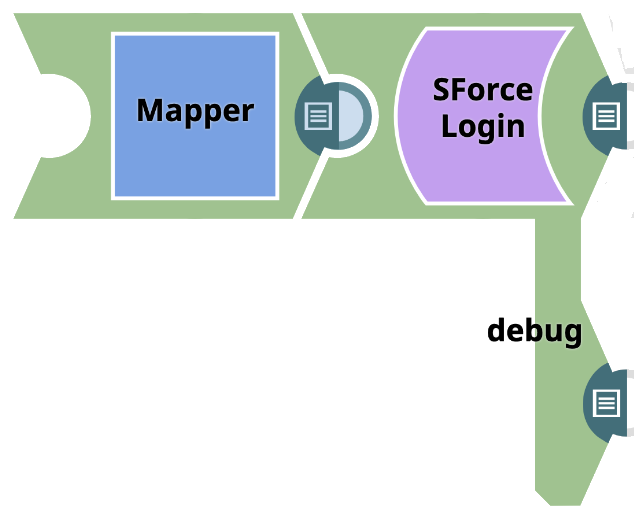
Here is the pipeline consisting a Mapper Snap and SOAP Execute Execute Snap with credentials defined as Pipeline parameters.
-
Upon validating the pipeline, Target Schema will be defined for the Mapper. Once this
is available, we can define the Target path variables from the Target Schema.

-
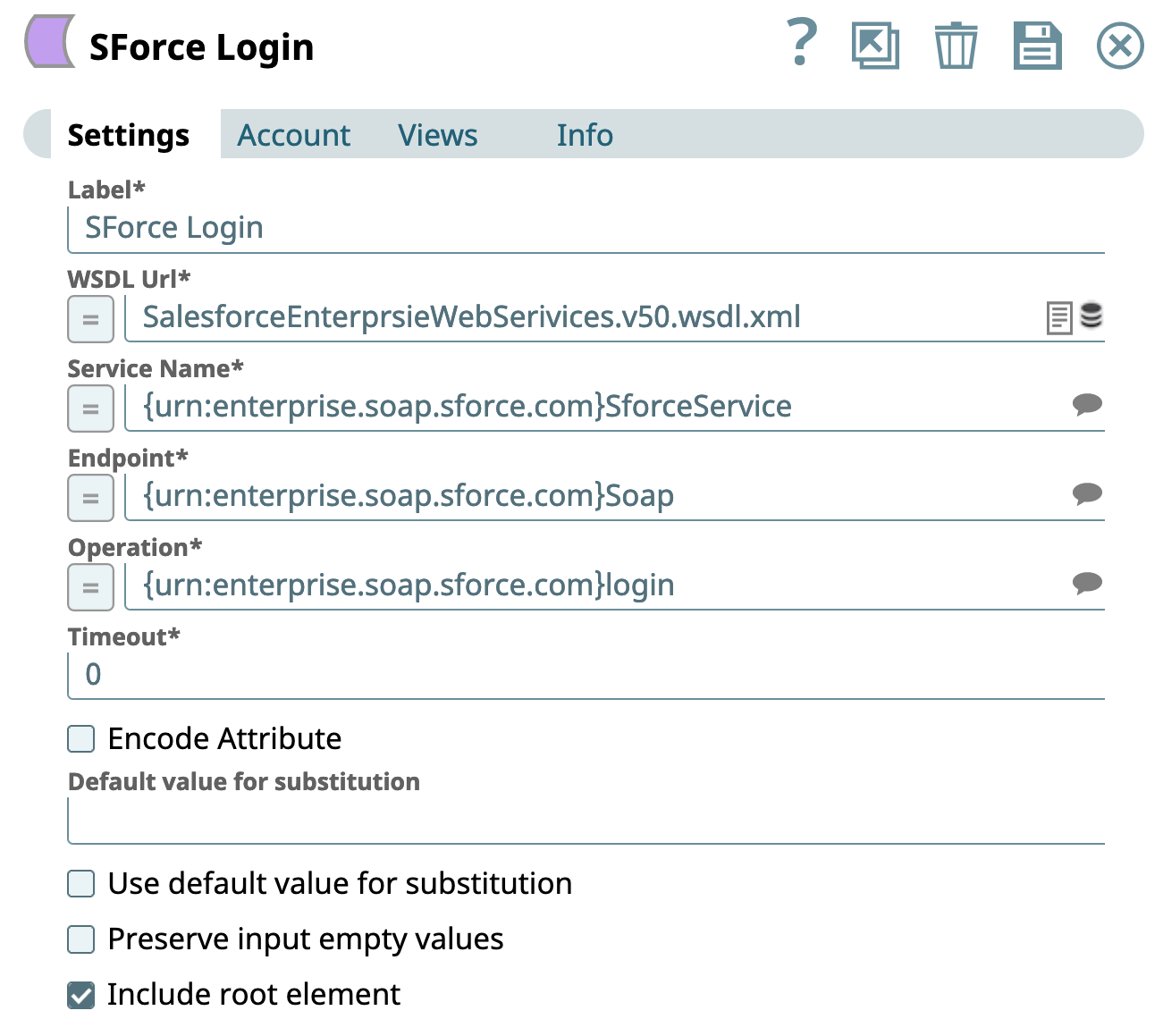
Here, in the
SOAP Execute
Execute Snap, we are
checking the Include root element checkbox which ideally is not checked by
default.
-
Upon regenerating the template we can observe the expected and correct variable
substitution being performed.
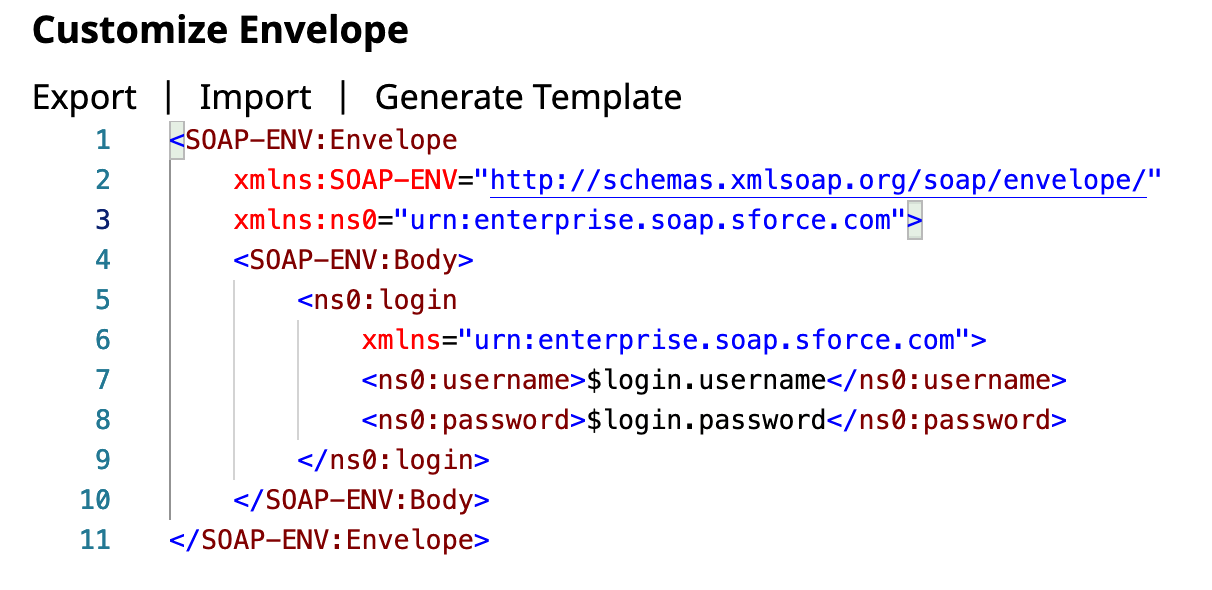
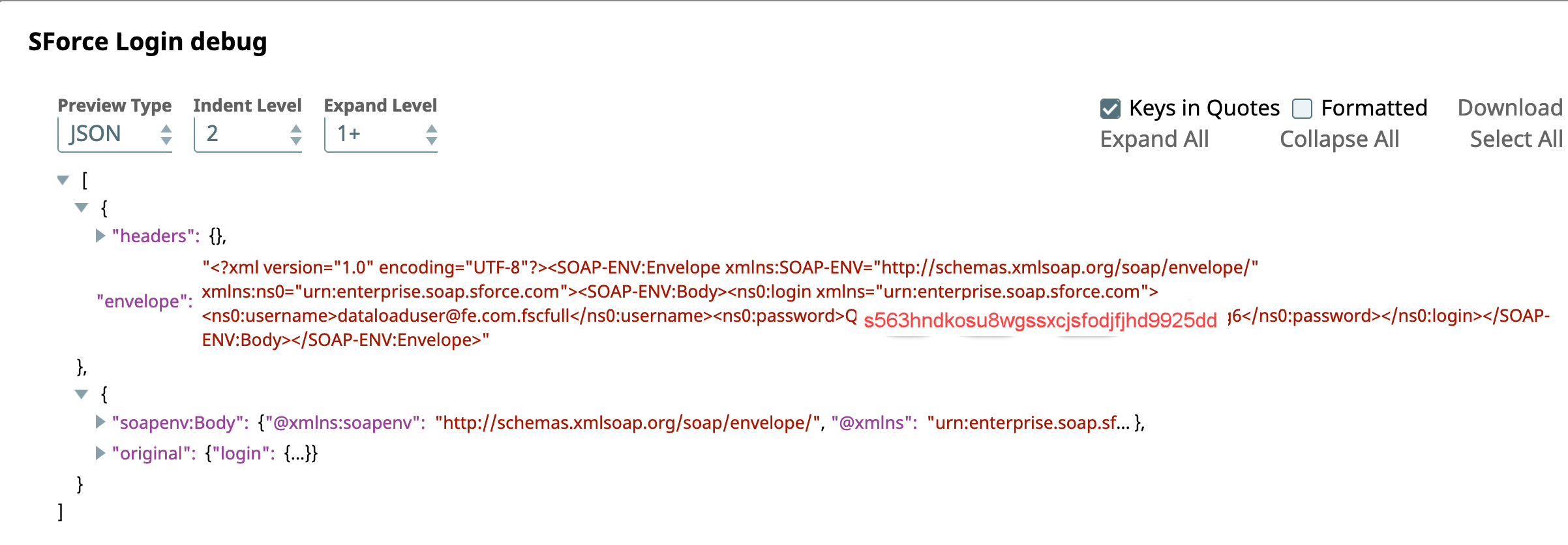
Also, as we have included the Debugging output, we can see the correct substitution.
Note: For more info, see Using the debug Output View